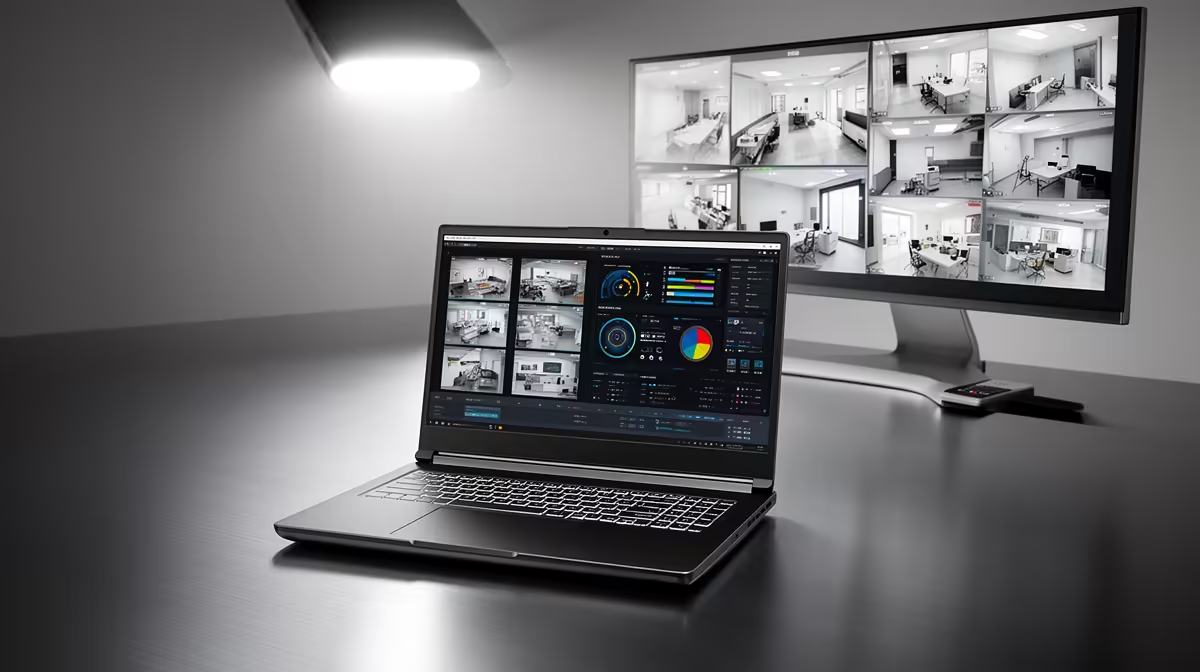
Yes, the ASUS ExpertBook P1503 i5 at R9,858 suits an SA home user who wants a practical laptop for checking camera feeds, reviewing clips, and keeping admin open without paying for a gaming-first machine.
What to buy first
The ASUS ExpertBook P1503 i5 at R9,858 is the sensible starting point because its i5 spec is enough for browser-based camera dashboards, router settings, email alerts, and a spreadsheet of device names or passwords. It is the kind of machine that can sit near the router cupboard during setup, then move back to a desk for everyday Windows 11 use.
If the same machine must also handle heavier multitasking, the Lenovo IdeaPad Slim 3 i7 at R13,400 gives you an i7 option for running several monitoring tabs while sorting saved footage or managing household admin. The ASUS Vivobook X1504VA i7 at R13,999 plays in the same practical lane, with an i7 spec for buyers who prefer extra headroom over choosing the cheapest possible option.
Fibre router cupboard and camera checks
For a compact home security corner, the ASUS Vivobook S14 OLED at R10,719 is useful when you care about clearer visual review, because the OLED spec helps when checking dark clips, driveway movement, or small details in a camera view. The ASUS ExpertBook P5405 at R12,700 is another business-leaning option for a tidy setup where the machine needs to feel more permanent than a casual household notebook.
The Lenovo LOQ RTX3050 at R9,500 is the outlier worth considering if the laptop will also be used for graphics-heavy hobbies, because the RTX3050 spec gives it a different performance profile from the office-focused picks.
Ready to choose the right laptop?
Use ASUS ExpertBook P1503 i5 at R9,858 as the laptop shortlist benchmark, then check whether its listed spec matches the space, workload, and upgrade path.