Quick Answer
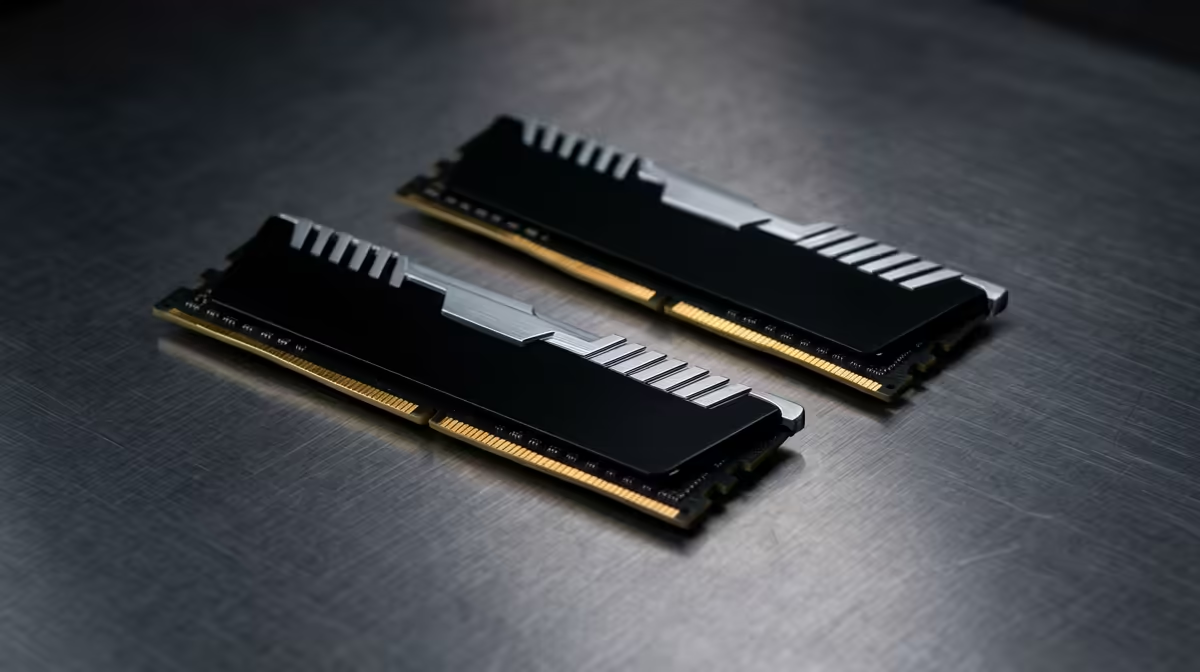
For a Windows 11 upgrade, 16GB of DDR5 is the comfortable floor and 32GB DDR5-6000 (around R1,400-R1,900 at Evetech) is the kit that matters if you multitask heavily. Windows 11 itself idles around 3-4GB, so capacity matters more than chasing 8% faster speeds.
When DDR5 capacity matters for Windows 11
Windows 11 with a browser, Teams, and a few apps open comfortably uses 10-12GB. On 8GB you will hit constant SSD paging; 16GB DDR5 is the smooth daily floor. Step to 32GB if you keep dozens of browser tabs, run virtual machines, or game while a stream encodes. That 32GB DDR5-6000 CL30 kit is the upgrade that removes stutter from a busy desktop.
When it does not matter
For light browsing and Office work, 16GB is plenty and a premium 7200 kit changes nothing you can feel. Putting R900 toward a faster kit instead of a larger one is the classic over-spend on a productivity machine.
Platform and stability
On AMD AM5 set DDR5-6000 CL30 with EXPO; on Intel, the same speed runs comfortably on a B760 or B860 board. Always enable the memory profile in BIOS or you run at a slow 4800 default.
FAQ
How much RAM for a Windows 11 build?
16GB DDR5 is the comfortable minimum for everyday use; 32GB suits heavy multitaskers, VMs, or streamers at around R1,400-R1,900.
Does DDR5 speed matter for Windows 11?
Barely for general use. Capacity and enabling EXPO matter far more than the difference between 6000 and 7200 kits.
Will more RAM make Windows 11 faster?
Only if you were short before. Going from 8GB to 16GB removes paging stutter; going past 32GB gives diminishing returns for typical users.
SA buyer notes
Keep both DIMM slots populated as a matched dual-channel kit; a single 16GB stick runs slower in many tasks than 2x8GB. A 32GB DDR5-6000 kit at around R1,400-R1,900 is the right buy if you plan to keep the machine for several years of heavier multitasking.
Upgrading to Windows 11? Pick up a 16GB or 32GB DDR5-6000 kit at Evetech and switch on EXPO in BIOS so you run at full speed, not the 4800 default.