



1000W PSU Planning for RTX 5090 Builds in SA
1000W for RTX 5090 needs a full-build check, not a simple yes. Review GPU guidance, CPU draw, transient load, connectors, PSU quality, and upgrade plans before deciding.
Read moreWired and wireless controllers differ mainly in connection method, cable management and charging needs. The GameSir C2 is a R1,799 arcade fightstick for PS4, Xbox One and PC. Check its exact connection method and latency separately.
Connection labels can dominate a fighting-game discussion even when no comparable delay test exists. A useful wired fightstick vs wireless controller decision weighs cable routing, charging, platform support and measured behaviour without declaring one format automatically faster.
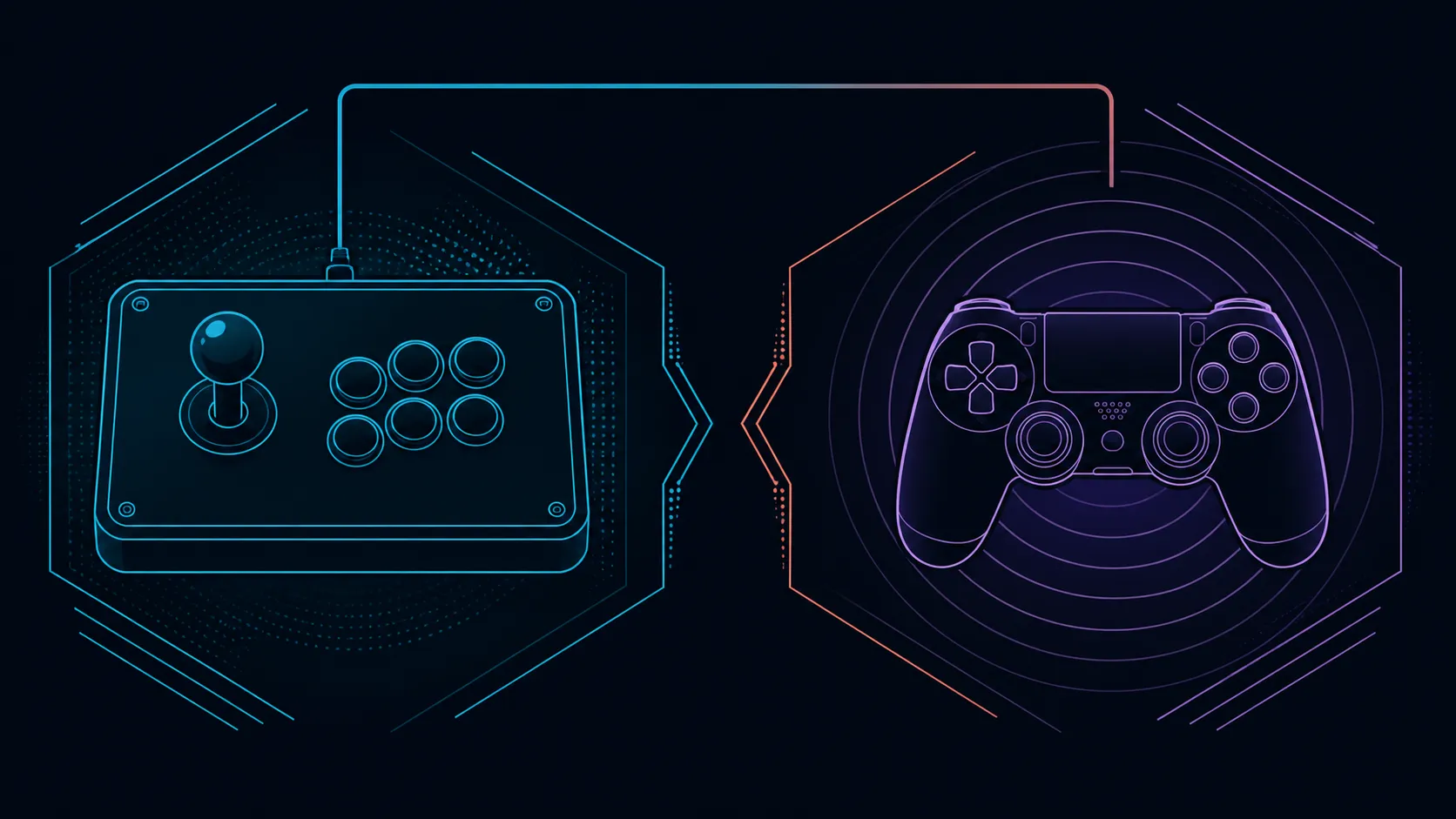
The C2 supports six gaming platforms, but its product information does not identify the cable method or a measured latency figure.
Choose wired when a direct cable path suits the station, or wireless when freedom from that path is worth managing power and pairing. The R1,799 GameSir C2 covers Nintendo Switch and PC, PlayStation 4/5, plus Xbox One/Series X/S, but its exact connection method and latency remain separate checks. Resolve both on the exact setup before choosing a connection style.
A wired controller needs a suitable port and a cable route that does not pull, snag or cross the player's movement area. A wireless design removes that continuous cable path during use but normally adds pairing and power management. Those are general format differences, not undisclosed C2 specifications.
For the GameSir model, confirm the connection procedure from product-specific instructions before planning the desk. Platform support establishes where it is intended to work, not how every connection step occurs.
Use Evetech's gaming-controller range to compare connection information alongside PS4, Xbox One or PC support.
"Wired" does not by itself supply a delay number, just as "wireless" does not prove an unacceptable response. Controller electronics, platform processing, transport method, software and the measurement procedure can all affect a result. A fair comparison needs figures captured under equivalent conditions.
If no such data exists, make the choice using documented connection needs and the player's environment. That is more honest than converting a cable preference into a competitive performance claim.
For a cable-based station, trace the full path before sitting down. Leave slack where hand movement needs it and keep the route away from feet or chair wheels. For a wireless controller, plan where power status and reconnection will be checked before a session. Again, these are planning principles rather than claims about how the C2 connects.
The C2's arcade layout occupies a different working posture from a handheld pad. That physical difference may matter more than the connection label if the desk is narrow or the player prefers lap use.
Browse the gaming-accessory category for routing or storage choices only after identifying the real obstacle around the station.
When comparable devices are on hand, use the same system, display, game setting and repeatable input task. Note disconnects, setup friction and observed response separately. A player can then decide whether convenience or consistency carries more weight without pretending that one short test certifies tournament performance.
The C2 also includes Sanwa Denshi parts, a directional toggle and a key lock. Those features belong in the full comparison, but none establishes the missing connection or delay detail.
Write two miniature operating plans before choosing. The cable-based plan should show port location, route and where slack is controlled; the cable-free plan should show how power and reconnection are checked. Then place the C2 in neither column until its product-specific connection method is confirmed. This deliberate blank prevents an accidental C2 connection claim.
Keep that distinction visible throughout comparison.
Treat connection style as the remaining decision gap. The 5V, 500mA power requirement is known, as are the full-size aluminium chassis and Sanwa controls. A wireless rival adds pairing and battery management, while the C2 still needs its exact host connection confirmed.
The connection answer matters because platform support alone does not explain cable reach, adapters or desk routing.
No connection method should be added without exact product information. Confirm its required link to each supported platform before buying or routing a desk.
No. A latency conclusion requires a suitable measurement across the complete controller, platform and software path.
General wireless use involves pairing, power and reconnection checks. The exact process depends on the particular controller and system.
An arcade body and a handheld pad occupy different positions. Comfort and surface space can outweigh whether a cable crosses the desk.
Neither connection category guarantees competitive improvement. Skill, familiarity, game handling and reliable setup all influence play.
The C2 costs R1,799. Judge it by supported platforms and useful controls after verifying the missing connection details.
Ready to compare controller connections without guessing? Browse Evetech's controller and accessory selections with your platform, desk route and power routine in mind.
No connection method should be added without exact product information. Confirm its required link to each supported platform before buying or routing a desk.
No. A latency conclusion requires a suitable measurement across the complete controller, platform and software path.
General wireless use involves pairing, power and reconnection checks. The exact process depends on the particular controller and system.
An arcade body and a handheld pad occupy different positions. Comfort and surface space can outweigh whether a cable crosses the desk.
Neither connection category guarantees competitive improvement. Skill, familiarity, game handling and reliable setup all influence play.
The C2 costs R1,799. Judge it by supported platforms and useful controls after verifying the missing connection details.
1000W for RTX 5090 needs a full-build check, not a simple yes. Review GPU guidance, CPU draw, transient load, connectors, PSU quality, and upgrade plans before deciding.
Read more
RTX 5080 Super with a 750W PSU is more comfortable than lower wattage if the unit is quality. SA builders should still confirm GPU guidance, CPU draw, connector type, airflow, and upgrade room.
Read more
How to fix FPS drops after a RX 9070 XT starts with driver cleanup, chipset updates, thermals, and power checks. For SA gaming PCs, confirm PCIe seating, monitor refresh, frame caps, and per-game graphics settings before replacing parts.
Read more
How to fix low FPS Windows 11 Wi-Fi 7 issues starts by checking whether the problem is frame rate or network lag. Test ping, drivers, power settings, Ethernet, and game FPS before adjusting visuals.
Read more
AM5 is smart for SA builders because it supports newer Ryzen CPUs, DDR5 memory, and a longer upgrade path. Compare board cost, cooling, gaming needs, and local part availability before choosing your next PC platform.
Read more
AM5 gives Randburg gaming builders a longer upgrade path. For SA buyers, DDR5 support, newer board features, and future CPU options can justify the platform. Weigh board cost, cooler support, BIOS maturity, and upgrade timing before choosing.
Read more
RTX 5090 on a 550W PSU leaves almost no practical room for OC plans. Treat the setup as constrained, with CPU draw, power spikes, cable quality, thermals, and stability checks more important than chasing extra clocks.

FPS drops on a Ryzen 9 9950X3D build often have a fixable cause. Check settings, drivers, thermals, background tasks, network conditions, and bottlenecks before assuming a part must be replaced.

The difference between PCIe 5.0 and PCIe 4.0 for SA gamers is mostly bandwidth headroom. Compare GPU slot needs, NVMe speed, motherboard support, and upgrade timing before paying extra for a newer platform.

Gaming PC stuck pixel checks in South Africa should confirm the monitor fault first. Use colour tests, screenshot comparison, cable swaps, display menu checks, and clear photos before deciding on support.

AMD's current driver now lists a Radeon RX 9050 4GB, while product coverage details a narrowed memory system. SA buyers should weigh the low VRAM ceiling against current local Radeon options.

Samsung Display has demonstrated a 16-inch 2.5K OLED laptop panel running at 300Hz. SA buyers should wait for a named notebook, full panel specifications and a local price before planning an upgrade.

Microsoft says some Windows 11 game crashes after recent updates are linked to RGB-related drivers. Affected SA gamers should confirm the update and driver before using the published registry workaround.

Thermalright's Fan Frame Vision-1 adds a 640x172 status screen to a standard 120mm fan. SA builders should check clearance, USB routing and local support before treating it as an easy upgrade.
AMD's current driver now lists a Radeon RX 9050 4GB, while product coverage details a narrowed memory system. SA buyers should weigh the low VRAM ceiling against current local Radeon options.
Microsoft says some Windows 11 game crashes after recent updates are linked to RGB-related drivers. Affected SA gamers should confirm the update and driver before using the published registry workaround.
Samsung Display has demonstrated a 16-inch 2.5K OLED laptop panel running at 300Hz. SA buyers should wait for a named notebook, full panel specifications and a local price before planning an upgrade.
Thermalright's Fan Frame Vision-1 adds a 640x172 status screen to a standard 120mm fan. SA builders should check clearance, USB routing and local support before treating it as an easy upgrade.