Quick Answer
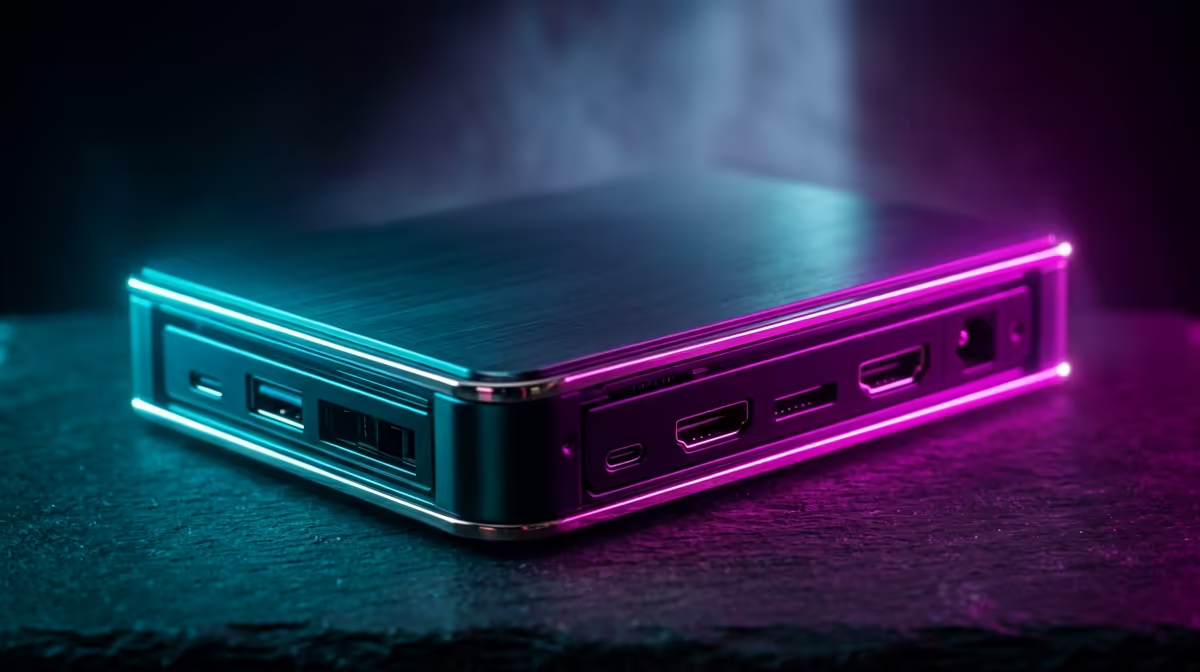
An external Gen 5 NVMe enclosure will work with Z790 systems only if the PC has a fast enough USB4, Thunderbolt-class or compatible high-speed Type-C path. Many SA desktops still top out at 10Gbps or 20Gbps USB, so a Gen 5 SSD can be limited far below its 10,000MB/s-plus rating. Budget roughly R1,200-R3,500 for a quality enclosure before adding the SSD cost.
Check The Port Before The Drive
The enclosure is only as fast as the external port. USB 10Gbps is roughly a 1GB/s class link, USB 20Gbps is around 2GB/s class, and USB4 40Gbps can move much closer to premium external storage speeds. A Crucial T705 or Corsair MP700 Pro inside a slow enclosure will behave like a much cheaper drive, so confirm the motherboard manual before buying.
Heat Is The Main Practical Limit
Gen 5 SSDs run hot, and external enclosures have less airflow than a motherboard heatsink. Choose an aluminium enclosure with a thermal pad, solid contact and enough surface area to shed heat during long copies. In warm rooms in Johannesburg, Durban or Cape Town, a sustained project transfer can throttle if the enclosure is tiny.
Better Value Alternatives
For game backups, media shuttling and normal file moves, a strong Gen 4 drive in a 10Gbps or 20Gbps enclosure is usually better value. Gen 5 external storage makes sense for creators moving large 4K projects, RAW photo batches or workstation files between machines. If the goal is just extra game storage, install an internal M.2 drive on MSI Z790 Tomahawk, ASUS TUF Gaming Z790-Plus or Gigabyte Z890 Aorus Elite instead.
FAQ
Will a Gen 5 enclosure give full Gen 5 speed?
Usually not. The external link is commonly slower than the SSD itself. You need a very fast Type-C path to justify the premium.
Can I use the enclosure for gaming?
Yes, but internal NVMe is cleaner for a permanent game library. External storage is better for portable libraries, backups and project handoff.
What should SA buyers check first?
Check the motherboard or laptop port speed in Gbps. If it is only 10Gbps, buy a cheaper enclosure and put more money into capacity.
Buyer Check
Match the enclosure speed to the actual USB or USB4 port, then choose the SSD; reversing that order wastes budget.