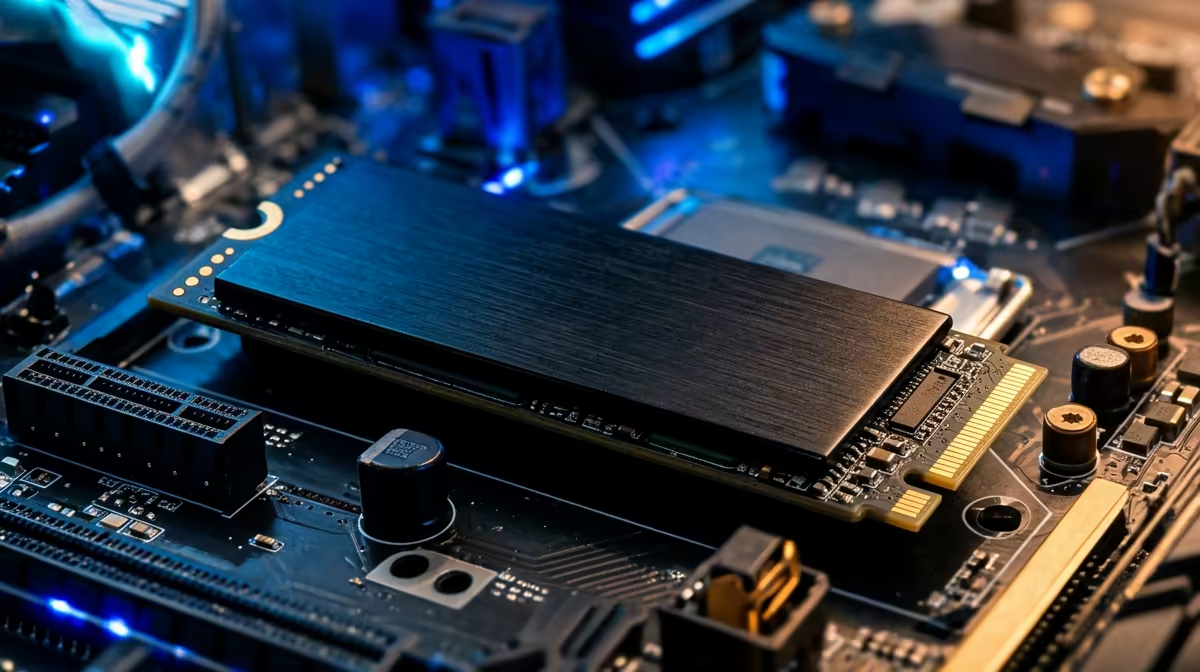
Sorting NVMe storage on a Z890 board comes down to a few decisions that matter and several that do not. Here is what a Durban builder should actually weigh before buying.
Quick Answer
On a Z890 build in SA's warm climate, a bare Gen 5 NVMe can hit 80C and throttle, so a heatsink is essential, not optional. The board's bundled M.2 heatsink or a R250 aftermarket block keeps the controller under 65C and holds full around 14,000MB/s speed. Mount the drive under the supplied cover and you avoid the problem entirely.
Why heat is the real enemy here
Gen 5 controllers run hot, drawing more power than Gen 4, and a closed case in a Highveld summer pushes ambient toward 35C. A bare drive throttles when the controller passes about 80C, dropping sequential speed sharply. The board's bundled M.2 heatsink or a low-profile aftermarket block holds it under 65C. Good case airflow, one intake and one exhaust fan, does most of the work for free.
Pairing it with your Z890 board
Use the CPU-direct primary M.2 slot for your fastest drive so it gets full lanes, and mount it under the supplied heatsink. Durban climates run warm, so confirm one case fan pulls air across the M.2 area. For most SA gamers a single 1-2TB Gen 5 drive is the right call: it is simpler, cooler and easier to back up than juggling several smaller drives. Update the board to the latest stable BIOS for the best NVMe compatibility before you install Windows.
SA pricing and what to actually buy
At local retail a solid 1TB Gen 4 TLC drive sits around R1,100-R1,600, a 2TB around R2,000-R3,000, and a 2TB Gen 5 with heatsink in the R3,500-R5,000 band. For a gaming-first Z890 build, a 2TB Gen 4 TLC drive with DRAM is the value sweet spot; Gen 5 is worth it mainly if you move very large files often. Buy the capacity you need now plus headroom, because adding a second drive later is cheap and easy on this platform.
FAQ
Do I need a Gen 5 NVMe for gaming on a Z890 board?
Not really. Game load times are nearly identical between a fast Gen 4 and a Gen 5 drive because games rarely saturate the bus. Gen 5 (around 14,000MB/s) only pays off for very large file transfers or editing scratch work.
How big should the drive be?
For a gaming-first build, 2TB is the comfortable size today, leaving room for a few large titles plus Windows and software. A 2TB Gen 4 TLC drive runs about R2,000-R3,000 at SA retail.
Will heat damage the drive in SA's climate?
Only if it runs uncooled. Mount the NVMe under the board's bundled heatsink and keep one case fan moving air across it; that holds the controller under 65C and stops thermal throttling even in a hot Durban room.
drive to the slot: put your fastest NVMe in the CPU-direct primary M.2 socket under the supplied heatsink, then confirm one case fan moves air across it. That single step at build time prevents thermal throttling in a warm Durban room.