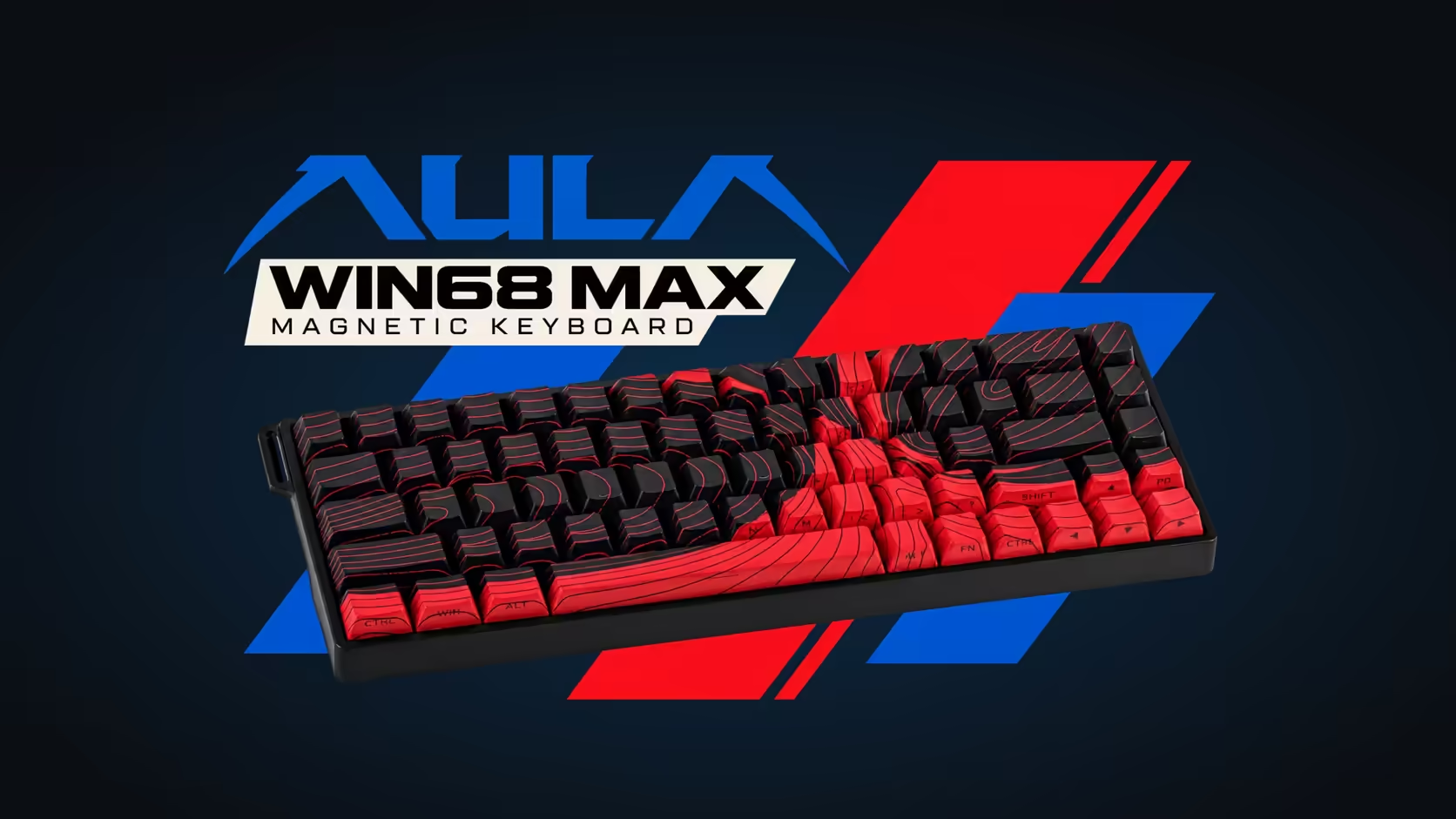
Magnetic keyboards brag about how early a key can fire, but there is a quieter setting that shapes how every press feels: the dead zone. On the AULA WIN68 MAX it can be taken all the way down. Zero dead zone means the Wing Chun switch responds across its whole travel, with no slice at the top or bottom where movement is ignored.
Quick Answer
With the dead zone removed in AULA's web driver, the WIN68 MAX's Wing Chun switches respond across the full 3.4mm of travel. Combined with actuation that starts from 0.1mm and Rapid Trigger rated at 0.01mm, even a very light touch can register and reset. It makes the board more responsive, and less forgiving of fingers that rest heavily. The WIN68 MAX is R699 at Evetech.
🧲 What a dead zone is on a magnetic switch
A magnetic switch does not click on or off. A sensor tracks the magnet in the stem and reports how far down the key sits, continuously. That raw reading is a little noisy at the extremes, so keyboards usually ignore a small band near the very top, where a resting finger might wobble the key, and sometimes near the bottom.
That ignored band is the dead zone. It acts as a buffer: tiny movements inside it do nothing, so a key does not fire because you breathed on it.
⚡ What removing it does on the MAX
Set the dead zone to zero and the board acts on movement throughout the key's travel. On the MAX, the trigger point can sit as shallow as 0.1mm or as deep as 3.4mm, and AULA puts Rapid Trigger precision at 0.01mm. With the dead zone gone, those settings apply right from the top of the stroke.
In practice that means:
- A key set to fire at 0.1mm can do so with almost no dead travel before it.
- Rapid Trigger can reset the key as soon as it starts to rise, even near the top.
- Short, repeated taps, such as counter-strafing, register with very little finger movement.
🛑 Reasons to keep a little dead zone
Maximum responsiveness is not always what you want. Players who rest their fingers heavily on the movement keys may find a zero dead zone causes creeping or stray inputs. Typists who hover and brush neighbouring keys can see the odd extra letter.
A sensible approach is to start with the default, then remove the dead zone only on the keys where speed really matters, usually movement. Leave typing keys and anything with a drastic action alone. Because settings are per key, you can mix both approaches on the same board.
🔧 The switch underneath
The Wing Chun switch in the MAX needs 36gf to register and reaches 49gf at the bottom, over 3.4mm of travel. That slightly firmer start compared with a very light switch gives a resting finger a bit more support, which pairs sensibly with an aggressive dead zone setting. Reports reach the PC at as much as 8000Hz through the cable, with seven steps to choose from.
Zero dead zone is a MAX feature within the WIN68 pair; the WIN68 HE page does not list it. Its other extras over the HE are Mod-Tap, SOCD, Toggle, DKS and Rapid Switch.
Being hot-swappable, the MAX lets you trial other magnetic switches from the keyboard switches range if the Wing Chun feel is not quite right. Evetech sells it with a 2 Years Local Warranty, and it appears alongside other compact boards under gaming keyboards on Evetech.
Frequently Asked Questions
What does a dead zone do on a magnetic keyboard?
It is a narrow band of travel the board disregards, normally near the top, which stops a resting fingertip from sending input.
Why would anyone leave some dead zone in place?
It forgives heavy or resting fingers. Without it, a light brush or a lean on a key can register as input.
How much force does a Wing Chun switch need?
36gf to register and 49gf when fully pressed, across 3.4mm of total travel.
How do Rapid Trigger and a zero dead zone work together?
Rapid Trigger resets a key as soon as it rises; removing the dead zone lets that happen from the very top of the stroke.
Can I set it on the WIN68 HE as well?
The HE's product page does not list dead zone control, so treat it as a MAX feature.
Where do I change the dead zone?
In the browser-based driver AULA provides for Windows; there is no program to download.
Chasing the most responsive keys you can get?
Browse magnetic boards like the WIN68 MAX in Evetech's gaming keyboard range and find the one that suits your touch.