


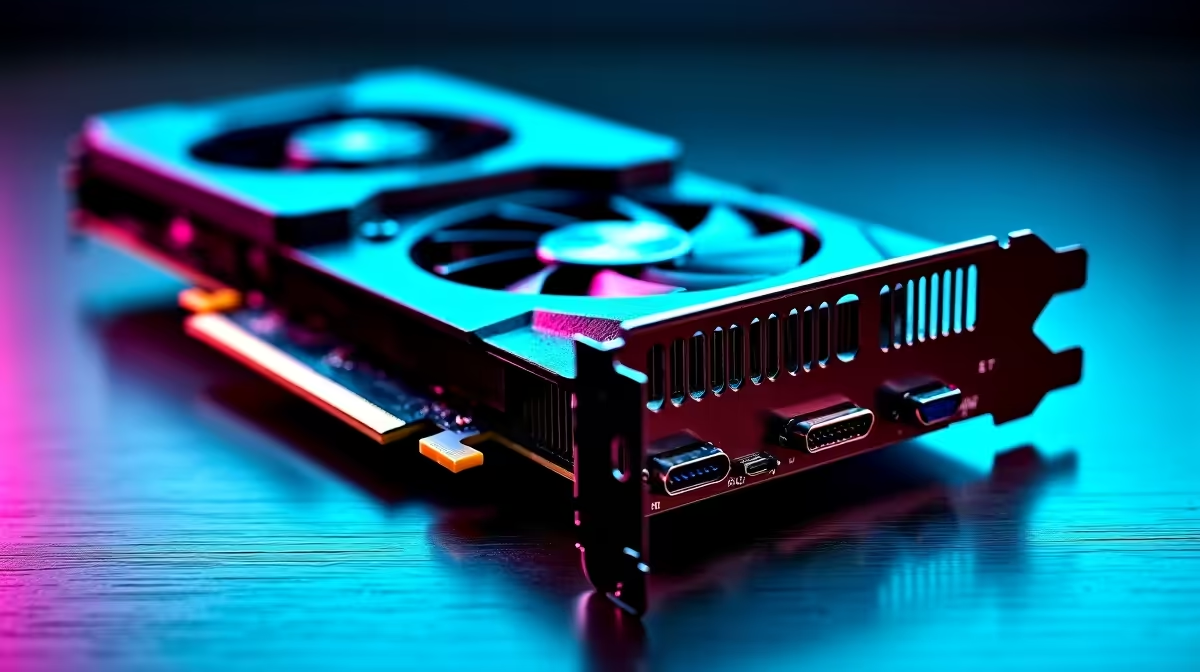
Spotted a "too-good-to-be-true" deal on a used graphics card online? Before you EFT the cash, hold on a minute. That beast of a GPU might have spent the last two years mining crypto 24/7 in a stuffy room. Knowing how to check the age of used PC parts is a crucial skill for any South African buyer. It's your best defence against buying someone else's problem and ensuring your hard-earned Rands get you a real upgrade. 🚀
Why the Age of a PC Part Actually Matters
It's not just about bragging rights... the age and history of a component directly impact its performance and lifespan. An older part might lack support for newer technologies, have a void warranty, or simply be closer to its end-of-life. Electronic components degrade over time, especially under heavy use and heat. A five-year-old power supply, for instance, is a much bigger risk than a one-year-old one. This guide will help you determine the age of PC components before you buy.
How to Check the Age of Specific Used PC Components
Let's get into the nitty-gritty. Playing detective on PC hardware can be tricky, but a few key clues can reveal a part's true history.
Graphics Cards (GPUs) & Processors (CPUs)
These are the performance powerhouses. For a GPU, look for a serial number on the backplate or PCB. You can sometimes use the manufacturer's website to look it up. Physically inspect it for dust buildup in the heatsink or discolouration, which could indicate heavy use. For CPU processors, the model name (e.g., Intel Core i5-12400F) tells you its generation. A quick search reveals it was released in early 2022. This is often the most reliable way to gauge its age. A powerful CPU also needs a reliable cooler, so always check the state of the CPU coolers it was paired with.
Motherboards & RAM
A motherboard's model number is your best starting point. A Z690 chipset board, for example, was released alongside Intel's 12th Gen CPUs. Another pro tip is to check the BIOS/UEFI version date when you can power it on. An old BIOS date on a recent board might mean it was barely used. When inspecting Intel or AMD based motherboards, look for bent pins or damaged capacitors. For gaming RAM modules, the sticker contains the part number, which can be looked up to find its release date.
Check SSD Health Instantly ⚡
Download a free tool like CrystalDiskInfo. It reads the S.M.A.R.T. (Self-Monitoring, Analysis and Reporting Technology) data from a drive. This will show you the "Power On Hours" and "Total Host Writes," giving you a crystal-clear picture of its usage history, which is often more important than its manufacturing date. A drive with low hours is a great find!
Storage Drives & Power Supplies
As the tip above shows, you can easily check the history of Solid State Drives. For Power Supply Units (PSUs), it's tougher. They often fail without warning. Your best bet is to find the model and serial number and check its release date. However, because they degrade over time, a used PSU is one of the riskiest second-hand purchases. Investing in a new, reliable Corsair power supply is always a safer bet for your system's health.
The Supporting Cast: Cases, Coolers, and More
Don't overlook the rest of the build! The condition of the computer case can tell a story – are there scratches, dents, or missing screws? It hints at how well the owner cared for their rig. Furthermore, old and crusty thermal paste can cripple performance. If you're buying a used CPU or GPU, factoring in the small cost of new thermal solutions is non-negotiable for keeping temps in check. ✨
The Smartest Upgrade Path: Less Risk, More Reward
Honestly, trying to check the age of used PC parts can be a massive headache. You're relying on the seller's honesty and your own detective skills. What if there was an easier way? A way to get guaranteed performance without the guesswork? This is where buying new shines.
For gamers and builders who want peace of mind, buying brand new is the ultimate solution. You get a full warranty, the latest technology, and the satisfaction of unboxing a pristine piece of hardware. Whether it's a top-tier NVIDIA or AMD graphics card or a full build, you know exactly what you're getting, every single time. It removes all the risk.
Ready for a Guaranteed Upgrade? Stop guessing and start gaming. Buying used parts is a gamble, but buying new from Evetech is a sure thing. With full warranties and unmatched support, you can build with confidence. Explore our incredible range of component bundle packs and find the perfect core for your next legendary PC.










