


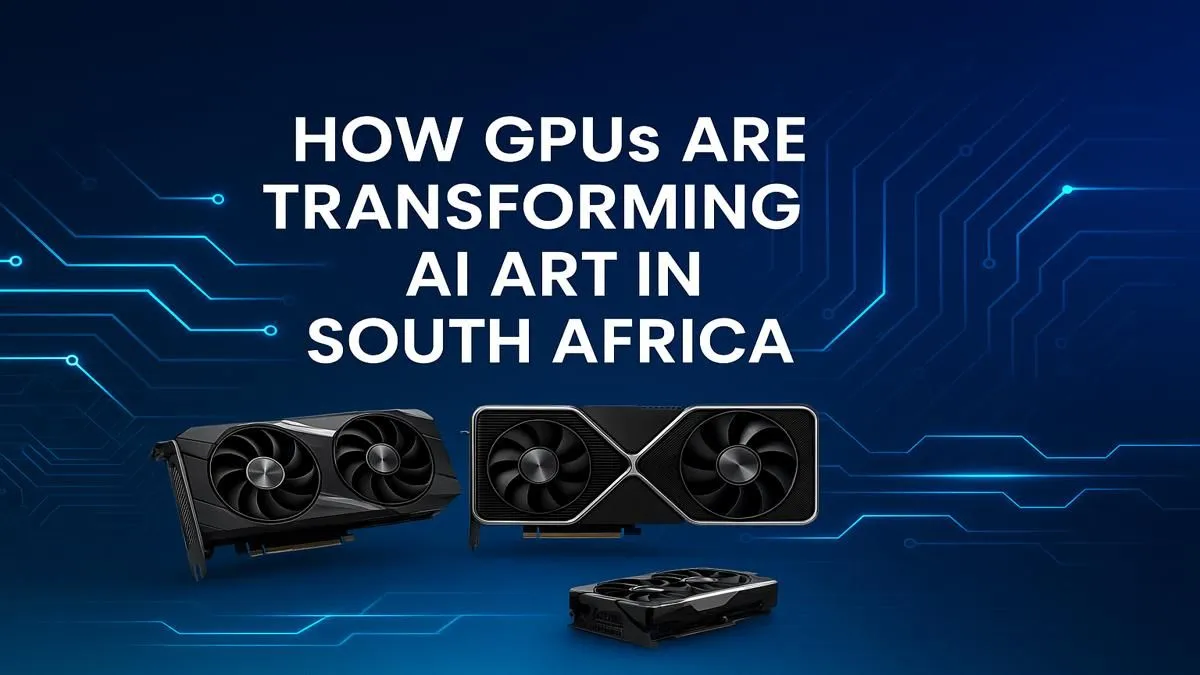
From surreal landscapes to photorealistic portraits, AI art is exploding across South Africa. You've seen the incredible images from tools like Midjourney and Stable Diffusion, and now you want in on the action. But here's the secret... the magic isn't just software. It's raw hardware power. To join the creative revolution, you need one of the best AI art GPUs South Africa has to offer, turning your PC into a digital art studio.
Why Your GPU is the Engine for AI Art
Think of your Graphics Processing Unit (GPU) as the engine for your creativity. While your CPU handles general tasks, the GPU is a specialised powerhouse with thousands of small cores. This design, originally for rendering complex 3D game worlds, is perfect for the massive parallel calculations needed to generate AI images.
The process involves interpreting your text prompt and running it through a complex model, pixel by pixel. A weak GPU will take ages, or even fail, on a single image. A powerful GPU, however, can churn out multiple variations in seconds. It all comes down to processing capability and, most importantly, VRAM (Video RAM), which acts as the GPU's short-term memory for holding the AI model and the image being created. More VRAM means you can work with larger, more complex models and generate higher-resolution art without errors.
Choosing the Best AI Art GPU in South Africa
When you're ready to buy a GPU for AI art, the market is primarily a two-horse race. Both have pros and cons, but one currently has a distinct advantage in the AI space.
NVIDIA: The CUDA King 🚀
For the vast majority of AI software, NVIDIA is the undisputed champion. This is due to its CUDA (Compute Unified Device Architecture) platform, a software layer that gives AI applications direct access to the GPU's processing power. Most popular tools, including Stable Diffusion, are heavily optimised for CUDA. This means faster performance and fewer setup headaches.
For creators looking for the best performance, NVIDIA's RTX 40-series cards are top-tier choices, thanks to their Tensor Cores specifically designed to accelerate AI tasks. With generous VRAM options (from 8GB up to a massive 24GB on the RTX 4090), they provide a smooth, powerful creative experience.
AMD: The Powerful Challenger
AMD has made huge strides, and you'll find many powerful AMD Radeon options that offer incredible gaming performance for their price in ZAR. For AI, they use a framework called ROCm. While it's catching up, it often requires more technical know-how to get working with popular AI tools. If you're a tinkerer who wants great value and also games heavily, AMD is a fantastic choice, but be prepared for a bit more setup.
VRAM Optimisation Tip ⚡
Running out of memory? Don't panic! In Stable Diffusion interfaces like Automatic1111, lower your 'batch size' to 1. This tells the GPU to generate one image at a time, significantly reducing VRAM usage. It's a simple tweak that can make a huge difference, especially on cards with 8GB of VRAM.
Workstation Cards: For the Pros ✨
If your AI art is part of a professional workflow and budget is less of a concern, it's worth looking at professional workstation graphics cards. Cards like NVIDIA's RTX Ada Generation series often come with enormous amounts of VRAM (48GB+) and certified drivers for maximum stability in demanding applications. They are overkill for hobbyists but essential for serious commercial artists and data scientists.
Getting Started Without Breaking the Bank
Jumping into AI art doesn't have to cost a fortune. The market for AI art GPUs in South Africa has options for every budget. An NVIDIA RTX 3060 with 12GB of VRAM is widely considered the "sweet spot" for value, offering enough memory and power to handle most tasks comfortably.
Even older-generation cards or models with 8GB of VRAM can get you started. You might have to work with smaller resolutions or wait a bit longer for your creations, but you can absolutely begin your AI art journey. The key is to find a balance between your budget and your creative ambitions by checking out our full range of graphics cards to find the perfect fit.
Ready to Power Your AI Vision? 🎨 From your first Stable Diffusion prompt to complex high-resolution renders, the right hardware is everything. Don't let a slow GPU hold your creativity back. Explore Evetech's massive range of PC components and build the ultimate AI art machine today.










