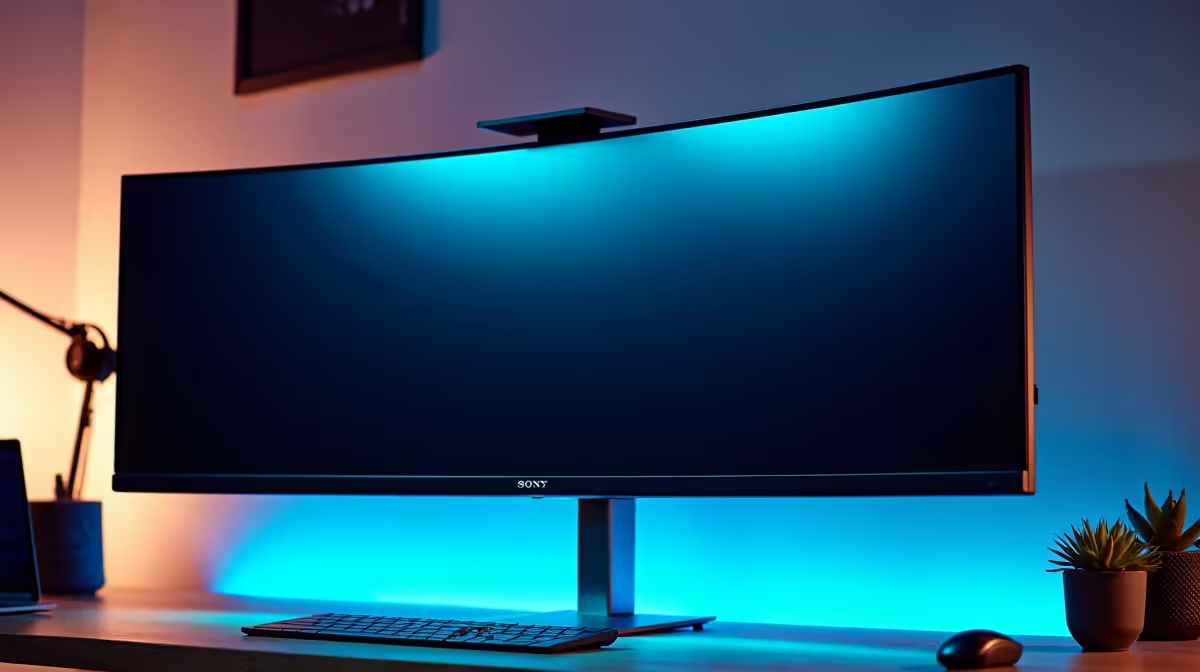
Staring at a single screen while juggling Python scripts, sprawling datasets, and a dozen terminal windows? For South African developers diving into machine learning, that digital clutter is a major workflow killer. An optimised AI development monitor setup isn't just about extra pixels; it's about reclaiming your focus and radically boosting productivity. It’s time to move from a cramped workspace to a commanding digital cockpit. Let's build yours. 🚀
Why Your Screen Setup is Mission-Control for AI
Think of your monitor setup as the central nervous system of your coding workflow. A poorly planned one forces constant context switching—alt-tabbing between your IDE, documentation, and model output. This mental friction drains energy and invites errors.
A proper AI development monitor setup, however, transforms how you work. It allows you to see your code, its output, and relevant data visualisations simultaneously. This panoramic view doesn't just feel better; it helps you spot patterns and debug issues faster. You’re no longer just writing code; you're orchestrating a complex system, and you need to see all the moving parts at once.
Crafting the Perfect AI Development Monitor Setup
Building an effective setup isn't about just buying the biggest screen. It's about making deliberate choices that support your specific coding workflow.
The Great Debate: Ultrawide vs. Dual Monitors
There are two main schools of thought here, and the best choice depends on your personal style.
- The Ultrawide Advantage: A single curved ultrawide monitor (34 inches or more) offers a seamless, immersive canvas with no distracting bezel in the middle. It's brilliant for long timelines in data analysis or for snapping three to four windows side-by-side.
- The Dual-Monitor Power Play: Using two or even three separate monitors gives you incredible flexibility. A popular configuration for developers is a primary landscape monitor for the main IDE, paired with a secondary monitor rotated vertically. This portrait mode is perfect for reading long blocks of code, documentation, or terminal logs. ✨
Productivity Pro Tip ⚡
On Windows, use the PowerToys FancyZones utility to create custom snap layouts. It's a lifesaver for managing multiple apps on an ultrawide or multi-monitor setup, letting you instantly organise your code editor, terminal, and browser into a perfect grid for your AI development workflow.
Key Specs That Actually Matter
When shopping, don't get lost in marketing jargon. Focus on these three things:
- Resolution (4K is King): For coding, text clarity is everything. A 4K (3840x2160) resolution on a 27-inch or larger screen makes text incredibly sharp, reducing eye strain during those long sessions.
- Panel Type (IPS for Colour): An IPS (In-Plane Switching) panel provides superior colour accuracy and viewing angles. This is crucial when you're working with data visualisations and need to trust the colours you see.
- Size and Ergonomics: Aim for at least 27 inches. More importantly, invest in a good quality monitor arm. This lets you position your screens at the perfect height and angle, which is a massive win for your posture and comfort. 🔧
The Engine Behind the Pixels
Your slick new AI development monitor setup needs a powerful machine to drive all those pixels, especially while compiling code or training a model. Running multiple 4K displays is a demanding task that requires a capable graphics card.
For developers working with frameworks like TensorFlow or PyTorch, the extensive library support for CUDA makes a rig powered by NVIDIA a popular choice. These NVIDIA GeForce Gaming PCs offer a fantastic price-to-performance ratio for both development and after-hours gaming.
Of course, the GPU landscape is fiercely competitive. Modern AMD Radeon Gaming PCs deliver incredible raw processing power, making them a superb alternative for a high-performance build that can handle anything you throw at it.
For those running mission-critical simulations or requiring certified hardware for professional applications, nothing beats the stability and reliability of purpose-built Workstation PCs. They are engineered for sustained, heavy workloads—the bedrock of serious AI development.