


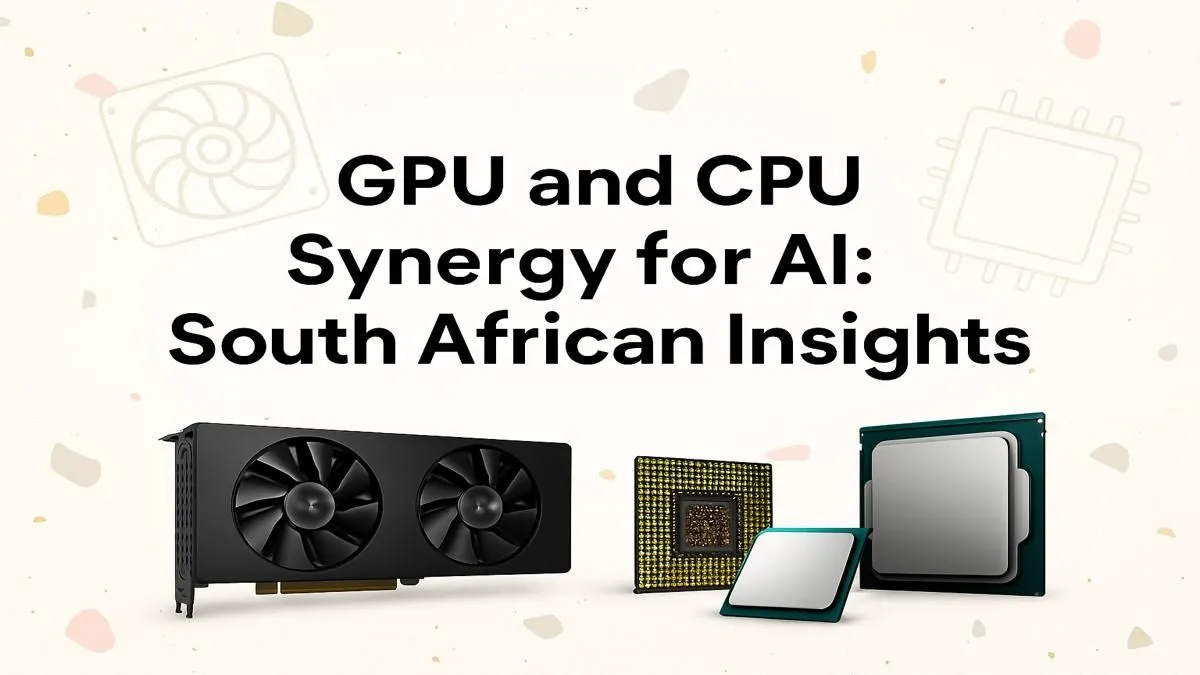
You’ve heard the buzz. "AI PC" is everywhere, but what does it actually mean for us here in South Africa? Is it just marketing hype, or is it the key to unlocking next-level gaming and creativity? The truth is simpler than you think. A powerful AI PC build in South Africa isn't about a single magic component… it’s about creating the perfect partnership between your graphics card (GPU) and processor (CPU). Let's dive in. 🚀
Demystifying the AI PC: More Than Just a Buzzword
First things first, an "AI PC" isn't a brand-new type of computer. It's a PC with components powerful enough to handle modern artificial intelligence tasks efficiently. Think about NVIDIA's DLSS or AMD's FSR upscaling your game's frame rates, generating incredible art with Stable Diffusion in seconds, or using AI tools to edit videos faster than ever.
These tasks rely on specific hardware capabilities. While any modern PC can run these applications, a purpose-built AI machine does it without breaking a sweat. The secret lies in understanding how the two most important parts of your rig work together.
The GPU: Your AI Powerhouse
When it comes to AI, the Graphics Processing Unit (GPU) does the heavy lifting. Its architecture, designed for handling thousands of simple tasks at once (parallel processing), is perfect for the complex mathematics behind AI models.
Here’s what matters:
- Specialised Cores: NVIDIA's GeForce RTX cards feature Tensor Cores, which are specifically designed to accelerate AI operations. AMD's RDNA architecture is also incredibly capable, powering features like HYPR-RX.
- VRAM (Video Memory): Think of VRAM as the GPU's short-term memory. AI models, especially large ones for image generation, need a lot of it. 8GB is a decent start, but 12GB, 16GB, or even 24GB is ideal for serious AI work. More VRAM means you can work with larger, more complex models without performance hits.
Your GPU is the engine of your AI PC, but even the strongest engine is useless without a skilled driver at the wheel. That’s where the CPU comes in.
The CPU’s Critical Role in an AI PC Build
While the GPU crunches the big AI numbers, the Central Processing Unit (CPU) is the system's brain. It manages everything else. For an AI PC build, the CPU is responsible for feeding data to the GPU, running the operating system, and handling all the background tasks that keep your experience smooth. A weak CPU will bottleneck your powerful GPU, leaving performance on the table.
When choosing the right CPU, you need a balance of core count and clock speed. More cores help with multitasking—like running an AI model while streaming or gaming—while faster clock speeds improve responsiveness for all tasks. This is where the classic rivalry heats up, and finding the right fit for your AI PC build in South Africa is key.
For tasks that demand a mix of high single-core speed and multi-core muscle, the latest Intel CPUs with their Performance-core and Efficient-core architecture are a fantastic choice. They intelligently delegate tasks to the right core for the job, optimising power and performance.
On the other hand, for creators and power users who need raw multi-threaded horsepower for compiling code or rendering complex scenes alongside their AI work, AMD's Ryzen lineup often offers incredible value with high core counts across their range. 🔧
Finding the Sweet Spot: CPU & GPU Synergy for AI
The ultimate goal is balance. You don't want a R30,000 GPU paired with a R2,000 CPU... that's a recipe for disappointment. The perfect synergy ensures your components work together, not against each other.
Here are a few balanced pairing ideas for a great AI PC build experience:
- The Smart Starter: A combination like an Intel Core i5-13400F or AMD Ryzen 5 7600X paired with an NVIDIA GeForce RTX 4060 is a brilliant entry point. It provides excellent 1080p/1440p gaming performance with DLSS/FSR and has enough power to experiment with AI art generation and productivity tools.
- The Creator's Choice: Stepping up to a Core i7-14700K or a Ryzen 7 7800X3D matched with an RTX 4070 SUPER or 4070 Ti SUPER gives you a serious performance boost. This is the sweet spot for high-refresh-rate 1440p gaming and running more demanding local AI models smoothly. ✨
- The Uncompromising Beast: For those who want the absolute best, pairing a top-tier Intel Core i9-14900K or AMD Ryzen 9 7950X with an NVIDIA GeForce RTX 4090 is the dream. This setup demolishes any task you throw at it, from 4K gaming to training AI models.
Power Supply Pro Tip ⚡
When planning your AI PC build, don't forget the Power Supply Unit (PSU)! High-end GPUs and CPUs are power-hungry. Use a PSU calculator online to estimate your wattage needs and always buy a quality, 80+ Gold rated unit with at least 100-150W of headroom to ensure stable, reliable power delivery.
Building a PC tailored for AI isn't just about future-proofing; it's about unlocking new creative and gaming possibilities right now. The synergy between your components is what turns a box of parts into a true powerhouse.
Ready to Build Your AI Powerhouse? Crafting the perfect AI PC build in South Africa is about smart choices, not just big spending. The right CPU and GPU synergy unlocks next-level performance for gaming and creation. Explore our massive range of PC components and start building the machine that will conquer your future.










