


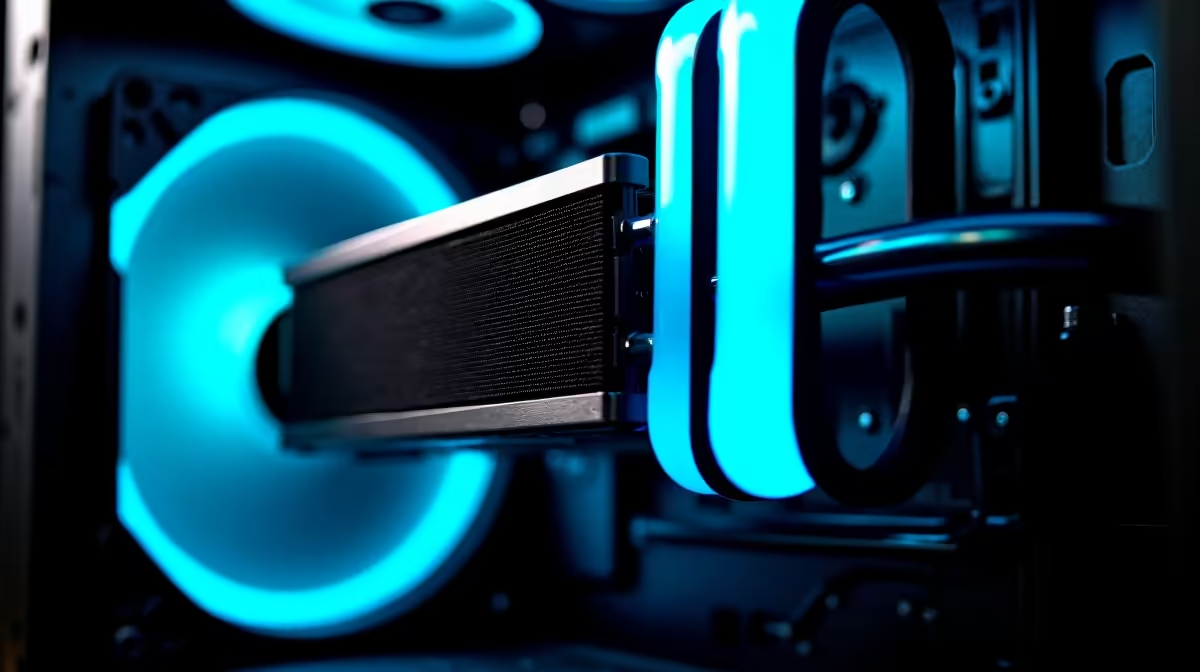
Is your gaming rig starting to sound like a jet engine during a heated Warzone match? We've all been there. In the South African heat, keeping your PC cool is a constant battle. A hot machine doesn't just make noise... it throttles performance, costing you precious frames. But what if your PC could think for itself, predicting heat spikes and optimising airflow before you even notice? Welcome to the era of AI PC cooling solutions. 🚀
Understanding AI-Powered Cooling: Beyond Simple Fan Curves
For years, PC cooling has been reactive. Your CPU gets hot, a sensor tells the fan to spin faster. Simple, but not very smart. Modern AI PC cooling solutions are different. They use intelligent algorithms, often built into motherboard software or GPU drivers, to learn your usage patterns.
Instead of just reacting to current temperatures, AI cooling anticipates future thermal loads. It knows that launching Cyberpunk 2077 will stress your GPU more than browsing the web. This predictive approach allows for smoother, quieter, and more efficient thermal management, which is crucial for high-performance builds like demanding workstation PCs that run heavy loads for hours.
The Practical Benefits of Intelligent Thermal Management
So, what does this smart tech actually do for your gaming experience? The benefits are tangible.
Quieter Operation, Cooler Performance
First, your rig runs quieter. The AI fine-tunes fan speeds with incredible precision, avoiding those sudden, distracting ramp-ups. It provides just enough cooling, exactly when needed. This means less noise and more immersion.
More importantly, it prevents thermal throttling. By keeping your components in their optimal temperature range, you unlock their full potential. Whether you're running a beastly Intel-powered rig or a multi-core AMD Ryzen PC, intelligent cooling ensures you get the consistent, high-level performance you paid for.
Boosting Your Graphics Power
This technology is especially vital for your graphics card, the heart of any gaming PC. High-end cards generate immense heat. An intelligent system ensures your GPU can maintain its boost clocks for longer, giving you a smoother, more stable frame rate. This applies whether you're on Team Green with powerful NVIDIA GeForce gaming PCs or rocking the latest from Team Red in our AMD Radeon gaming PCs. Better cooling directly translates to a better K/D ratio. ✨
Where to Find AI Cooling in Your Next Rig
You don't need a degree in computer science to benefit from AI PC cooling solutions. This tech is becoming standard in many components and systems. Major motherboard manufacturers like ASUS (AI Cooling II) and Gigabyte (Smart Fan 6) integrate these features directly into their software suites.
Even better, you can get a system expertly configured from the get-go. Many of our pre-built PC deals are designed with optimised thermal profiles, taking the guesswork out of the equation. This smart tech isn't just for the high-end anymore; smarter fan controls are appearing in builds across the spectrum, including many excellent budget gaming PCs.
Quick Check: Enable Smart Cooling 🔧
Most modern motherboards have AI or "Smart" fan controls in the BIOS UEFI. Reboot your PC and press the DEL or F2 key to enter the BIOS. Look for a hardware monitor or fan control section (often called Q-Fan, Smart Fan, etc.). Here, you can usually switch from a static profile to an AI-optimised or silent profile with a single click!
As the technology evolves, we're seeing it integrated more deeply. From next-gen AIO liquid coolers to the driver-level optimisations in GPUs like the latest Intel Arc gaming PCs, mastering your machine's thermals is becoming easier and more effective than ever. The result is a PC that not only performs better but also lasts longer by reducing thermal stress on its components.
Ultimately, an intelligent cooling system is a key part of a modern, high-performance machine. It's the unseen hero that lets your powerful hardware shine, ensuring you get maximum performance without the noise and heat.
Ready to Master Your Thermals? A cool PC is a fast PC. For a rig that's perfectly balanced for performance and acoustics, you need the right foundation. Explore our best gaming PC deals and find a machine built to conquer the heat and top the leaderboards.









