


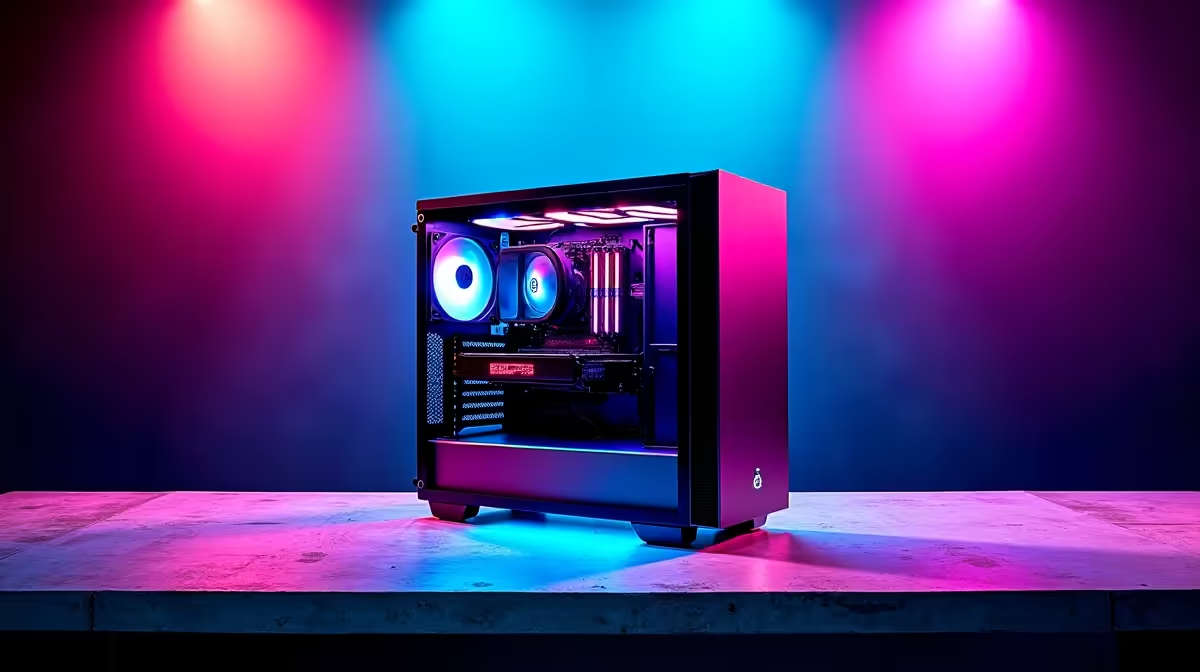
So, you’ve got a beast of an AI PC, ready to generate stunning art or code like a wizard. But is your home network in South Africa up to the task? A slow network can cripple your AI ambitions, turning exciting projects into a frustrating crawl. Don't let lag kill your creativity. This guide covers the ultimate AI PC network setup, ensuring your machine gets the lightning-fast data it needs to truly shine. 🚀
Why Your Network is Crucial for AI PCs
When we talk about Artificial Intelligence, many people think of cloud-based services like ChatGPT. But the real power is shifting to local AI... running powerful models directly on your machine. This gives you more control, privacy, and speed. However, it places a massive demand on your local network.
A proper AI PC network setup isn't just about your fibre speed. It’s about how quickly your computer can access large datasets, communicate with other devices, and process information without bottlenecks. Whether you're training a custom model or collaborating on a project, a weak network is like putting a speed governor on a supercar.
Core Components for Your AI PC Network Setup
Building a robust network doesn't have to be complicated. It boils down to a few key pieces of hardware working in harmony. Think of it as the nervous system for your digital brain.
The Router: Your Network's Brain 🧠
Your Wi-Fi router is the traffic controller. For AI workloads, you need something that can handle huge amounts of data without breaking a sweat. Look for routers supporting Wi-Fi 6 or Wi-Fi 6E. These standards are designed for high-speed, low-latency connections, perfect for sending large files to and from your AI machine. A solid router is the foundation of any good network configuration.
The AI PC: The Powerhouse
This is where the magic happens. The PC itself needs raw power, especially from its graphics card (GPU). For most AI tasks, from gaming enhancements to creative workflows, a modern NVIDIA GeForce Gaming PC is an incredible choice, thanks to its dedicated Tensor Cores designed for AI acceleration.
Similarly, the latest AMD Radeon Gaming PCs offer fantastic performance-per-rand, capable of handling demanding creative software and AI-driven applications with ease. For those running massive, complex models or requiring certified drivers for professional software, a purpose-built Workstation PC provides the ultimate in stability and processing power.
Switches & Cabling: The Unsung Heroes
While Wi-Fi is convenient, a wired connection is king for stability and speed. For a serious AI PC network setup, you need to think beyond standard gigabit Ethernet. Investing in a multi-gigabit switch (2.5GbE or 10GbE) and high-quality Cat6a or Cat7 Ethernet cables will ensure you get the maximum possible speed between your PC, your storage, and the internet.
Pro Tip for Data Management ⚡
A Network-Attached Storage (NAS) device is a brilliant addition to your AI PC network setup. Instead of storing massive datasets on your main PC, a NAS gives you a central, high-speed hub accessible by any device on your network. It's perfect for organising your training data, collaborating with a team, or simply keeping your projects secure and backed up.
Configuring Your Network for Peak AI Performance
Hardware is only half the battle. A few software tweaks can dramatically improve your network's efficiency.
Most modern routers have a Quality of Service (QoS) setting. This feature lets you prioritise network traffic for specific devices. By giving your AI PC top priority, you ensure its data packets are always at the front of the queue, reducing latency and improving responsiveness. This simple AI PC network configuration step can make a noticeable difference, especially on a busy home network.
Connection and Session Stability
Here in South Africa, we have unique challenges. That's why a small Uninterruptible Power Supply (UPS) for your router and fibre box is a non-negotiable part of any local AI PC network setup. It's a small investment (often just a few hundred ZAR) that provides massive peace of mind. 🔧
A strong local network also makes you less reliant on inconsistent internet performance. By keeping your datasets and processing local, you can continue working smoothly even when your international connection is having a bad day.
Ready to Build Your AI Powerhouse? Getting your AI PC network setup right is the first step. The next is having a machine that can handle the workload. From powerful GPUs to lightning-fast storage, we've got the components you need. Use our Custom PC Builder to configure the ultimate AI rig for your projects and budget.









