


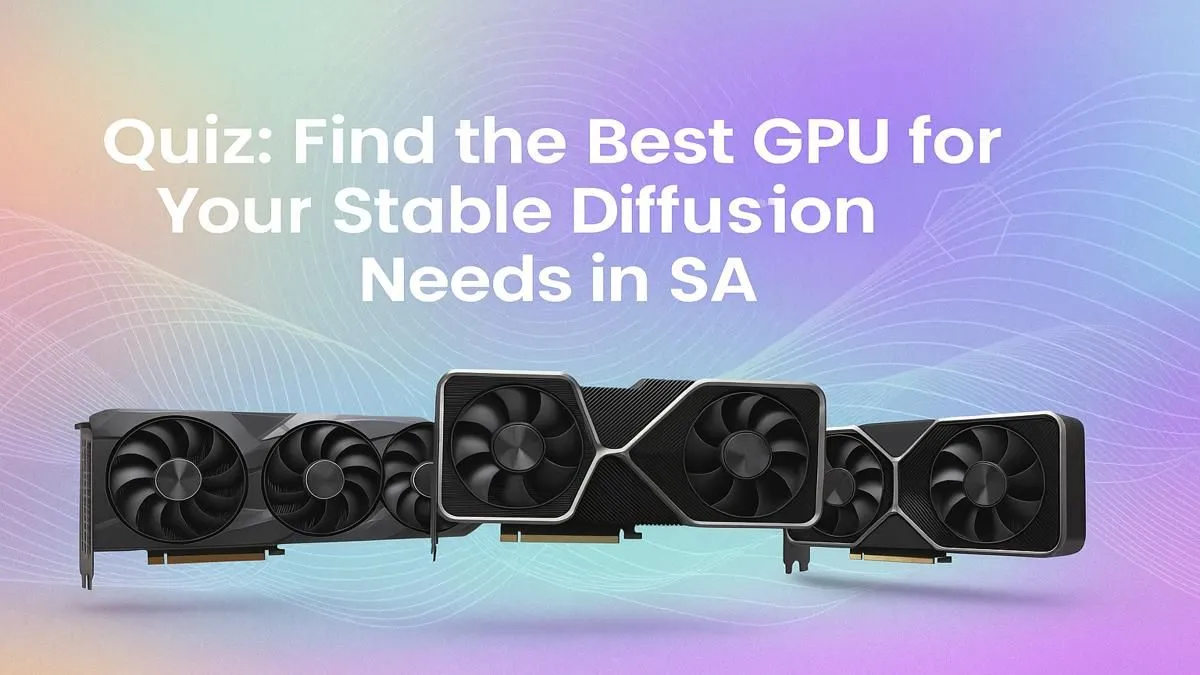
Keen to dive into the wild world of AI art with Stable Diffusion? It’s an incredible creative journey, but many South Africans hit the same hardware wall. Your PC starts sounding like it’s preparing for takeoff, and generating a single image takes forever. The secret isn't magic... it's your graphics card. Finding the best GPU for Stable Diffusion is crucial. Let's cut through the noise and figure out exactly what you need with our quick quiz. 🚀
Why Your GPU is King for Stable Diffusion
Before we jump in, let's quickly cover why your GPU matters so much. Stable Diffusion uses complex mathematical operations to turn text prompts into images. These tasks run incredibly efficiently on a graphics card's parallel processors (like NVIDIA's CUDA cores).
The two most important factors are:
- VRAM (Video RAM): This is your GPU's dedicated memory. More VRAM lets you generate larger images at higher resolutions without errors. 8GB is a workable minimum, but 12GB or more is the sweet spot.
- Processing Speed: Measured in things like CUDA cores or Tensor cores, this determines how fast you can generate images. A faster GPU means less time waiting and more time creating.
The "Best GPU for Stable Diffusion" Quiz
Answer these questions to find your perfect match. There’s no right or wrong answer... just the right fit for your goals and your wallet.
### Question 1: What's Your Budget & Ambition Level?
Your budget is the biggest factor. Let's be realistic about what you can get for your ZAR.
- The AI Curious (Entry-Level): Just starting out? You don't need to break the bank. An older-generation card like an RTX 3060 with 12GB of VRAM is a fantastic, budget-friendly starting point. It offers enough power to learn the ropes and produce great results. Many powerful and affordable NVIDIA GeForce cards fall into this category.
- The Serious Hobbyist (Mid-Range): You're creating daily and want faster results. This is where cards like the RTX 4060 Ti or RTX 4070 shine. With more VRAM and the latest architecture, you'll see a significant speed boost, cutting your wait times in half or more.
- The AI Professional (High-End): If you're using AI for work or are simply impatient, you'll want the best. An RTX 4080 or the mighty RTX 4090 will deliver breathtaking speed. These cards make high-resolution, multi-image batches feel effortless.
### Question 2: Are You Team Green or Team Red?
While you can technically run Stable Diffusion on modern AMD Radeon GPUs using frameworks like ROCm, the AI community has largely standardised on NVIDIA's CUDA platform.
For a beginner, sticking with NVIDIA is the path of least resistance. You'll find more tutorials, pre-built tools, and community support. If you're a tinkerer and love an underdog, AMD is a viable option, but be prepared for a bit more setup. For plug-and-play performance, NVIDIA is the current champion for Stable Diffusion.
VRAM-Saving Pro Tip ⚡
Running out of VRAM is a common Stable Diffusion headache. Before you upgrade, try adding the --medvram or --lowvram command-line arguments when launching. This tells the software to be more conservative with memory usage. It might slow down generation slightly, but it's a fantastic way to create larger images on a card with less than 12GB of VRAM.
### Question 3: Are You Just Creating... or Also Training?
There's a big difference between generating images (inference) and training your own custom models (like a LoRA or Dreambooth model).
- Image Generation: Most users fall into this camp. Any of the gaming GPUs mentioned above will work great.
- Model Training: This is a much more intense task that consumes huge amounts of VRAM. If you plan on training models frequently for professional or business purposes, you might even consider professional workstation graphics cards. These cards often come with massive VRAM pools (24GB, 48GB, or more) and drivers optimised for sustained computational loads.
Finding Your Perfect Stable Diffusion GPU ���
Ultimately, the best GPU for Stable Diffusion is the one that balances your budget, patience, and creative ambitions. For most South African users, an NVIDIA RTX card with at least 12GB of VRAM, like the RTX 3060 or RTX 4070, offers the perfect blend of price and performance. It gives you the power to create stunning AI art without requiring a second bond on your house.
Ready to see what's available? Check out our full selection of graphics cards to compare prices and specs.
Ready to Unleash Your AI Creativity? Choosing the right GPU for Stable Diffusion can feel complex, but it's the key to unlocking incredible creative power. Stop guessing and start creating. Explore our massive range of graphics cards and find the perfect engine for your AI art journey today.









