


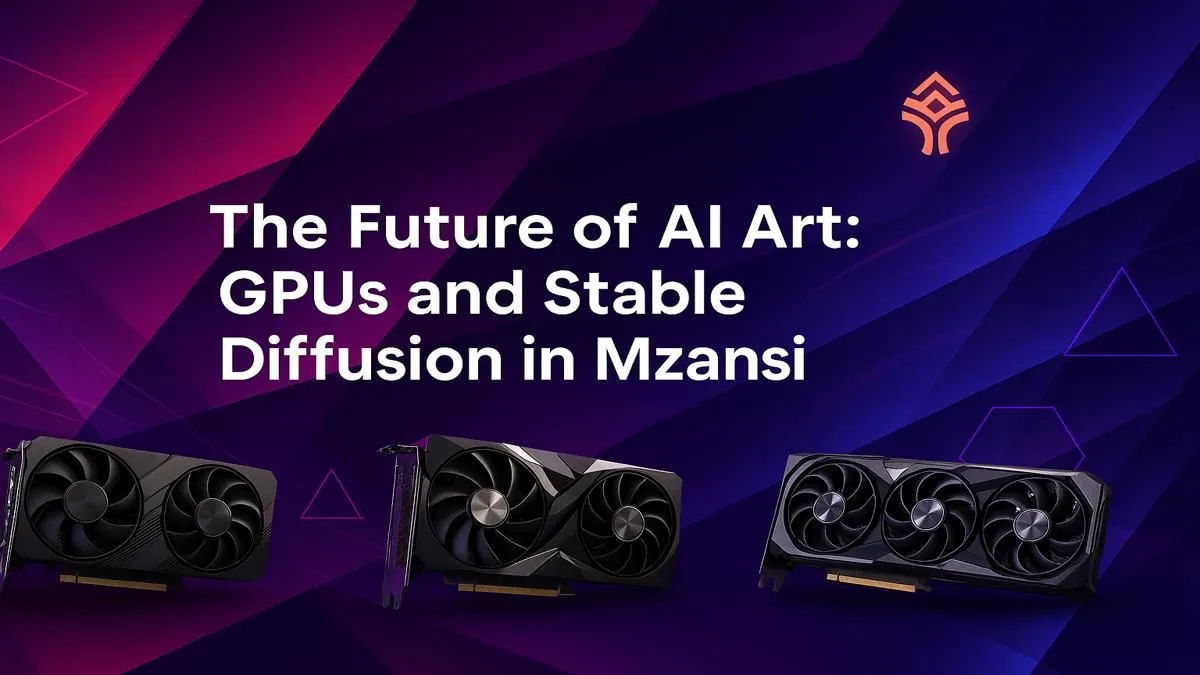
Keen to turn your wild ideas into stunning digital art? You've probably heard of AI art generators like Stable Diffusion, but quickly realised your PC might not be up to the task. That gaming rig you built for high frame rates is a powerful tool, but creating complex images from a text prompt is a different beast entirely. This guide will help you find the best GPU for Stable Diffusion in South Africa, ensuring you spend more time creating and less time waiting.
Why Your GPU is the Heart of AI Art Generation
Unlike gaming, where the CPU and GPU work together, AI image generation is almost entirely a GPU workload. It involves massive parallel calculations... think of it as solving millions of tiny math problems at once to "dream up" your image. The better your GPU, the faster this process happens.
But it’s not just about raw speed. The single most important factor for a Stable Diffusion graphics card is its Video RAM, or VRAM.
- VRAM is King 👑: This dedicated memory on your GPU holds the AI model, the image you're generating, and all the intermediate steps. Running out of VRAM means errors or incredibly slow performance as your PC tries to use system RAM, which is much slower. More VRAM allows you to generate larger images, create multiple images at once (batching), and experiment with more complex models without crashing.
For NVIDIA cards, technologies like CUDA and Tensor Cores provide a significant performance boost, as most AI software is heavily optimised for their architecture.
Finding the Best GPU for Stable Diffusion: NVIDIA vs. AMD
Let's be upfront: for the smoothest experience with Stable Diffusion and most other AI tools right now, NVIDIA is the clear leader. The entire ecosystem is built around their CUDA platform, meaning you get plug-and-play compatibility and top-tier performance. You can explore a wide variety of NVIDIA GeForce graphics cards that are ready for AI art out of the box.
That's not to say AMD is out of the race. Team Red offers excellent value for gaming, and with technologies like ROCm, it's possible to get Stable Diffusion running well on their hardware. However, it often requires more technical know-how, command-line tinkering, and potential troubleshooting. For those willing to put in the effort, you can check out the latest AMD Radeon graphics cards and see if the price-to-performance ratio works for you. For beginners, however, NVIDIA is the path of least resistance.
Performance Pro Tip ⚡
Once you're set up, enable xFormers in your Stable Diffusion settings (like in AUTOMATIC1111's Web UI). It's a memory-attention optimisation from Meta AI that can significantly speed up image generation and lower VRAM usage, especially on NVIDIA RTX cards. It’s a simple checkbox that makes a huge difference!
Top GPU Picks for Every Budget in South Africa
Choosing the right GPU for AI art comes down to your budget and ambition. Here’s a breakdown of great options you can find in South Africa, from entry-level to professional-grade.
### The Budget-Conscious Creator: RTX 3060 12GB
This card is widely seen as the gold standard for starting with Stable Diffusion. Why? Its generous 12GB of VRAM. It outperforms cards that are technically faster but have less VRAM (like the 8GB RTX 3060 Ti or RTX 4060) for many AI tasks. It’s the perfect, affordable entry point for generating standard 512x512 or 768x768 images without breaking the bank.
### The Sweet Spot for Enthusiasts: RTX 4070 / RTX 4070 SUPER
Stepping up to the RTX 4070 or the newer SUPER variant gets you a fantastic balance of power and VRAM. With 12GB of very fast GDDR6X memory and the latest architecture, you’ll see a massive speed increase over the 3060. This is the ideal card for enthusiasts who want to generate high-resolution images quickly, experiment with video generation (like AnimateDiff), and not feel held back. It's one of the most popular and powerful graphics cards for a reason.
### The Uncompromising Pro: RTX 4090 24GB
If your goal is to push the limits... training your own models, generating 4K+ images, and achieving the absolute fastest render times possible, the RTX 4090 is in a league of its own. Its colossal 24GB of VRAM and unmatched processing power make it the undisputed consumer champion. It’s a significant investment, but for professionals or serious hobbyists in South Africa, no other card comes close to this level of AI performance.
What About Workstation Cards?
You might also see professional workstation graphics cards like the NVIDIA RTX 6000 Ada with a massive 48GB of VRAM. While these are incredible for huge datasets and scientific computing, their price-to-performance ratio for Stable Diffusion is generally much lower than a high-end GeForce card. For most artists, the RTX 4090 offers a far better value proposition.
Ultimately, the best GPU for Stable Diffusion is the one that fits your budget while giving you enough VRAM to bring your creative visions to life. 🚀
Ready to Create Your AI Masterpiece? Choosing the right GPU is the single biggest step to unlocking your creative potential with AI. From your first render to training custom models, we've got the power you need. Explore our massive range of NVIDIA and AMD graphics cards and find the perfect engine for your imagination.











