


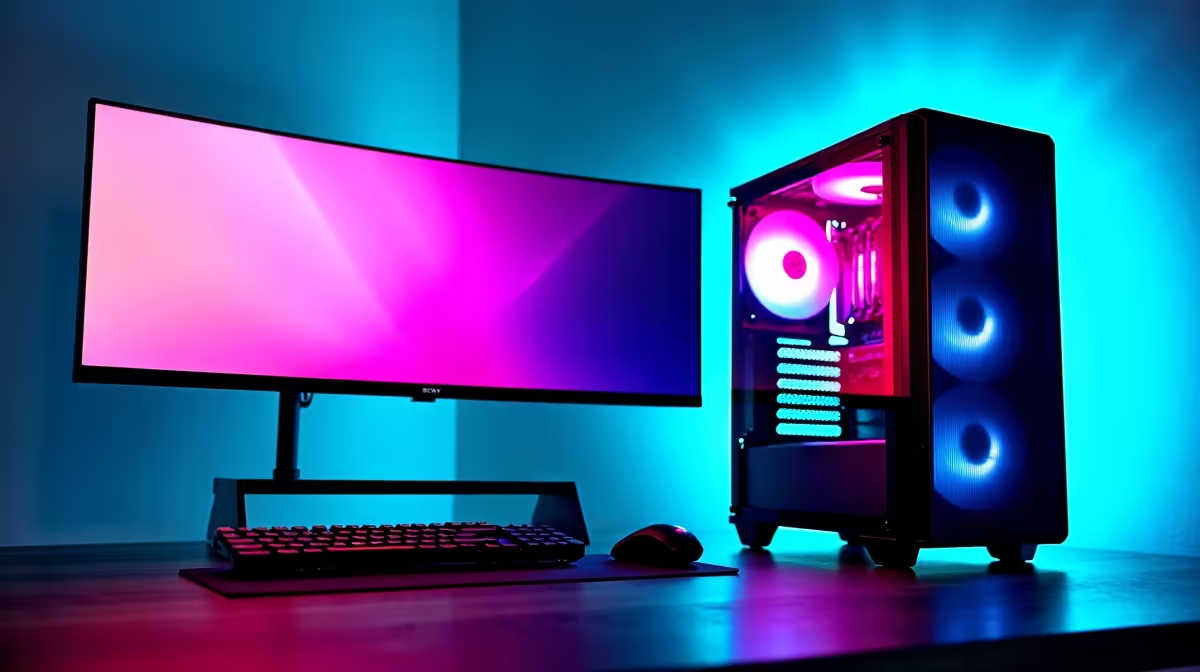
Heard the buzz about AI? Keen to run powerful models like DeepSeek locally, right here in South Africa, without racking up massive cloud computing bills? You're not alone. The great news is, you don’t need a supercomputer that costs more than a car. Building a capable budget DeepSeek setup is totally achievable. This guide will show you how to assemble your own local AI powerhouse in 2025 without emptying your wallet. 🚀
What Your AI Setup Actually Needs
Forget what you know about typical gaming requirements for a second. When running Large Language Models (LLMs) like DeepSeek, the rules change slightly. The two most critical resources are Video RAM (VRAM) on your graphics card and system RAM. The model's size directly impacts how much VRAM you need to load it, while system RAM and a fast SSD are vital for smooth operation. Your goal is to maximise these resources on a tight budget.
Core Components for a Budget DeepSeek Setup
Building a cost-effective AI rig is a balancing act. You need to invest where it counts most. Let's break down the essentials for an affordable DeepSeek PC that still packs a punch.
The GPU: VRAM is Your New Best Friend
This is the heart of your machine. For LLMs, the amount of VRAM is more important than raw gaming speed. More VRAM allows you to load larger, more capable models directly onto the GPU for the fastest performance.
- NVIDIA: Generally the top choice due to widespread software support (CUDA). Look for cards like the RTX 3060 with 12GB of VRAM—it’s a sweet spot for a budget DeepSeek setup. You can find excellent value in many NVIDIA GeForce gaming PCs that feature this card.
- AMD: A strong contender, offering great performance for your money. While software support is catching up, cards like the RX 6700 XT (12GB) or RX 7700 XT (12GB) are fantastic options available in many AMD Radeon gaming PCs in South Africa.
- Intel: Don't overlook the newcomer! The Intel Arc A770 with its hefty 16GB of VRAM is an incredible budget option, making some of these Intel Arc gaming PCs surprisingly powerful for entry-level AI tasks.
The CPU: Smart Brains for the Operation
While the GPU does the heavy lifting for the model itself, you still need a competent CPU to handle the operating system, data preparation, and overall system responsiveness. You don't need a top-of-the-line processor, which is great for our budget.
A modern 6-core processor is more than enough. Options like an Intel Core i5 from the 12th generation or newer are perfect, and you can find them in many of our Intel PC deals. On the other side, an AMD Ryzen 5 from the 5000-series or newer offers incredible value and efficiency, making these AMD Ryzen PC deals a smart choice for your build.
Check Your Power Supply! ⚡
When choosing components, especially a VRAM-heavy GPU, make sure your Power Supply Unit (PSU) can handle the load. A good quality 650W-750W PSU is a safe bet for most budget to mid-range builds and provides headroom for future upgrades. It's a small investment for system stability.
RAM & Storage: Don't Skimp on Speed
Running AI models can be memory-intensive. Aim for a minimum of 32GB of DDR4 or DDR5 RAM. This gives you enough breathing room to run the OS, the model, and other applications without your system grinding to a halt.
For storage, a fast NVMe SSD is non-negotiable. It dramatically speeds up loading models, datasets, and the OS itself. A 1TB NVMe drive is a great starting point. Many of our best-value budget gaming PCs already come equipped with this ideal combination of RAM and storage. ✨
Putting It All Together: Pre-Built vs DIY
So, should you build it yourself or buy a ready-made machine?
- DIY: Gives you maximum customisation to create the perfect budget DeepSeek setup. You can prioritise a 12GB GPU over a faster CPU, for instance.
- Pre-Built: Saves you time, effort, and the stress of assembly. Plus, you get a full system warranty. Often, the value found in pre-built PC deals is hard to beat, especially when components are on special.
For those who want to run more complex models or use their machine for professional work, stepping up to one of our workstation PCs can provide even more power and reliability, often with professional-grade components designed for heavy, sustained workloads.
Ready to Build Your AI Powerhouse? Whether you're starting from scratch or upgrading for the AI revolution, a powerful PC is your gateway to the future. Explore our incredible range of PC deals and find the perfect machine for your budget DeepSeek setup today.










