


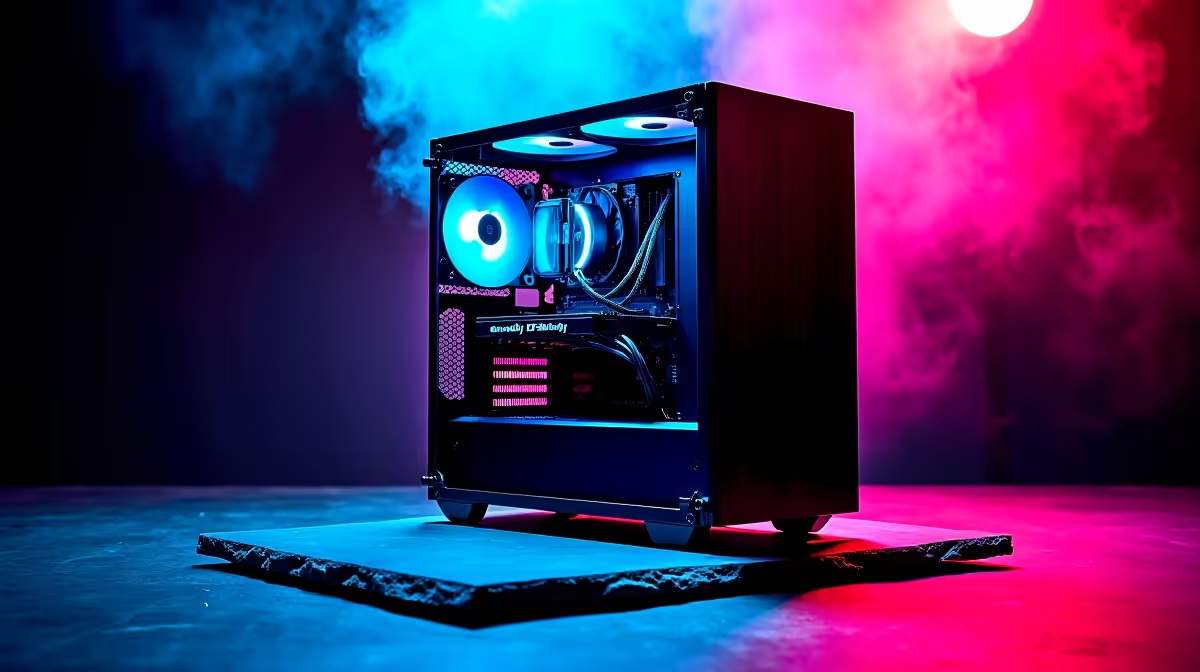
Thinking about building a PC for DeepSeek? You're not alone. The AI buzz is massive in South Africa, but the idea of running powerful models locally can feel intimidating. Do you need a server farm in your garage? Not at all. With the right parts, a powerful home build for DeepSeek is totally achievable. Let's follow the journey of Lethabo, a Joburg-based developer, as he pieces together his ultimate AI and gaming machine right here at home. 🚀
Why Build a Dedicated PC for DeepSeek?
Before we dive into the hardware, let's clarify why you'd want a local PC for DeepSeek. Running a large language model (LLM) like DeepSeek Coder on your own machine offers three huge advantages: privacy, speed, and cost. Your data stays with you, you aren't limited by internet latency, and you avoid potentially pricey API calls.
The core of any AI machine is its ability to handle massive parallel calculations, which is exactly what modern GPUs were designed for. It's all about VRAM, CUDA cores, and raw processing power.
Lethabo's DeepSeek PC Build: The Core Components
Building a balanced system is key. You can't just slap a monster GPU into an old machine and expect miracles. Lethabo's goal was a powerful rig that could code with AI during the day and crush 1440p gaming at night. Here’s how he broke it down.
The GPU: The Heart of the AI Engine 🧠
For AI and machine learning, the GPU does the heaviest lifting. The most important spec? Video RAM, or VRAM. LLMs need a lot of it to load their models. Lethabo opted for a GeForce RTX 4070 SUPER with 12GB of VRAM. It provides a fantastic balance of performance and price, making it a smart choice for a first PC for DeepSeek. For those with a bigger budget, an RTX 4080 or 4090 with more VRAM would be even better. Many pre-configured NVIDIA GeForce gaming PCs offer an excellent starting point for a powerful AI build.
CPU & RAM: The Supporting Cast
While the GPU is the star, the CPU and system RAM are crucial for feeding it data and keeping the rest of the system responsive. A modern processor ensures there are no bottlenecks when preparing datasets or running other applications. Lethabo paired his GPU with a Ryzen 7 7800X3D. This CPU is a gaming beast, but its strong single and multi-core performance is also fantastic for general productivity and coding. Pairing a top-tier GPU with a powerful CPU, like those found in high-performance AMD Radeon gaming PCs, creates a balanced system ready for anything.
For system RAM, 32GB of fast DDR5 memory is the new standard, providing enough headroom for both AI experiments and demanding games.
Pro Tip for Windows Users ⚡
Use Windows Subsystem for Linux (WSL2) to create a Linux environment directly inside Windows. It's the easiest way to get the tools and libraries needed for AI development (like PyTorch and TensorFlow) running with full GPU acceleration, without needing to dual-boot your machine.
Storage & Power: The Unsung Heroes
Speed matters. An NVMe SSD is non-negotiable for a modern DeepSeek PC build. Loading large models and datasets from a traditional hard drive is painfully slow. A 2TB NVMe drive provides ample space and lightning-fast access. Finally, a high-quality 850W Gold-rated power supply ensures the power-hungry GPU gets stable, clean electricity, protecting your investment. 🔧
Is This a Gaming PC or a Workstation?
This is a common question. Honestly, the lines are blurring. Lethabo's build is, for all intents and purposes, a high-end gaming PC. It has all the components needed for incredible gaming performance. Yet, those same components make it a formidable entry-level AI machine.
For professional data scientists running models 24/7 or needing certified drivers for specific software, dedicated workstation PCs offer another level of reliability and support. But for an enthusiast, developer, or gamer in South Africa, a well-planned gaming rig is the perfect, versatile solution.
Ready to Build Your AI Powerhouse? Building a PC for DeepSeek is an exciting project that puts incredible power at your fingertips. Whether for AI, gaming, or creative work, crafting your own machine is the ultimate experience. Use our custom PC builder to design the perfect rig for your needs and budget.











