


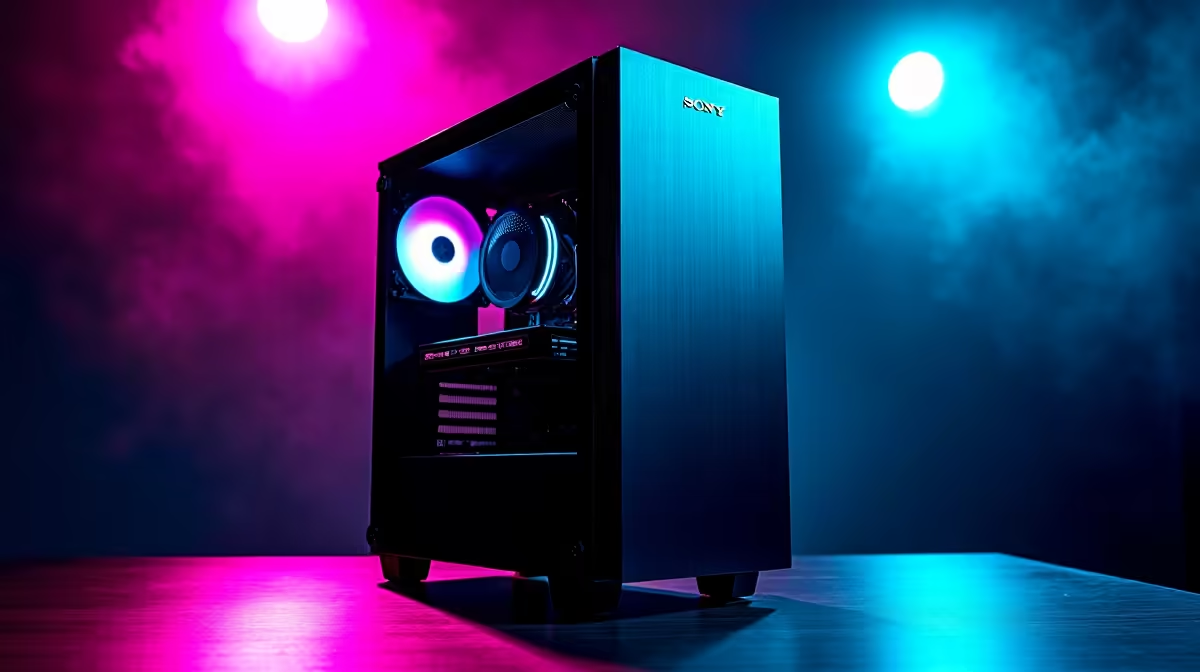
So, you’ve heard the buzz around DeepSeek, the powerful new AI model making waves across the globe. You're keen to run it locally here in South Africa, maybe to code faster, write smarter, or just experiment with the future. But then the big question hits: is your current rig up to the task? Building the right PC for DeepSeek isn't just about raw power; it's about smart component choices. Let's break it down.
Your GPU: The AI Engine 🧠
When it comes to running large language models (LLMs) like DeepSeek, your Graphics Processing Unit (GPU) does almost all the heavy lifting. Forget frame rates for a moment... here, the most crucial metric is VRAM (video memory). The more VRAM you have, the larger and more complex the AI models you can load and run efficiently.
For years, NVIDIA has been the top dog in the AI space thanks to its mature CUDA software platform. A system built around a high-VRAM GeForce RTX card is a fantastic starting point for any enthusiast. Exploring a range of NVIDIA GeForce gaming PCs is often the easiest path to getting the VRAM you need. Cards like the RTX 4070 (12GB) are a solid entry, while the RTX 4090 (24GB) is the undisputed consumer champion for local AI.
CPU, RAM, and Storage: The Supporting Cast
While the GPU is the star, a powerful PC for DeepSeek needs a balanced team of components to support it. Don't let a bottleneck elsewhere cripple your AI performance.
CPU: The Conductor
Your Central Processing Unit (CPU) manages data flow, prepares information for the GPU, and handles all the other tasks your system is running. You don't need the absolute best CPU on the market, but a modern processor with at least 6-8 cores (like a recent Intel Core i5/i7 or AMD Ryzen 5/7) will ensure smooth operation.
System RAM: Your Workspace
It's easy to confuse system RAM with GPU VRAM. Think of it this way: VRAM is for the AI model itself, while system RAM is for your operating system, background apps, and preparing the data. We recommend a minimum of 32GB of fast DDR4 or DDR5 RAM. If you plan on fine-tuning models or heavy multitasking, jumping to 64GB is a wise investment.
VRAM Check Pro Tip ⚡
Before you buy a GPU, check the size of the DeepSeek model you want to run. Models are often 'quantized' into different sizes (e.g., 7B, 33B parameters). A quick search on a platform like Hugging Face will tell you the VRAM needed for each version, helping you choose the right hardware for your DeepSeek ambitions.
Storage: The Need for Speed
LLMs are massive files. Loading one from a traditional hard drive can feel like an eternity. A fast NVMe SSD is non-negotiable. It dramatically cuts down loading times, getting you from a cold start to generating text or code in seconds, not minutes. A 1TB NVMe is a great starting point for the OS and your most-used models.
Gaming Rig vs. Workstation: Which is Your DeepSeek PC?
So, can your gaming PC handle DeepSeek? Absolutely! High-end gaming rigs already have the powerful GPUs and fast components needed. And with AMD making huge strides in AI performance, their latest Radeon cards are becoming seriously viable options. For many users, a top-tier AMD Radeon gaming PC offers a fantastic blend of price, gaming prowess, and AI capability. ✨
However, if your work depends on AI and you need maximum stability, reliability, and processing power for marathon sessions, a dedicated workstation is the ultimate tool. These machines often feature server-grade components, ECC (error-correcting) RAM, and professional GPUs designed for sustained, complex calculations. For serious developers and data scientists in South Africa, our custom-built workstation PCs provide that next level of performance and peace of mind.
Ultimately, building the perfect hardware for DeepSeek comes down to balancing your budget with your ambition. Whether you're upgrading a gaming rig or commissioning a purpose-built AI beast, the key is a powerful GPU with plenty of VRAM, supported by a fast and responsive system. 🚀
Ready to Build Your AI Powerhouse? The world of local AI is at your fingertips. Whether you need a killer gaming rig that moonlights as an AI lab or a dedicated number-crunching workstation, we have the components and expertise. Design your perfect custom PC with our builder and unlock the true potential of DeepSeek in South Africa.










