Quick Answer
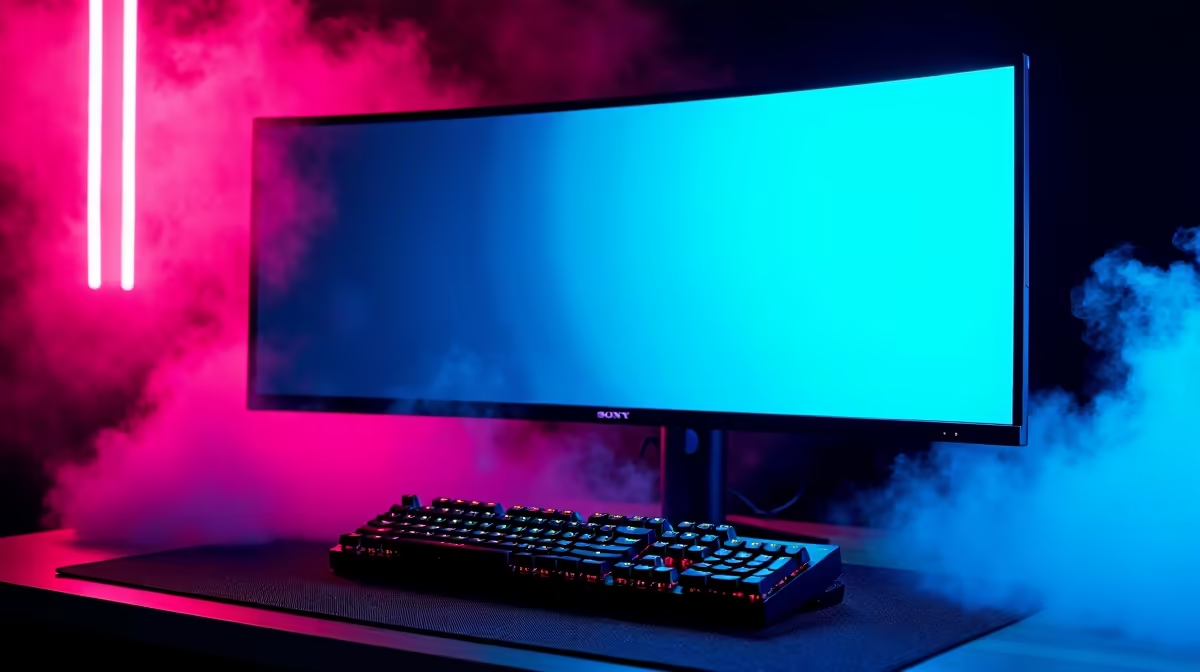
A 480Hz 1440p competitive setup at R40,000 is achievable but GPU-constrained. The RTX 4080 Super (R18,000) is the minimum GPU to sustain 400fps+ at 1440p in Valorant, paired with a 480Hz IPS panel (R14,000–R18,000). Budget tightly — you have R6,000–R8,000 left for CPU, RAM, board, and storage.
Component Reality at R40,000
Here is the honest breakdown for a 480Hz 1440p build:
- Monitor: 480Hz 1440p Fast-IPS — ~R14,000–R16,000
- GPU: RTX 4080 Super 16GB — ~R18,000 — needed to sustain 400fps at 1440p
- CPU: Ryzen 5 7600X — ~R3,500 — strong single-thread at lower cost
- RAM: 16GB DDR5-5600 — ~R1,200
- Storage: 500GB NVMe — ~R600
- Total (components only): ~R37,300 — tight for a full case+PSU build
To stay within R40,000 total, prioritise the GPU and monitor, then use an entry B650 board and 16GB RAM (upgradeable later).
FPS Targets With RTX 4080 Super at 1440p
- Valorant 1440p Low: 450–550fps
- CS2 1440p Low: 320–380fps
- Apex Legends 1440p High: 280–320fps
- Fortnite 1440p Performance: 480fps+
The RTX 4080 Super sustains 400fps+ in Valorant even during smoke-heavy rounds, fully using the 480Hz panel. It is the minimum viable GPU for this monitor tier.
Is 480Hz Worth the Premium Over 360Hz at 1440p?
At 1440p, the jump from 360Hz to 480Hz reduces frame interval from 2.78ms to 2.08ms — a 0.7ms improvement. In blind tests, only players with sub-5ms reaction times reliably distinguish this. For most SA competitive gamers, the R3,000–R5,000 premium over a 360Hz panel would return more value invested in a better mousepad, a 1000Hz+ polling mouse, or faster RAM.
FAQ
Is the RTX 4080 Super necessary for 480Hz at 1440p?
For esports titles yes — the RTX 4070 Ti Super (~R14,000) can sustain 380–420fps in Valorant at 1440p, which nearly saturates 480Hz. An RTX 4080 Super adds headroom in CS2 and Apex where frame rates are less stable.
What is the difference between 360Hz and 480Hz in actual play?
The frame interval drops from 2.78ms to 2.08ms — perceptible only in side-by-side comparison. Most players benefit more from reducing system latency (faster RAM, SSD boot drive, wired peripherals) than from the additional 120Hz.
Does 480Hz 1440p require DisplayPort 2.1?
Most 480Hz 1440p panels use DisplayPort 1.4 with DSC compression — confirm your GPU and cable support DP 1.4 with DSC. DisplayPort 2.1 is ideal but not universally required at this resolution and refresh.
480Hz monitor in its native FreeSync Premium Pro or G-Sync Compatible mode — enabling variable refresh rate smooths the 60–480fps dynamic range during map loads and non-combat states, preventing screen tearing between rounds.