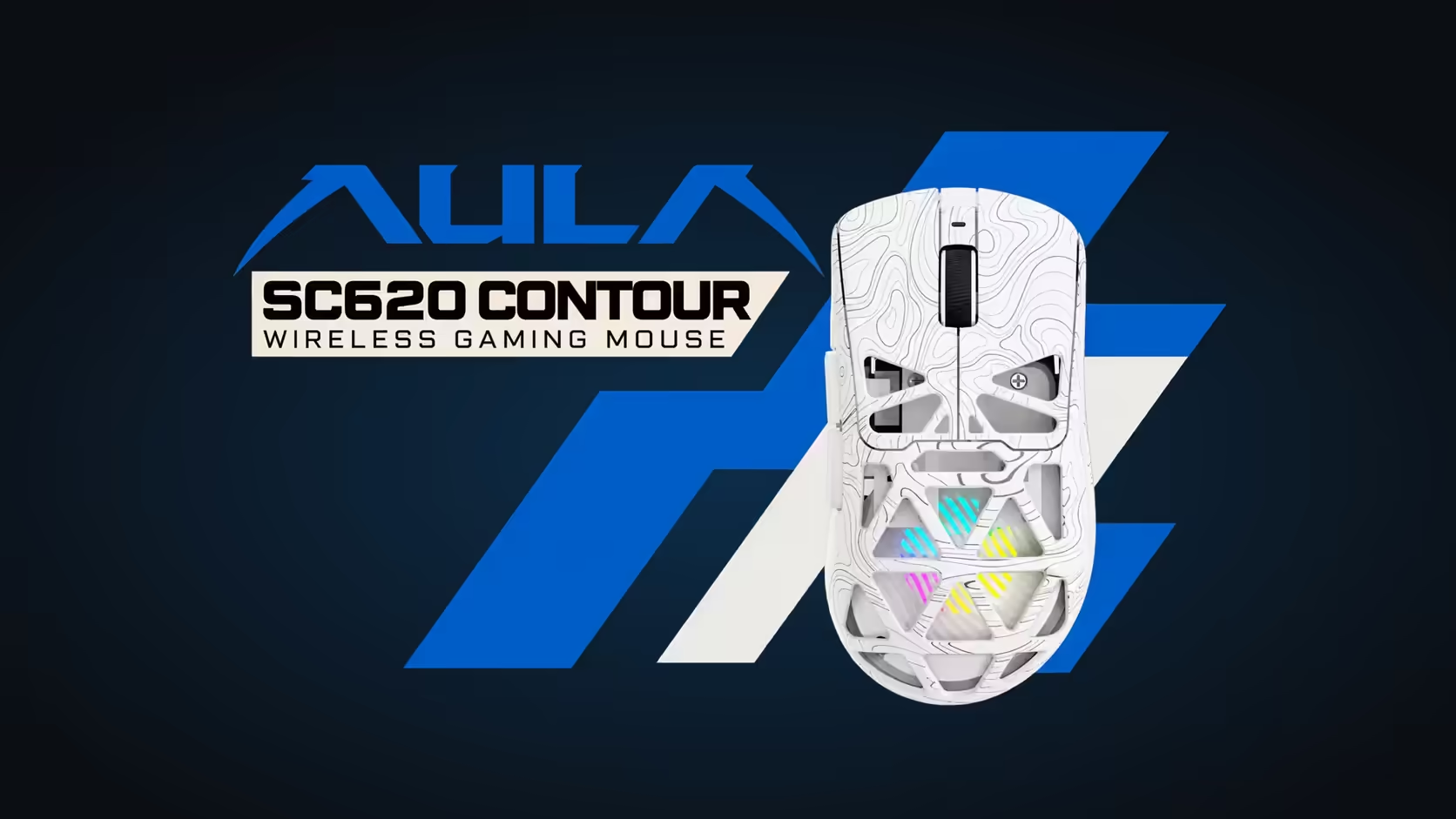
Six DPI numbers printed on a spec sheet do not tell you which one to use. The AULA SC620 Contour offers 800, 1600, 3200, 4800, 8000 and 12,000, and the right pick depends on your screen, your game and how you like to move your arm. This guide explains choosing the right DPI on the SC620 Contour step by step, and why the biggest number is rarely the best one.
Quick Answer
Start the SC620 Contour at 800 or 1600 DPI for aiming in games, then adjust your in-game sensitivity before touching DPI again. Move up to 3200 or 4800 for desktop work on large or high-resolution monitors. The PAW3311 sensor offers six steps, 800 to 12,000, at 1000Hz polling, all set in AULA's driver over the receiver or cable. Evetech sells the SC620 Contour for R349 in black or white.
📐 What DPI actually changes
DPI, or dots per inch, is how far the cursor moves on screen for each inch the mouse travels. At 800 DPI, one inch of hand movement moves the pointer about 800 pixels. At 12,000, the same inch sends it across several screens' worth of pixels.
That is all DPI does. It does not make the sensor more accurate, and it does not make you faster. It sets the ratio between hand and cursor, and your comfort with that ratio is what matters.
The myth of "higher is better"
A higher DPI feels fast in the Windows desktop, which is why it sounds appealing. In games, though, most titles apply their own sensitivity on top of your DPI. Doubling DPI and halving in-game sensitivity lands you roughly where you started. What changes is how small movements feel: very high DPI can make tiny tremors in your hand show up on screen, which works against steady aim.
🎮 Picking a step for games
Shooters
Most competitive players sit at the low end. On the SC620 Contour that means 800 or 1600. Pair either with an in-game sensitivity that lets you turn a comfortable amount with a full arm swipe across your pad. Lower settings reward arm aiming; slightly higher ones suit players who aim mostly from the wrist.
Strategy and MMO games
These rely on clicking units and menus across the whole screen. 1600 or 3200 lets you reach the edges without dragging the mouse off the pad, while staying precise enough to pick a single target.
A simple method to find your number
- Pick 800 or 1600 in AULA's driver.
- Adjust only the in-game sensitivity until a 180-degree turn feels natural.
- Play for several sessions before changing anything else.
- If you keep running out of pad, step DPI up once; if you overshoot, step it down.
🖥️ Why 8000 and 12,000 exist
The top two steps are not there for aiming. They are for screens with a lot of pixels. On a large high-resolution monitor, or on two or three monitors side by side, a low DPI means dragging the mouse a long way to cross from one edge to the other. A high step moves the pointer across the whole desktop with a small flick.
They also suit people who prefer a fast pointer and a light touch for everyday navigation. If you use a big desktop layout for work, 4800 or 8000 can make that job easier, with a lower step saved for games.
⚙️ Setting it up in AULA's driver
Connect the right way
AULA's driver sets DPI, the 1000Hz polling rate, button mapping, macros, sleep time and lighting. The software needs the USB dongle or the lead attached on a Windows PC and will not detect a Bluetooth 5.3 connection. If the software cannot find the mouse, switch links.
Keep two favourites
Rather than cycling through all six, choose the two steps you actually use: one for games, one for the desktop. Knowing exactly where your settings sit means less guesswork when you switch tasks.
Office versus games
Using the same DPI for everything is possible, but it is a compromise. Spreadsheets and long documents on a big screen benefit from a higher step, while games benefit from a lower one with sensitivity tuned in-game. Switching takes a moment, so match the step to the task.
The rest of the mouse supports both jobs: 67g in a honeycomb shell, RGB lighting, a dedicated Fire button for one mapped command, and 2.4GHz, Bluetooth 5.3 or wired connections on a 400mAh battery. For a wider look at mice with similar sensors, browse Evetech's gaming mice range, or limit it to cable-free choices on the wireless mouse page. Evetech sells both colours with a 1 Year Local Warranty.
Frequently Asked Questions
Which DPI steps does the SC620 Contour offer?
Six: 800, 1600, 3200, 4800, 8000 and 12,000, from its PAW3311 sensor.
What is 12,000 DPI good for?
Crossing very large or multi-monitor desktops with small movements. It is not meant for aiming.
For shooters, which step should I try?
800 or 1600, with in-game sensitivity tuned so a full arm swipe gives a comfortable turn.
Does higher DPI mean better accuracy?
No. It changes how far the cursor moves per inch, not how precisely the sensor tracks.
Where is DPI changed on this mouse?
Through AULA's Windows software, after connecting the dongle or the USB lead.
Can office work share the gaming DPI?
It can, but a higher step usually suits big screens and documents, while games work best lower.
Ready to dial in your aim?
Explore Evetech's gaming mouse range for sensors and DPI ranges that suit the way you play, including the SC620 Contour.