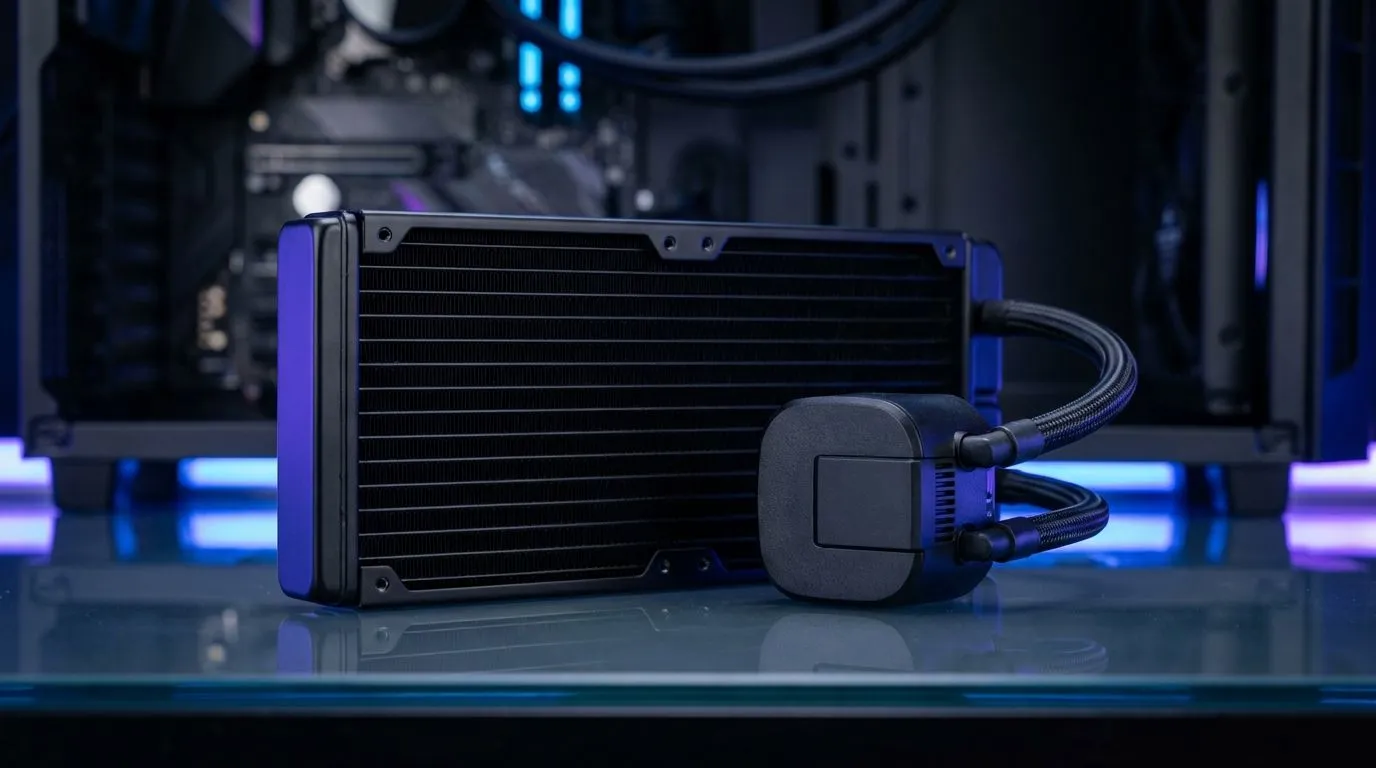
You aren't alone. Many South African gamers are ditching the RGB craze for a more sophisticated, "murdered out" aesthetic. Choosing an All-Black AIO Cooler is the most effective way to anchor a stealth gaming setup. It provides the silent, efficient cooling your high-end CPU needs while maintaining a clean, professional look that never goes out of style. 🔧
The Appeal of a Stealth Gaming Setup
Building a stealth PC is about more than just turning off the lights. It is about creating a cohesive, high-performance machine that looks like a piece of precision engineering. When you browse through a massive selection of CPU coolers, it is easy to get distracted by flashy lights. However, the true enthusiast knows that thermal density and noise levels matter most.
An all-black theme hides cable clutter and focuses the eye on the quality of the components. In South Africa, where dust can be a persistent issue, a matte black finish often looks cleaner for longer compared to high-gloss or white components. It is a practical choice for a premium build.
Choosing Your All-Black AIO Cooler
When selecting the heart of your cooling system, you need to decide between air and water. For most modern builds, the Liquid Cooler (AIO) options provide the best balance of performance and aesthetics. A liquid cooler moves the heat away from the CPU socket quickly... allowing for better airflow across your motherboard VRMs.
Brands have caught onto the stealth trend. You can find DeepCool's sleek black designs that offer a minimalist pump block without sacrificing cooling power. If you prefer a more industrial look, the premium Corsair liquid coolers provide incredible software control to monitor your temps while keeping the hardware completely dark. ⚡
Stealth Cable Management ⚡
When installing your All-Black AIO Cooler, use matte black cable ties or velcro straps instead of plastic ones. Routing the pump cables along the top of the VRM heatsinks makes them almost invisible, completing the true stealth look without any extra cost.
Matching Radiator Size to Your Chassis
The size of your radiator dictates both your cooling potential and your case compatibility. If you are running a flagship Intel i9 or Ryzen 9 processor, a high-performance 360mm radiator is the gold standard. These larger units allow fans to spin at lower speeds... keeping your room quiet during intense gaming sessions.
For those using mid-tower cases or slightly less demanding hardware, a compact 240mm radiator is often the perfect fit. It leaves more room for top-mounted fans and makes the installation process much simpler. Regardless of the size, an all-black radiator disappears into the shadows of your case, making your other hardware the star of the show. 🚀
Expert Installation for Maximum Stealth
To truly optimise your All-Black AIO Cooler, pay attention to the fan orientation. Ensure your tubes are positioned to avoid air bubbles, which can cause annoying clicking sounds. In the South African heat, where ambient temperatures can easily hit 30 degrees Celsius, having a reliable liquid loop is a lifesaver for your hardware's longevity.
By choosing blacked-out components, you are investing in a timeless look. You won't have to worry about matching your RGB software to your keyboard every time you change your wallpaper. It is simple, effective, and undeniably cool. ✨
Ready to Build Your Stealth Masterpiece?
Finding the right balance between thermal performance and silent operation is key to a perfect build. Explore our massive range of CPU coolers and find the perfect All-Black AIO to keep your rig cool and quiet.