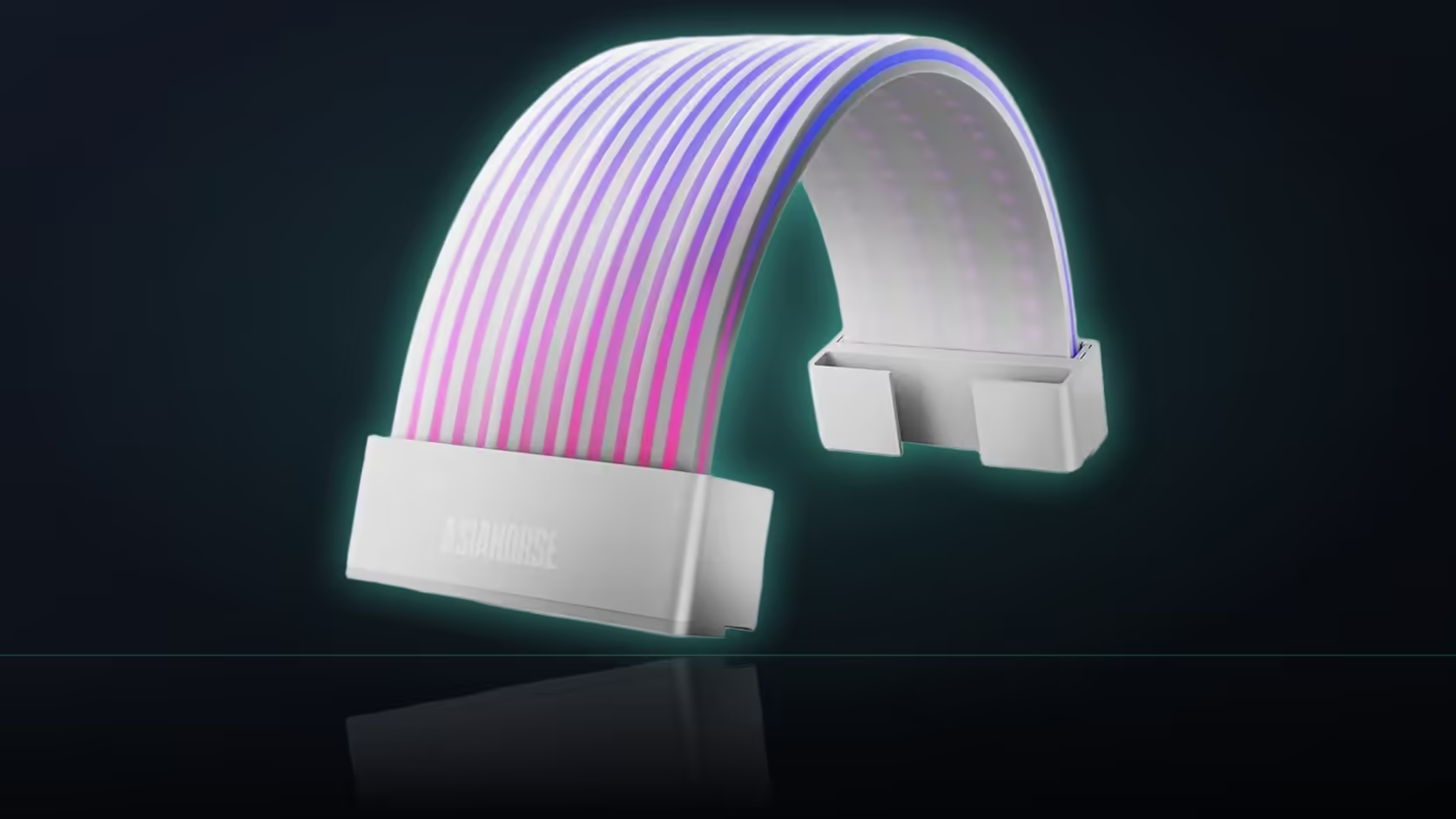
Mounting a graphics card vertically changes more than the angle it sits at - it reroutes the power cable feeding it, and with that reroute comes a question worth asking before the bracket is fixed in place: does AsiaHorse's Aurora ARGB cover kit still show the way it was planned to once the card is turned sideways?
Quick Answer
A vertically mounted graphics card changes the direction the graphics power cable travels, which means both Aurora shells need rechecking against the new layout rather than assuming the original horizontal-mount plan still applies. The card itself, sitting closer to the side panel in a vertical bracket, can end up in front of one span entirely. Whether both R699 covers stay visible is worth settling before the mount is bolted down for good.
🔄 How vertical mounting changes the cable's path
With the card's sockets facing sideways rather than upward, the power cable approaches from a different direction and follows a different route through the case than it would in a standard horizontal mount. That reroute is the whole reason both shells need a fresh look, rather than carrying over whatever placement worked before the mount was changed.
🚧 Can the card itself block a shell?
Yes - a vertically mounted card typically sits closer to the side panel, filling space that would otherwise be open between the viewer and the board. That positioning can put the card directly in front of the board power run, hiding part or all of that span depending on the exact bracket and case combination.
Which shell tends to be affected more?
Usually the 24-pin cover, since a vertical card occupies the space between the panel and the board itself - exactly the area the board run and its cover would normally be visible through.
📏 Does the graphics shell still fit at all?
Its run has moved along with the reroute, so the first question is whether a straight section long enough for that shell still exists somewhere along the new path - not a given, since a reroute can introduce bends that weren't there in the original horizontal layout.
🛠 Should the mount be positioned before planning either shell?
Yes - the card's final position is what determines both cable routes, so settling the mount first avoids reworking both shells' placement after the fact, which is considerably more effort than planning around a position that's already fixed.
💡 Is the lighting still worth fitting in a vertical layout?
Often, yes. A vertical card frames the case interior differently to begin with, and one well-placed lit span can sometimes work better in that context than two shells crowded into a smaller visible area. It's less about whether the lighting is worth it and more about being realistic regarding how much of it will actually show.
Does the riser cable add to the planning?
It does - a vertical mount typically introduces a PCIe riser cable crossing much of the same area, adding another run for the shells' placement to work around rather than just the power cable alone. The riser is usually flat and rigid rather than round, so it tends not to compete directly for the same clip space a shell needs, but it does add visual clutter to a section of the case that's already carrying more cables than a standard horizontal mount would.
For anyone reworking cable routes around a vertical mount bracket, Evetech's cable management accessories help settle the new path before either shell gets fitted. How other lit products cope with a vertical-mount layout is worth checking in the case lighting range too.
Frequently Asked Questions
How does mounting a card vertically change its cable route?
The sockets face sideways rather than up, so the cable approaches from a different direction and takes a different path through the case.
Can the card itself end up blocking a shell?
Yes - a vertical mount sits closer to the side panel and can sit directly in front of the board run, hiding part of that span.
Which shell is usually more affected by this?
Typically the 24-pin cover, since a vertical card occupies the space between the panel and the board where that run normally sits.
Does the graphics shell still fit after a vertical remount?
Its run has moved, so checking whether a straight section long enough for that shell still exists is the first thing to confirm.
Should the mount be positioned before planning either shell?
Yes - the card's position determines both cable routes, so settling it first avoids reworking both shells afterward.
Is fitting the lighting still worthwhile in a vertical layout?
Often, since a vertical card frames the interior differently and one well-placed span can work well even if both aren't fully visible.
Does a riser cable factor into the planning too?
Yes - it adds another run crossing much of the same area, which becomes part of what the shells have to work around.
Going vertical with your graphics card?
Browse Evetech's graphics cards and cable accessories to plan the layout before fitting any cover.