Quick Answer
For 1080p video editing at R20,000 in SA, a 360Hz display is overkill — Premiere Pro and DaVinci Resolve work at 60Hz for editing purposes. The optimal setup is a 1080p 144Hz or 165Hz IPS with accurate sRGB (~R3,500–R5,000 at Evetech) and the budget redirected into 32GB DDR5 RAM and an RTX 4070 for export speed.
What 1080p Video Editing Actually Needs
For editing 1080p footage in Premiere Pro, Resolve, or Final Cut-equivalent workflows:
- RAM: 32GB is the practical minimum for multi-layer 1080p H.265 timelines with effects
- GPU VRAM: 8–12GB for GPU-accelerated effects (RTX 4070 12GB is ideal)
- NVMe storage: Gen3 or Gen4, 1TB+ for project files and cache
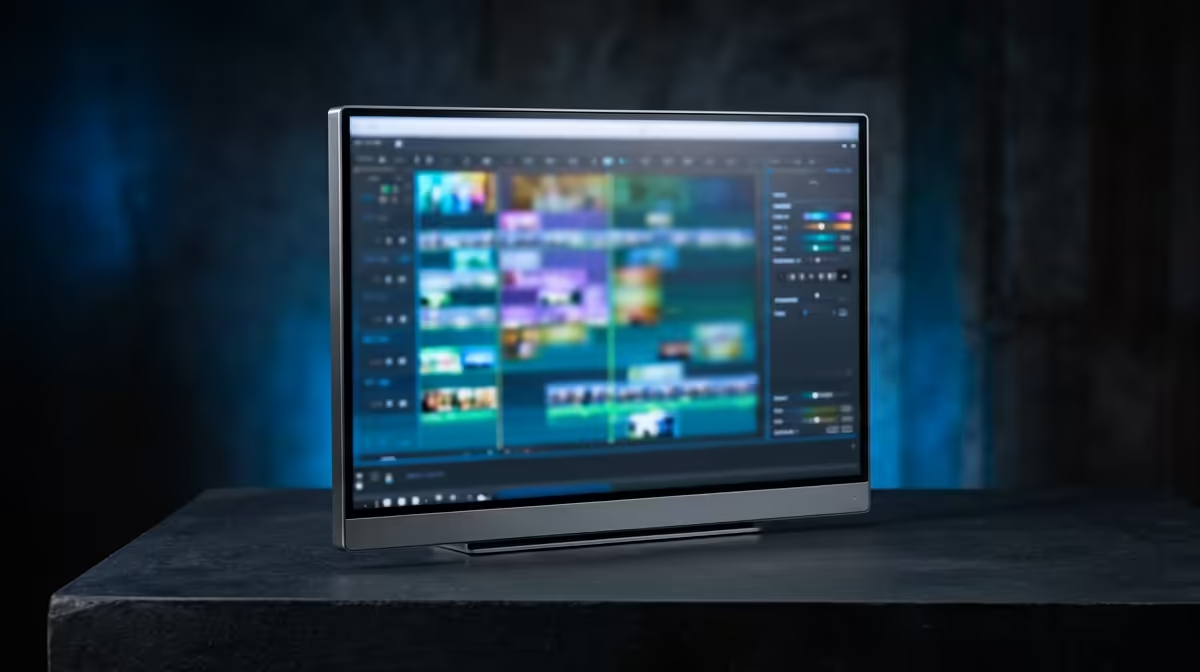
- Display: 1080p accurate sRGB is sufficient for web-delivered 1080p output; a 1080p 144Hz IPS provides accurate colour without requiring a 4K panel
- Hz: Irrelevant for editing — DaVinci Resolve previews at 60fps max for 1080p content
Export Speed With R20,000 Build
With RTX 4070 12GB + Ryzen 5 7600X + 32GB DDR5:
- 10 minutes 1080p H.265 NVENC export: ~90 seconds
- 10 minutes 1080p H.264 NVENC: ~60 seconds
- CPU-only export (same footage): ~8–12 minutes
GPU-accelerated NVENC via RTX 4070 is the single biggest speed lever for 1080p editing at this budget — it cuts export times by 80% vs CPU-only.
R20,000 Build for 1080p Editing + After-Hours Gaming
- Monitor: 1440p 165Hz IPS (excellent for editing and gaming) — ~R5,500
- GPU: RTX 4070 12GB — ~R12,500
- CPU: Ryzen 5 7600X — ~R3,500
- RAM: 32GB DDR5 — ~R1,800
- SSD: 1TB NVMe — ~R900
- Total:
R24,200 — reduce monitor to 1080p 144Hz (R3,500) to hit ~R22,200
FAQ
Does a 360Hz monitor improve 1080p video editing in SA?
No — video editing software runs at display refresh rates of 60fps maximum for preview playback. 360Hz has zero impact on editing speed, export times, or colour accuracy. The entire 360Hz premium is wasted for editing use.
What is the minimum GPU for fast 1080p video editing in SA?
The RTX 4060 8GB (~R6,500 at Evetech) handles 1080p H.265 NVENC editing with smooth playback. For 4K proxies or multi-cam 1080p timelines with heavy effects, the RTX 4070 12GB is the better investment.
Is 1440p or 1080p better for a video editing monitor in SA at R20,000?
For web content creators delivering at 1080p, a 1440p monitor is still preferred — the higher pixel density makes text and timeline elements clearer, reducing eye fatigue during long editing sessions. The R5,500 1440p 165Hz IPS is the best editing-and-gaming display value at this budget.
decoding in Adobe Premiere (Preferences > Media > Enable Accelerated GPU Effects) and in DaVinci Resolve (System Preferences > Memory and GPU > GPU Processing Mode: CUDA) — this shifts H.265 and H.264 decode to the RTX 4070's NVDEC hardware, freeing CPU resources and eliminating stuttered 4K proxy playback.