


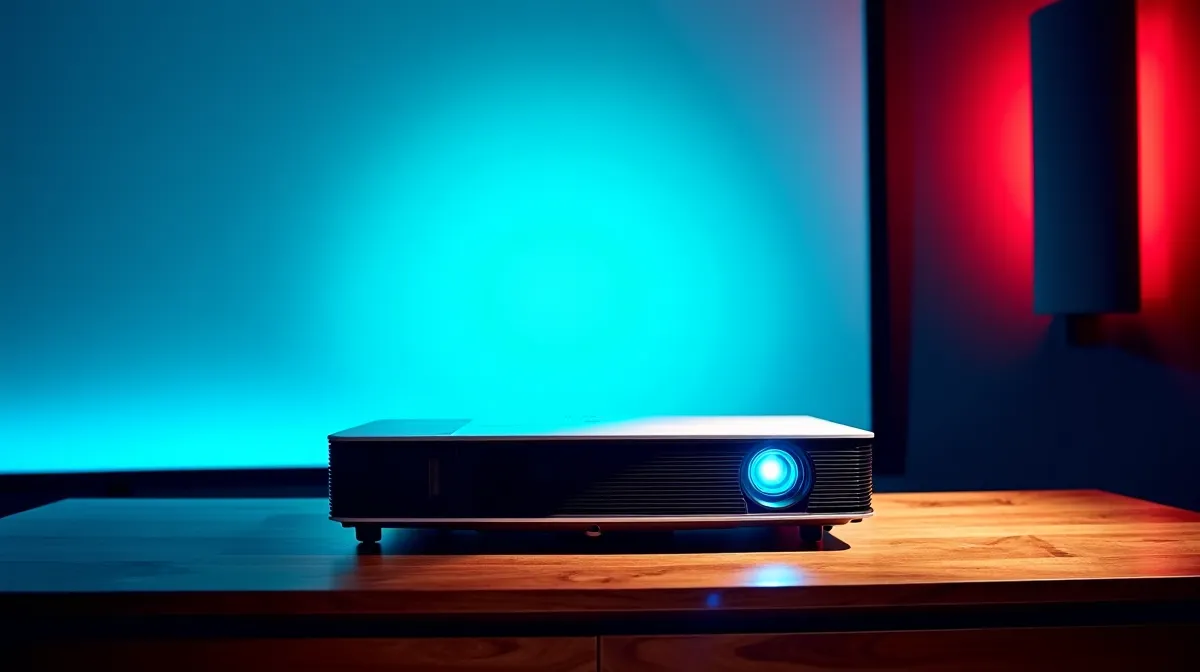
The best 4K gaming projectors in 2026 deliver sub-5ms input lag, 120Hz refresh rates, and 100-inch+ screens that make any monitor feel like a porthole. Laser UST (ultra-short throw) models sit centimetres from the wall and produce a massive image without ceiling-mounting or a dark room. If you're considering replacing a large TV or monitor with a projector for gaming in South Africa, here's everything you need to know about what works, what doesn't, and what to expect price-wise.
⚡ What Is a Laser UST Projector?
A laser UST projector uses a laser light source instead of a traditional lamp and is designed to sit right against the wall — typically 15–30cm away — while projecting a 100-inch or larger image. The "ultra-short throw" design means no ceiling mount, no shadows when you walk in front of it, and no dedicated projector room required.
Laser light sources are the key upgrade over older lamp-based projectors. They last 20,000–25,000 hours (versus 3,000–5,000 for lamps), deliver more consistent brightness over time, and reach full brightness instantly — no warm-up period.
Why Gamers Should Care
Modern laser UST projectors have closed the gap with gaming monitors on the metrics that matter most: input lag is now under 5ms on flagship models (comparable to high-end TVs), refresh rates hit 120Hz at 4K, and some models support VRR (Variable Refresh Rate) through HDMI 2.1. This means smooth, responsive gameplay on a screen five times larger than a typical monitor.
🎮 Key Specs for Gaming Projectors
Input Lag
This is the single most important spec for gaming. Input lag is the delay between your controller input and the image updating on screen. For competitive gaming (shooters, fighting games), you want under 10ms. For casual gaming (RPGs, adventure, racing), under 30ms is fine. The top models in 2026 deliver 1–4ms input lag at 1080p and 4–8ms at 4K.
Refresh Rate
A 120Hz refresh rate at 4K is the gold standard. This means the projector displays 120 frames per second, producing visibly smoother motion in fast-paced games. Some models offer 240Hz at 1080p/1440p for competitive play. If you're connecting a PS5 or Xbox Series X, 4K/120Hz via HDMI 2.1 is what you're looking for.
Brightness (Lumens)
SA's sunny climate makes brightness critical. For a room with ambient light (curtains drawn but not blacked out), you need at least 2,500 ANSI lumens. For a fully darkened room, 1,500+ lumens is adequate. The best laser USTs push 3,000–3,500 ANSI lumens, making them usable even in partially lit rooms during the day.
Colour Technology
Triple-laser models (red, green, blue lasers) produce the widest colour gamut — close to 100% of the BT.2020 colour space. Single-laser models use a colour wheel or phosphor conversion and typically cover 90–100% of DCI-P3. For HDR gaming content, triple-laser delivers noticeably more vivid and accurate colours.
💰 What to Expect on Pricing in SA
4K laser UST projectors in South Africa range from approximately R25,000 for entry-level models to R80,000+ for flagship triple-laser units with full HDMI 2.1 and VRR support. The mid-range sweet spot sits around R35,000–R50,000, where you get 4K, 120Hz, good input lag, and 2,500+ lumens.
You'll also need an ALR (ambient light rejecting) screen for the best results — these cost R3,000–R15,000 depending on size and quality. While you can project onto a white wall, an ALR screen dramatically improves contrast and colour accuracy, especially in rooms with some ambient light.
⚠️ Limitations to Consider
Projectors still can't match OLED TVs or high-end monitors for absolute black levels. In a bright room, even the best UST projector looks washed out compared to a TV. Fan noise is audible on some models — check reviews for noise levels if you're sensitive to it. And at 100+ inches, you'll notice any visual artefacts (motion blur, colour banding) more than on a smaller screen.
For competitive FPS gaming where every frame matters, a 240Hz gaming monitor is still the better tool. Projectors shine for immersive, cinematic gaming — RPGs, racing, flight simulators, and couch co-op titles where the massive screen enhances the experience.
Projector Gaming Pro Tip ⚡
Always enable "Game Mode" on your projector — it disables image processing features that add input lag. On most models, this reduces input lag by 30–50ms. Also connect via HDMI 2.1 directly from your console or PC — using an AV receiver in the chain adds 5–15ms of additional lag unless it supports passthrough mode.
🇿🇦 Shopping for Projectors in SA
Evetech carries a selection of 4K projectors suitable for gaming, from compact portable models to high-brightness home cinema units. Browse projectors and display gear at Evetech to compare specifications, pricing, and availability. Pair with a G-Sync compatible monitor as a secondary display for competitive play.
Ready to Go Big Screen? Explore Evetech's range of 4K projectors and display solutions — local stock with warranty and delivery across South Africa. Shop Projectors at Evetech.










