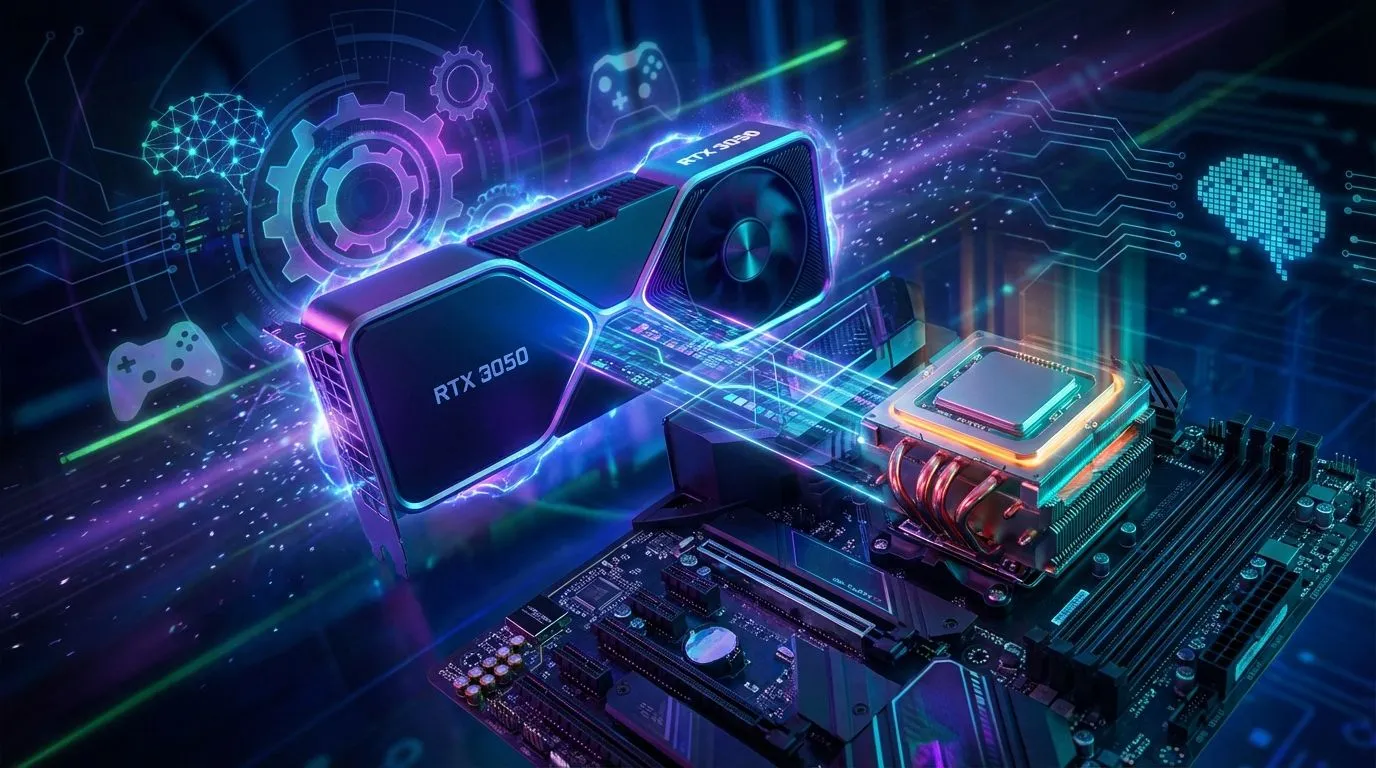
So, you’ve snagged an NVIDIA GeForce RTX 3050 – lekker! It’s a solid choice for crushing 1080p gaming in South Africa without breaking the bank. But hold on... pairing it with the wrong processor is like putting retread tyres on a sports car. You’ll get stutter, lag, and wasted performance. This guide will help you find the best CPU for the RTX 3050, ensuring you squeeze out every single frame you paid for. 🚀
Why Your CPU Choice Matters for the RTX 3050
In the world of PC building, balance is everything. A "bottleneck" happens when one component is significantly slower than another, holding the whole system back. Think of your GPU as a high-speed factory production line. If the CPU, which prepares the data (the raw materials), can't keep up, the production line sits idle. This is especially true at 1080p, where the RTX 3050 shines. At this resolution, the CPU works harder to manage game logic and prepare frames, making the right CPU choice critical.
An unbalanced pairing means you've paid for performance you simply can't use. Finding the right CPU for your RTX 3050 build ensures smooth gameplay and maximum value for your hard-earned rands.
The Best CPUs for the RTX 3050 in 2024
Let's get straight to it. You don't need a top-of-the-line monster CPU to get the most out of your 3050. The sweet spot lies in modern, budget-friendly processors that deliver excellent gaming performance.
Intel's Sweet Spot: The Core i5 Powerhouse
For a no-fuss, high-performance pairing, you can't go wrong with a modern Intel Core i5. Processors like the Intel Core i5-12400F or i5-13400F are fantastic matches. They offer incredible single-core speeds, which is what most games crave, ensuring your GPU is always fed with data. They represent a perfect middle-ground, providing more than enough power for the 3050 without being overkill. This balance makes them a top contender for the best CPU for an RTX 3050 setup, whether you're building new or upgrading. While the RTX 3050 is a great entry point, it's part of a huge family of NVIDIA and ATI graphics cards designed for every budget.
AMD's Ryzen Contenders: Value and Versatility ✨
Over on Team Red, AMD offers compelling options that are tough to ignore. The AMD Ryzen 5 5600 remains a legend for budget-conscious builders on the AM4 platform. It’s affordable, efficient, and has more than enough horsepower to keep the RTX 3050 happy.
If you're building a new system from scratch and want a more modern platform, the Ryzen 5 7500F or 7600 on AM5 is a brilliant choice. This gives you a clear upgrade path for the future and access to DDR5 memory. While these are excellent gaming CPUs, it's always good to know the full landscape, including the powerful options available when you buy AMD Radeon graphics cards.
Don't Forget Your RAM! 🔧
No matter which CPU you choose, make sure to pair it with fast dual-channel RAM (2x8GB is a great start). For Intel 12th 13th Gen or AMD Ryzen 5000, aim for at least 3200MHz DDR4. For Ryzen 7000, 5600MHz DDR5 is the sweet spot. Crucially, remember to enable XMP (Intel) or EXPO (AMD) in your BIOS to unlock the full speed!
Thinking Beyond Just Gaming?
While the RTX 3050 is primarily a gaming card, your PC is likely used for more. If you plan on streaming, video editing, or heavy multitasking, stepping up to a CPU with more cores, like a Core i5-13600K or a Ryzen 7, could be a wise investment. This won't necessarily give you more frames with the 3050, but it will make your whole system feel snappier under heavy workloads.
This is where the distinction between gaming and professional hardware becomes clear. While your RTX 3050, perhaps one of the popular MSI graphics cards, handles gaming, specialised tasks often benefit from dedicated workstation graphics cards designed for stability and certified drivers.
CPUs to Avoid for Your RTX 3050 Build
Just as important as knowing what to buy is knowing what not to buy.
- Old Quad-Cores: Avoid older 4-core CPUs like the Intel Core i7-7700K or Ryzen 3 3200G. They lack the modern architecture and thread count to keep up, and they will bottleneck your RTX 3050, causing stuttering in new games.
- Overkill High-End CPUs: Pairing an RTX 3050 with a Core i9 or Ryzen 9 is a massive waste of money. The GPU will be the bottleneck 100% of the time, and you'll have spent thousands of rands on CPU power you'll never use for gaming. It's better to invest that cash in a more powerful GPU, especially with alternatives like Intel ARC graphics cards entering the market.
The goal is a balanced system where every component can perform at its peak.
Ready to Build Your Balanced Rig?
Choosing the right CPU for your RTX 3050 is the key to unlocking its full potential. Don't let a bottleneck ruin your gaming experience. Explore our wide range of PC components and build a perfectly balanced machine today.