Staring at a stuttering timeline or a render bar that moves at a glacial pace? You're not alone. For many South African creators, the dream of a smooth editing workflow feels expensive. But what if you could get a powerhouse machine without emptying your bank account? Finding the best editing PC under R20000 is not just possible… it’s a smart move that balances power and price perfectly. Let's dive into how you can get silky-smooth playback and faster exports.
What Defines the Best Editing PC Under R20000?
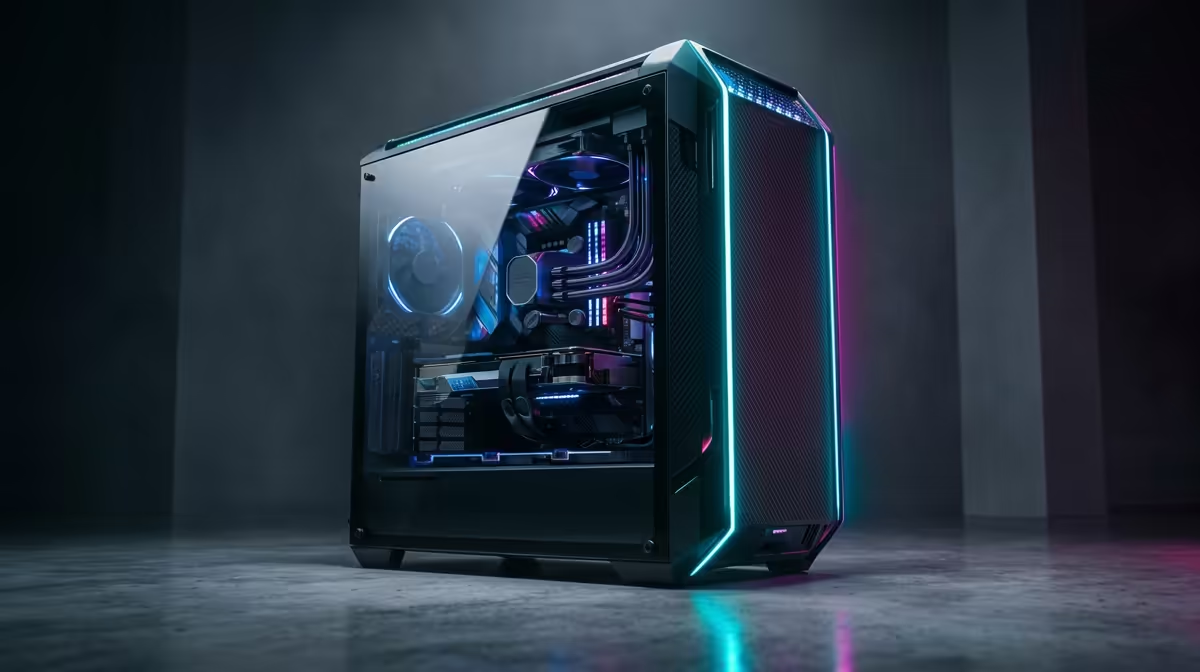
Building a capable editing rig on a budget is all about smart choices. It’s a balancing act. You can't just throw money at the most expensive graphics card and hope for the best. For a truly effective editing PC under R20k, every component needs to work in harmony, from the processor handling the heavy lifting to the RAM that lets you multitask without a single hiccup. ⚡
The goal is to allocate your R20,000 budget to the parts that give you the biggest performance boost for video editing, motion graphics, or photo manipulation.
The Core Components: Where Your Rands Go Furthest
When configuring a PC for creative work, four components demand your attention. Getting this mix right is the secret to building an exceptional R20000 editing PC.
The CPU: Your Rendering Powerhouse
The Central Processing Unit (CPU) is the brain of your operation. For video editing, more cores and threads generally mean faster rendering and exporting. Software like Adobe Premiere Pro and DaVinci Resolve loves a multi-core processor. In this price range, you'll often find a fantastic battle between Intel's Core i5 and AMD's Ryzen 5 chips. Both offer incredible value, but AMD often pulls ahead in multi-threaded tasks, making it a favourite for creators. To see how they stack up in complete systems, browse through our extensive range of AMD Ryzen PC deals.
RAM: The Multitasking Muscle
Random Access Memory (RAM) is your PC's short-term memory. It's crucial for handling large files, multiple applications, and complex timelines. For a modern editing workflow, 16GB of RAM is the absolute minimum. It allows you to scrub through 4K footage smoothly and keep other apps like Photoshop or your browser open without your system grinding to a halt. If you can push for 32GB within your budget, it's a worthy upgrade for future-proofing.
Editing Workflow Pro Tip 🔧
Create proxy files for your 4K or 6K footage! Most editing software can generate low-resolution versions of your clips for editing. This dramatically improves timeline performance on a budget-friendly PC. When you're ready to export, the software automatically switches back to the original high-quality files for the final render.
The Graphics Card (GPU): More Than Just for Gaming
While the CPU does the primary rendering, the Graphics Processing Unit (GPU) is your acceleration specialist. It takes the load off the CPU for tasks like real-time effects, colour grading, and video playback. Modern editing software uses the GPU's specialised cores (like NVIDIA's CUDA cores) to speed up the entire process. A solid entry-level or mid-range GPU is a non-negotiable part of the best editing PC under R20000. You can often find great component pairings when you check out our latest Intel PC deals, which frequently feature powerful NVIDIA graphics cards.
Storage: Speed is Everything ✨
Your storage drive's speed directly impacts how quickly your OS boots, apps load, and footage is read. An NVMe Solid State Drive (SSD) is essential for your operating system and editing software. The difference in responsiveness compared to an old-school hard drive is massive. A great strategy for an editing PC under R20k is a dual-drive setup: a fast 500GB or 1TB NVMe SSD for your system and active projects, paired with a larger, more affordable Hard Disk Drive (HDD) for archiving completed projects and raw footage.
Finding Your Perfect Pre-Built Editing Rig
Putting together a PC can be daunting, and one incompatible part can cause major headaches. That’s why a professionally assembled and tested system is often the smartest route. You get the peace of mind of a full system warranty and the confidence that every component has been optimised for performance. At Evetech, we specialise in creating balanced systems that deliver maximum power for your budget. Exploring our performance-tested PCs under R20k is the easiest way to find a machine ready to tackle your creative projects right out of the box. 🚀
Ready to Create Without Compromise?
Finding the perfect balance of power and price is what we do best. Our pre-built editing PCs are designed and tested in South Africa for creators like you. Explore our wide range of custom PC deals and find the perfect machine to bring your vision to life.