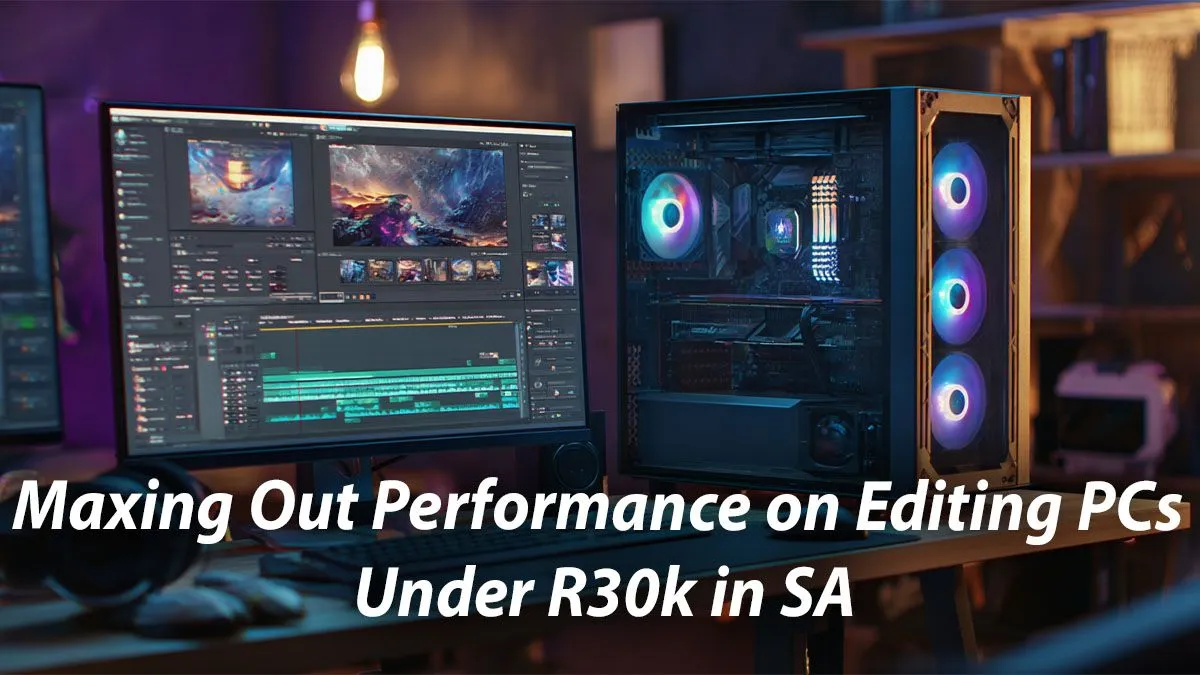
Tired of watching that render bar crawl across your screen while a deadline looms? Finding the best editing PC under R30,000 in South Africa can feel like a mission, but it’s absolutely achievable. You don’t need to break the bank to get a machine that smashes through 4K timelines and exports projects in record time. This guide will show you exactly where to focus your budget for maximum creative performance. 🚀
What Makes a Great Editing PC Under R30,000?
Building a powerful editing PC on a budget is a balancing act. It’s not just about one superstar component; it’s about how the CPU, graphics card (GPU), RAM, and storage work together. For a rig under R30k, every rand needs to pull its weight. The goal is to eliminate bottlenecks so your software runs smoothly, whether you're scrubbing through footage, applying colour grades, or hitting that final 'export' button.
While this guide focuses on the R30,000 sweet spot, the same principles apply if your budget is tighter. You can find excellent starting points by exploring well-balanced options under R20,000 that can be upgraded later.
The Core Components: CPU vs GPU for Editing ⚡
The heart of your editing rig is the Central Processing Unit (CPU). It handles tasks like decoding video files, running the software interface, and timeline performance. For video editing, a CPU with more cores and threads is generally better. Look for modern Intel Core i5/i7 or AMD Ryzen 5/7 processors.
The Graphics Processing Unit (GPU) is your visual powerhouse. It accelerates rendering, playback of effects, and colour grading, especially in programs like DaVinci Resolve and Adobe Premiere Pro. An editing PC under R30,000 can comfortably fit a capable GPU like an NVIDIA GeForce RTX 3050 or even a 4060, which will dramatically cut down export times. It's amazing what a small budget increase can unlock in our range of powerful PCs above R20k.
RAM and Storage: The Unsung Heroes of Performance
Don't underestimate Random Access Memory (RAM) and storage speed. They are critical for a lag-free creative workflow.
How Much RAM Do You Need?
For 1080p video editing, 16GB of RAM is a solid minimum. If you’re working with 4K footage or complex After Effects projects, aiming for 32GB is the smart move. It allows your PC to handle large files and multitask between applications without slowing to a crawl.
The Ideal Storage Setup
Your storage configuration is just as important. For the best performance, you need a two-drive solution:
- NVMe SSD: A fast Solid State Drive is non-negotiable. Your operating system, editing software, and active project files should live here for lightning-fast loading and response times.
- HDD: A larger, traditional Hard Disk Drive is perfect for archiving completed projects and storing raw footage.
Many budget-friendly gaming PCs already come with this ideal SSD+HDD combo, making them a great starting point.
Editing Workflow Tip 🚀
For a smoother timeline, use proxies! Most editing software like Premiere Pro and DaVinci Resolve can create low-resolution copies of your high-res footage. You edit with the smooth, lightweight proxies, and the software automatically switches back to the original high-quality files for the final export. It's a lifesaver for 4K and 6K workflows.
Can a Gaming PC Be a Good Editing PC?
Absolutely! There’s a huge overlap between a great gaming PC and a killer editing rig. Both require a powerful multi-core CPU, a strong GPU, and fast RAM and storage. In fact, because gaming PCs often prioritise the graphics card, they can be an incredible value for editors who rely on GPU acceleration. Exploring our best gaming PC deals often reveals machines perfectly suited for creative work. ✨
Finding Your Perfect Pre-Built Editing Rig 🔧
Building a PC is fun, but a professionally assembled system offers peace of mind, a full warranty, and the guarantee that all components are compatible and optimised. You get to skip the troubleshooting and jump straight into creating.
A pre-built system is often the most efficient way to get the best editing PC under R30,000 in SA. We’ve already done the hard work of balancing components for peak performance within specific price points. Check out the great pre-built PC deals to find a rig that’s tested, ready, and waiting to power your next project.
Ready to Stop Waiting and Start Creating?
Building the perfect editing PC is about smart choices, not just spending more. For maximum power, value, and local support in South Africa, a custom-tuned Evetech PC is your ultimate creative partner. Explore our massive range of custom PC deals and find the machine to bring your projects to life.