



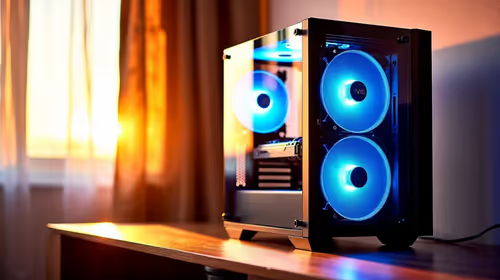
Is a high-airflow case actually worth buying for a bedroom gaming setup in SA?
For a bedroom gaming setup in SA, a high-airflow case is worth considering when heat and fan noise would bother the room.
Read moreDiscover the best editing PC under R30k with our expert guide. We'll show you the perfect components to build a powerhouse for video and photo editing without breaking the bank. Get ready to render faster and create smoother content! 🚀💻
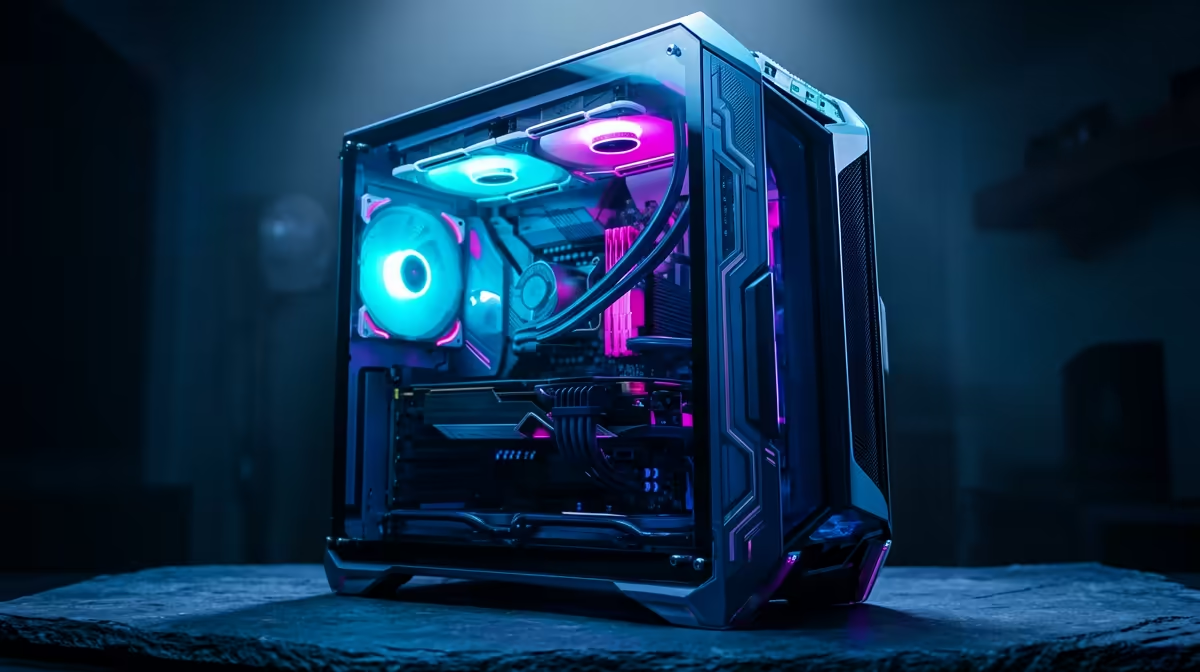
Staring at a render bar that moves slower than rush-hour traffic on the N1? We’ve all been there. For South African content creators, streamers, and video editors, a sluggish PC isn’t just frustrating… it’s a bottleneck to your creativity and income. The good news? You don’t need to break the bank for a smooth workflow. This guide will show you how to spec out the best editing PC under R30k, delivering maximum performance without emptying your wallet.
While it's possible to find functional rigs under R20k, pushing your budget to the R30,000 mark unlocks a massive leap in performance. At this price point, you move from "making do" to "making magic." ✨
This budget allows for a balanced system where no single component holds another back. You can afford a powerful multi-core processor, a dedicated graphics card with ample VRAM, and enough high-speed RAM to handle 4K timelines and complex effects without constant stuttering. It’s the perfect investment for serious hobbyists and professional freelancers looking for the best editing PC build under R30k that offers reliability and speed.
Building a PC is all about synergy. For video editing, your three most important components are the CPU, GPU, and RAM. Here’s how to allocate your budget for a killer performance editing build.
The Central Processing Unit (CPU) is the heart of your editing machine. It handles encoding, decoding, and running the software itself. For video editing, more cores and threads generally mean faster render times.
While the CPU does the heavy lifting, the Graphics Processing Unit (GPU) accelerates visual tasks like colour grading, applying effects, and timeline scrubbing. Software like DaVinci Resolve and Adobe Premiere Pro heavily utilise the GPU.
In Adobe Premiere Pro, navigate to File > Project Settings > General. Under Video Rendering and Playback, make sure the Renderer is set to Mercury Playback Engine GPU Acceleration (CUDA) for NVIDIA cards or (OpenCL) for AMD. This simple check ensures your GPU is actually being used to accelerate your timeline!
To bring it all together, here’s what a balanced and potent editing PC under R30k could look like. This is a great example of the kind of power you'll find in powerful systems above the R20k mark.
This combination creates a formidable video editing PC under R30,000 that will chew through renders and provide a fluid, enjoyable creative process. 🚀
Building your own PC is a rewarding experience, giving you total control over every component. However, it requires time, research, and a bit of patience. If you'd rather skip the cable management and BIOS updates to get straight to creating, a professionally assembled system is an excellent choice.
Many of Evetech's pre-built PC deals are configured by experts who balance components specifically for tasks like gaming and content creation. You get the performance without the hassle, complete with a full system warranty for peace of mind.
Ready to Create Without the Hassle? Crafting the perfect editing PC is rewarding, but sometimes you just need to get to work. For a professionally built and tested machine that's ready to render out of the box, Evetech has you covered. Explore our massive range of custom-built PC deals and find the perfect rig to bring your vision to life.
Absolutely! For under R30k, you can build a powerful PC capable of handling 1080p and even some 4K video editing by selecting a modern CPU and a capable mid-range GPU.
The CPU is crucial for rendering and processing, but a balanced system is key. A good GPU accelerates effects and playback, while sufficient RAM prevents bottlenecks.
For a budget editing PC, 16GB of RAM is a great starting point for 1080p projects. 32GB is ideal if your budget allows, especially for more demanding 4K workflows.
Look for CPUs with a high core and thread count. Models from Intel's Core i5 or AMD's Ryzen 5 series often provide the best price-to-performance for a budget editing build.
Yes, a good gaming PC often makes an excellent video editing machine. Both tasks benefit from a powerful multi-core CPU, a strong GPU, and fast RAM and storage.
For a build under R30k, aim for a GPU with at least 8GB of VRAM. This will significantly improve timeline performance and reduce export times in video editing software.
For a bedroom gaming setup in SA, a high-airflow case is worth considering when heat and fan noise would bother the room.
Read more
A first-time SA buyer should pick a video-editing PC that is understandable, upgrade-friendly and strong enough for work and play. The provided creator options include RTX 5070 Ti 16GB R12,700 through RTX PRO 4000 24GB R16,700, so avoid paying for complexity that the user will not use.
Read more
Medical students in South Africa should get a streaming setup built around study reliability first, then creator PC power if rendering, AI or large media work is real. The provided options cite RTX 5070 Ti 16GB R12,700 through RTX PRO 4000 24GB R16,700, with higher workstation scaling noted.
Read more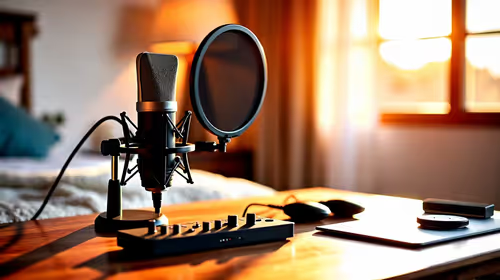
In a quiet bedroom, a USB microphone can cope well if the room stays controlled and the setup remains simple. The purchase should focus on clean voice capture, convenient placement and whether the existing device can record without adding noise or clutter.
Read more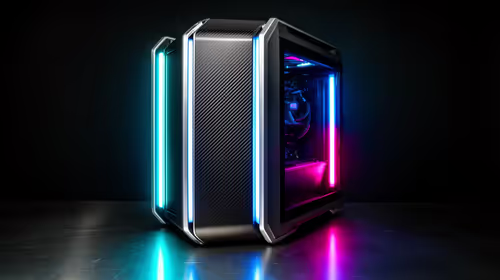
A first-time entry gaming PC setup in South Africa should start with a balanced tower, enough desk space, and a realistic upgrade plan.
Read more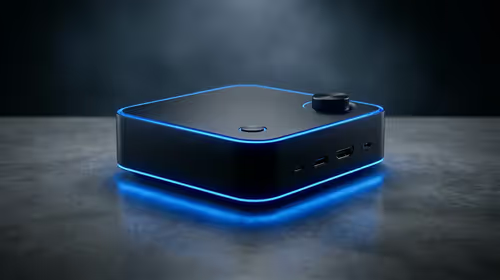
For a bedroom gaming setup, a mini PC media box is worth considering when space and tidy cabling matter more than tower-style expansion. Minisforum NAB6 Lite is listed at R4,150, with UM750L and AI-X1-255 around R4,600 for buyers comparing nearby options.
Read more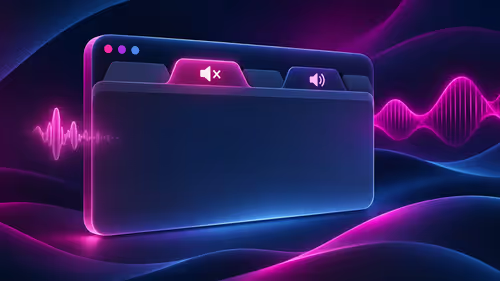
Firefox can mute one noisy tab using its speaker button or context menu. Check the tab control before changing Windows volume or replacing a working headset.
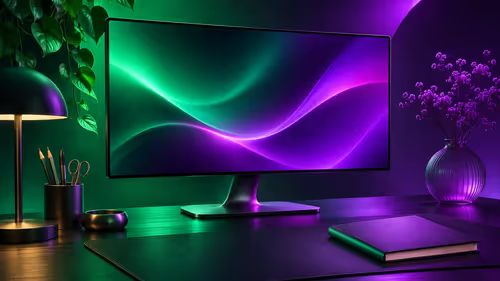
ASUS PA329CDV combines a 4K 120Hz QD-OLED panel with USB-C charging and Auto KVM. Compare colour work, laptop power and desk connections before treating overseas availability as an SA offer.
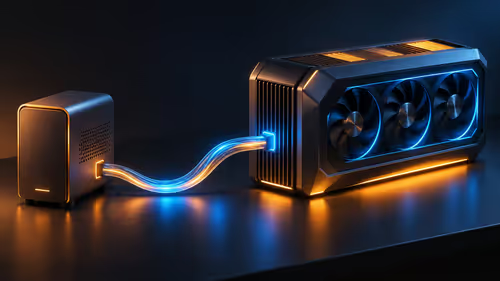
Teclast N30 Pro pairs Core 3 304 with 12GB memory and USB4. Its expansion connection is useful, but an external graphics plan needs a complete cost and compatibility check.

Firefox private browsing separates a temporary session from normal browsing history. It does not make you anonymous online, and files or bookmarks you deliberately save can remain after the last private window closes.
Firefox can mute one noisy tab using its speaker button or context menu. Check the tab control before changing Windows volume or replacing a working headset.

Firefox has a startup-cache control on its Troubleshooting Information page. Use it for a focused interface test and keep it separate from clearing website data or refreshing the profile.

Firefox Primary Password protects access to locally saved logins. It is separate from a website or Mozilla account password, and forgetting it can put saved credentials at risk during reset.

Firefox can add bookmarks from an HTML file through its Library import menu. Back up the current collection first and distinguish an additive import from restoring a Firefox backup.
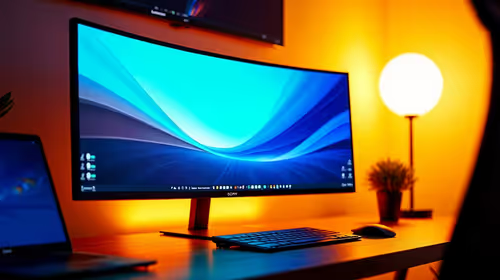
Choosing a ultrawide monitor for students should be shortlisted around the job it must do. South African buyers should compare panel type, resolution, refresh rate, and ports, warranty path, and upgrade room before treating any pick as best.
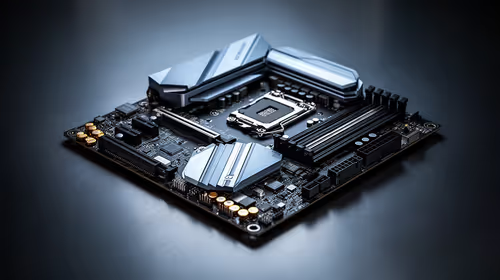
Motherboards for deal planners: the SA buyer should be shortlisted around the job it must do. South African buyers should compare fit, performance, compatibility, and upgrade room, warranty path, and upgrade room before treating any pick as best.
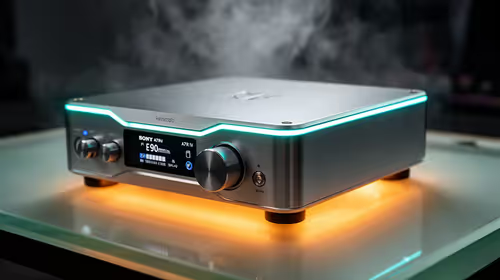
The best DAC/amp for headphones in South Africa in 2026 balances output power, conversion quality and Rand value - combo units like the FiiO K11 ESS cut desk clutter and cost versus separate boxes, while the Schiit Modi 3+ paired with a Magni remains a benchmark.
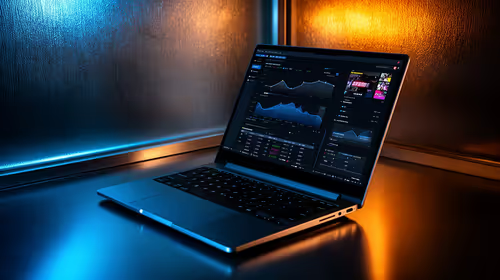
A lightweight laptop can handle entry-level streaming for webcam, Just Chatting and other light content. Gameplay streaming is more demanding, so an RTX laptop with NVENC is the better fit when the game and stream must run together. Upload speed still decides the clean resolution and bitrate you can hold, with SA broadband noted at around R309 a month.