Quick Answer
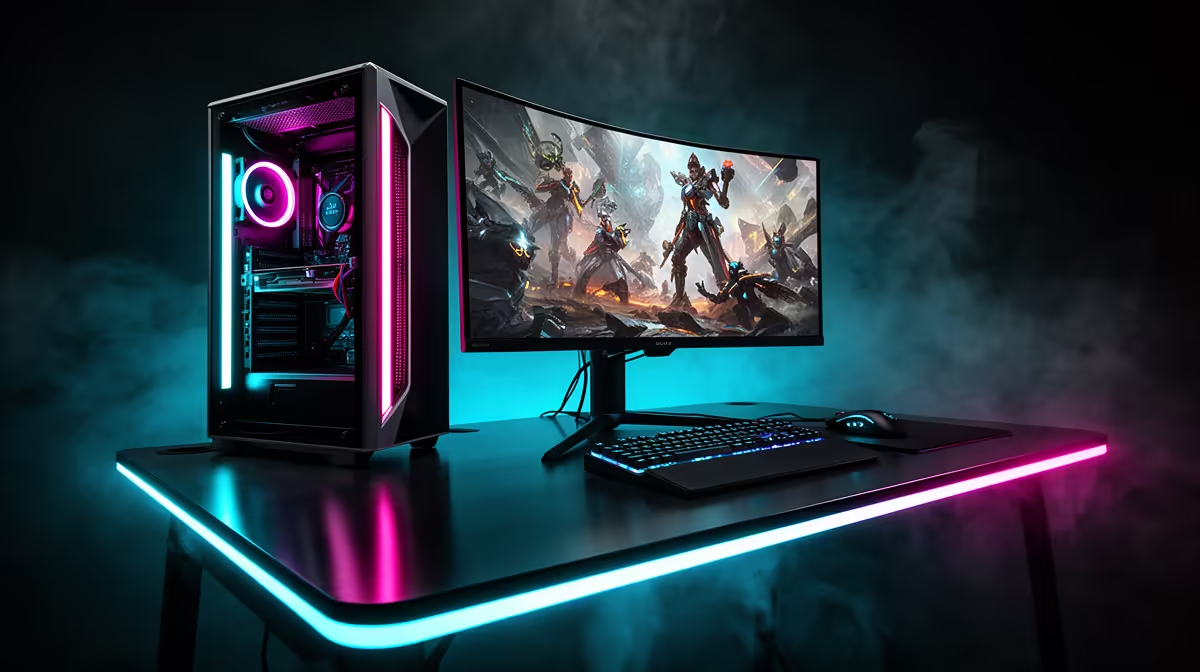
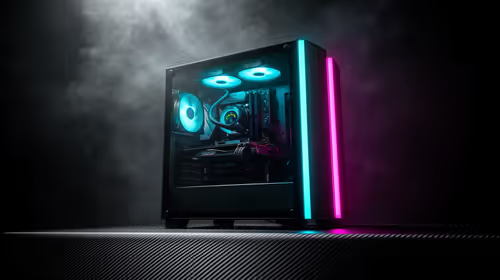
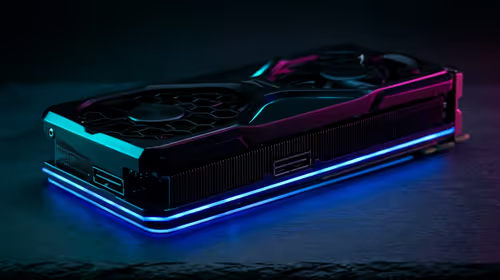
The best competitive esports setup for Standerton pairs an RTX 4060, a Ryzen 5 7600, 16GB DDR5 and a 1080p 240Hz monitor. This clears 240fps+ in Valorant and CS2 at 1080p, with an entry build from around R16,000 and a pro tier around R22,000.
Named Builds And Frame Targets
Entry tier: Ryzen 5 7600 + RTX 4060 + 16GB DDR5 (R16,000) hits CS2 around 300fps, Valorant 400fps+ at 1080p. Pro tier: Ryzen 7 7800X3D + RTX 4070 Super + 32GB DDR5 (R30,000) adds headroom for the highest frame ceilings and 360Hz play. Both target 240fps+ in Valorant and 300fps+ in CS2.
The Monitor And Connection
The biggest competitive upgrade is a 1080p 240Hz IPS panel (around R5,000); 360Hz suits serious ranked players. A low-latency mouse, fast keyboard and a wired fibre connection cut input and network lag. For Standerton, fibre availability via Openserve keeps ping to Johannesburg servers low, which matters as much as frame rate.
Standerton Notes
Evetech ships assembled esports rigs to Standerton and across Mpumalanga by courier. Confirm your area's fibre coverage with Openserve for the lowest ping to Gauteng game servers. The warm Highveld climate suits a mesh case with two intake fans to keep the RTX 4060 under 70C in long ranked sessions.
FAQ
Which Standerton tier should I choose?
The entry RTX 4060 tier clears every esports frame target at 1080p. Choose the pro tier only for the highest frame ceilings and 360Hz play.
What FPS should I target in Valorant and CS2?
240fps+ in Valorant for a 240Hz panel, 300fps+ in CS2. Both example builds clear these at 1080p competitive settings.
Does Standerton's internet matter for ranked?
Yes. Low ping on a wired Openserve fibre line to Johannesburg servers matters as much as frame rate for competitive play.
esports, confirm Openserve fibre coverage for low ping to Gauteng servers - in ranked Valorant and CS2, latency matters as much as your RTX 4060's frame rate.