Quick Answer
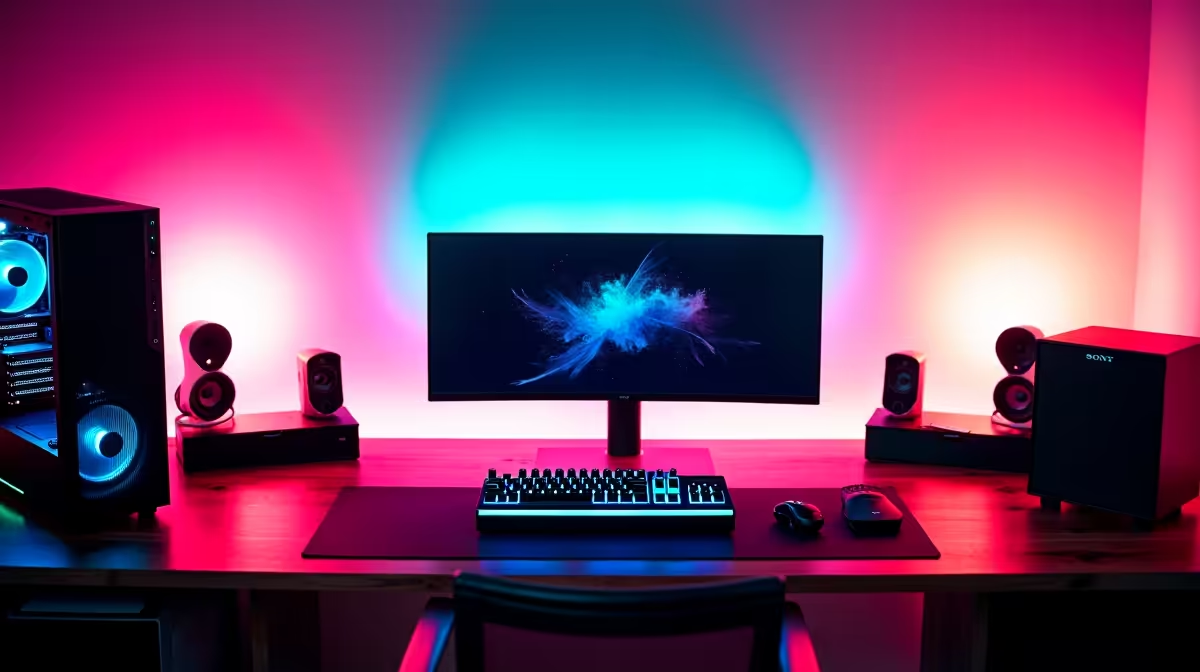
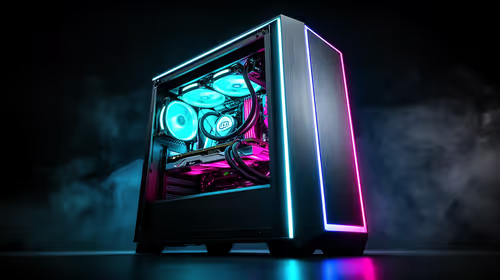
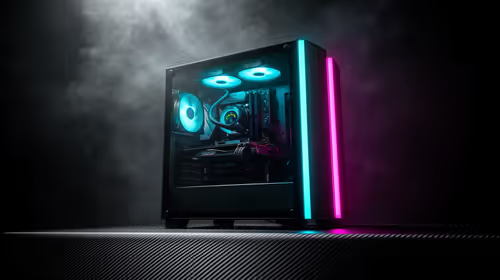
A Worcester music-production setup runs best on a strong multi-core CPU, 32GB RAM, and quiet fast storage, with the GPU a minor concern. A Ryzen 7, 32GB DDR5, a 1TB NVMe SSD for samples, and a low-noise cooler handle large DAW projects, with the tower around R20,000 to R28,000. A quiet large air cooler beats a loud high-RPM one in a home studio, where fan noise reaches the mic. Starting with a quality PSU and case lets you add a stronger GPU later for gaming.
The Processor Sets The Ceiling
Every plugin and virtual instrument adds CPU load, so the processor determines how complex a session you can run without dropouts. An eight-core Ryzen 7 gives headroom for layered tracks and low-latency tracking. Pair it with 32GB RAM so sample instruments stay loaded and the DAW responds instantly during a creative flow.
Silence And Storage Strategy
A quiet cooler and case keep fan noise out of recordings, which matters in a home studio without acoustic isolation. Use a dedicated NVMe SSD for samples and a separate drive for projects so libraries stream cleanly. A basic GPU that drives your monitors is enough, since music software does not lean on graphics.
FAQ
What is the most important part for music production?
The CPU, since it processes every instrument and effect. Pair it with enough RAM and fast storage; the graphics card is a minor consideration for audio work.
Will a quiet PC really improve my recordings?
Yes, fan noise from a loud build can be picked up by microphones in a quiet room. Low-noise components keep your takes clean without extra treatment.
Can I add gaming capability later?
Yes, if you start with a quality PSU and case, adding a stronger GPU later turns a production workstation into a capable gaming PC without rebuilding it.
Pro Tip
Choose a quiet, large air cooler over a loud high-RPM one. In a home studio, the difference between a near-silent and a whirring PC shows up directly in your microphone recordings.