Quick Answer
For podcast recording in Brits, a Ryzen 5 7600 with 16-32GB DDR5 and a quiet, fast NVMe SSD is plenty, since podcasting is light on the CPU and uses almost no GPU. Budget R12,000-R16,000 for the PC and put the rest toward a USB or XLR interface; the same machine games at 1080p with an RTX 4060.
The PC is the easy part; audio chain is the priority
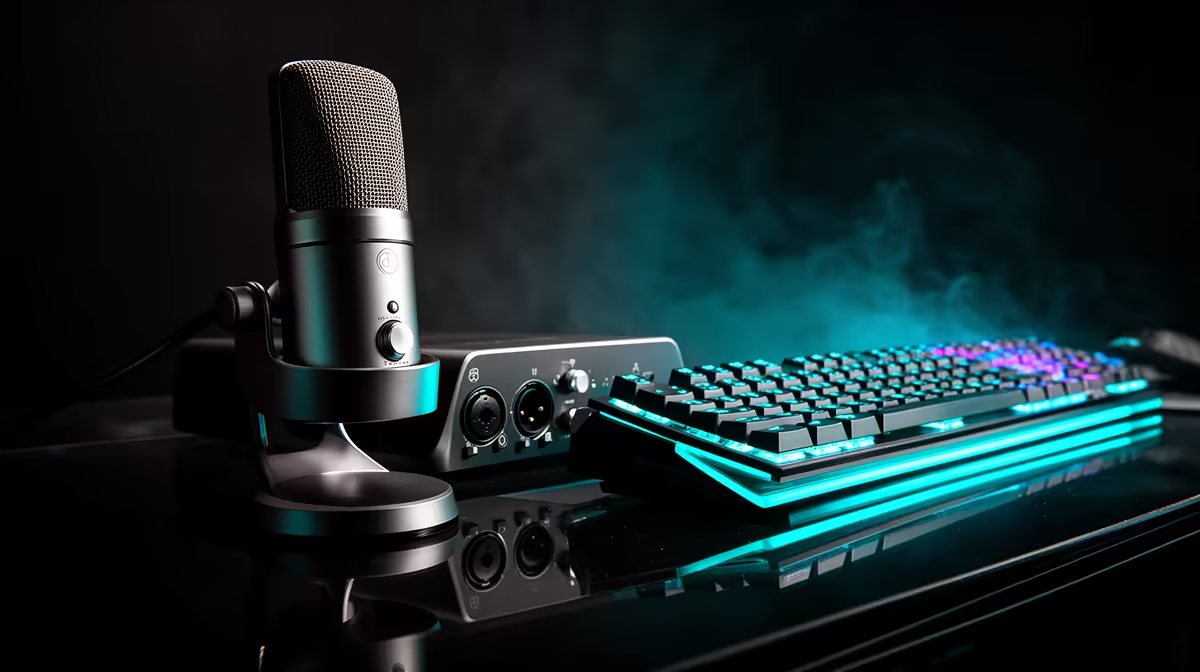
Multitrack recording in Audacity, Reaper or Adobe Audition barely taxes a modern 6-core Ryzen 5 7600, so you do not need a top-tier build. 16GB RAM is fine for two or three tracks; 32GB helps if you edit video versions too. Spend your money on a clean audio chain: a USB interface like a 2-channel model, or an XLR mic into a dedicated interface for studio-grade voice.
Quiet running and room treatment
Fan noise ruins recordings, so choose a case with low-RPM fans and keep the PC under the desk, away from the mic. In Brits, a small treated corner with foam or thick curtains tames echo far more cheaply than expensive gear. A pop filter and a boom arm keep plosives and handling noise out of your takes.
Brits delivery and support
Evetech delivers to Brits. A 1TB NVMe holds hundreds of hours of recorded audio and project files comfortably.
FAQ
Do I need a powerful PC for podcasting?
No. A Ryzen 5 7600 with 16GB RAM handles multitrack recording and editing easily. Put extra budget into the microphone and interface, which affect quality far more.
USB or XLR microphone for a podcast?
USB is simplest for solo shows and beginners. XLR into a dedicated interface gives better sound and scales to multiple guests, at a higher cost and complexity.
How much storage do recordings need?
A 1TB NVMe is ample. Multitrack WAV sessions are large, but hundreds of episodes still fit, and NVMe speeds up editing and exporting.
Pro Tip
Record each guest on a separate track, set the interface buffer to 256 samples, and position the PC away from the mic with low-RPM fans so no fan hum reaches your audio.