Quick Answer
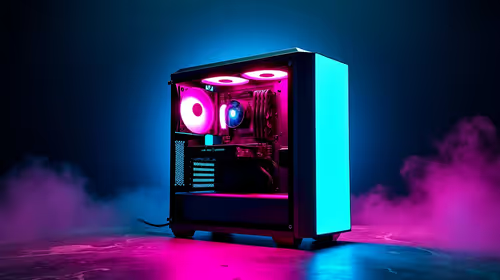
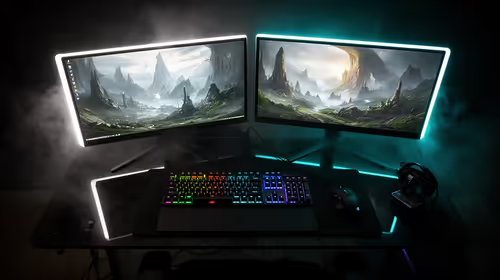
An eMalahleni podcast setup needs a quiet PC, a good audio interface, and a decent CPU more than a gaming GPU. A Ryzen 5 or 7, 16GB to 32GB RAM, a 1TB SSD, and a USB audio interface with an XLR mic handle multi-track recording and editing, with the PC around R14,000 to R22,000. Treat the room with soft furnishings to cut echo before spending more on the microphone itself. A quiet PC and a clean audio interface matter far more than raw processing power for a podcast.
The PC Plays A Supporting Role
Podcasting is light on graphics but benefits from a quiet, reliable PC. A six-core CPU handles recording and editing comfortably, and 16GB RAM is fine for a couple of tracks, with 32GB helping if you edit with many effects or run video alongside. A quiet cooler keeps fan noise out of recordings made in the same room.
Where The Audio Quality Comes From
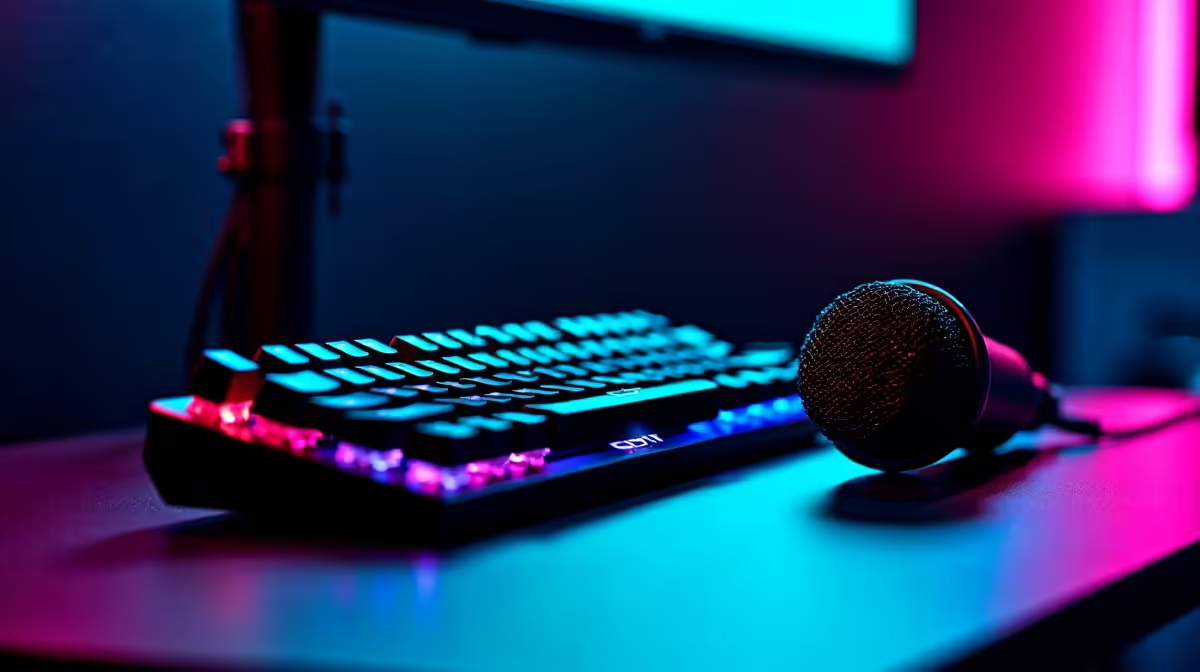
The microphone and interface matter most for sound. A USB or XLR mic into a clean audio interface beats any internal upgrade for voice quality. Add a closed-back headset for monitoring without bleed, and a 1TB SSD for fast access to recordings. Treat the room with soft furnishings to cut echo before spending more on gear.
FAQ
Do I need a powerful PC for podcasting?
No, podcasting is light on the PC. A mid-range CPU and 16GB to 32GB RAM are plenty. The microphone, interface, and a quiet room matter far more for quality.
USB or XLR microphone for a podcast?
USB mics are simple and good for solo shows. XLR mics into an interface offer better quality and flexibility for multiple guests, at a higher cost and complexity.
How do I reduce echo in recordings?
Soft furnishings, rugs, and curtains absorb reflections and cut echo. Treating the room is cheaper and more effective than buying a more expensive microphone.
Pro Tip
Spend on the microphone and room treatment before the PC. A clean recording in a soft-furnished room on a decent mic beats a noisy take in a bare room on any computer.