Quick Answer
A Klerksdorp podcast PC should be quiet and reliable rather than powerful, paired with a good audio interface. A Ryzen 5 or 7, 16GB to 32GB RAM, a 1TB SSD, and a quality XLR or USB mic handle multi-guest recording and editing, with the PC around R14,000 to R22,000. Record each guest on a separate track via a multi-input interface so you can fix one voice without the others. A low-noise cooler keeps fan sound out of takes recorded near the PC.
Quiet And Reliable Over Fast
Speech recording is gentle on hardware, so a six-core CPU and 16GB RAM suit most shows, with 32GB helping for video podcasts or heavy editing. The key trait is quietness: a low-noise cooler and case stop fan sound bleeding into takes recorded near the PC. Reliability matters too, since a crash mid-record loses a session.
Building The Audio Side
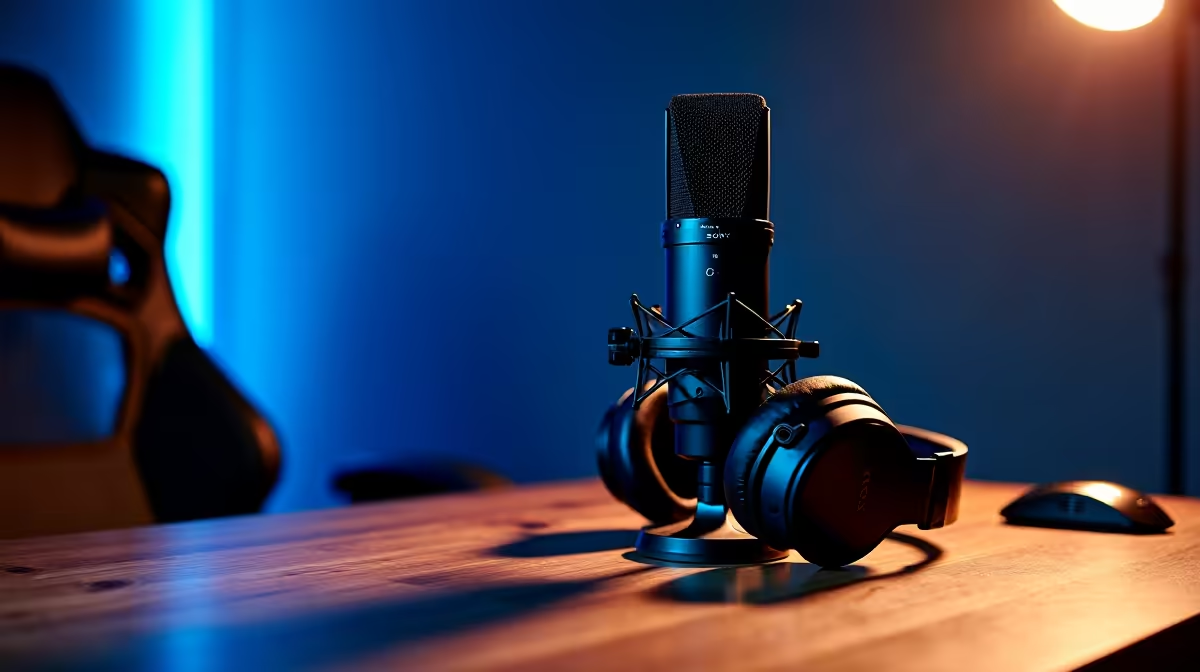
For multiple guests, an XLR mic per person into a multi-input interface gives clean, separate tracks for easy editing. Solo hosts can use a single quality USB mic. Closed-back headphones prevent bleed during monitoring. A 1TB SSD speeds editing, and a backup routine protects the hours that go into each episode.
FAQ
How do I record multiple podcast guests cleanly?
Use an XLR mic per guest into a multi-input audio interface, giving separate tracks. This makes editing each voice independently far easier than a single shared mic.
What CPU do I need for podcast editing?
A six-core chip handles audio editing comfortably. Only video podcasts or heavy multi-effect projects benefit from a stronger processor and more RAM.
Why is a quiet PC important for podcasting?
Fan and pump noise can be picked up by sensitive microphones in the same room. A quiet build keeps recordings clean without extra noise treatment.
Pro Tip
Record each guest on a separate track using a multi-input interface. Isolated tracks let you fix one person's audio without touching the others, which is impossible once voices are mixed together.