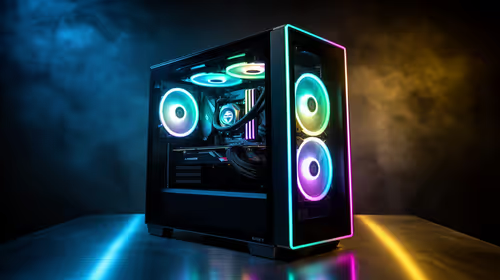
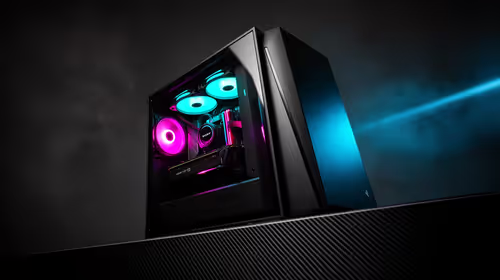
Staring at a frozen SketchUp viewport while a client waits is a nightmare. In 2026, interior design demands serious hardware. Complex 3D models and photorealistic V-Ray renders require a machine that will not buckle under pressure. Finding the best PC build for interior designers in South Africa 2026 does not have to drain your budget. Let us explore exactly what you need to render stunning spaces flawlessly.
CPU and RAM... The Core of SketchUp & V-Ray
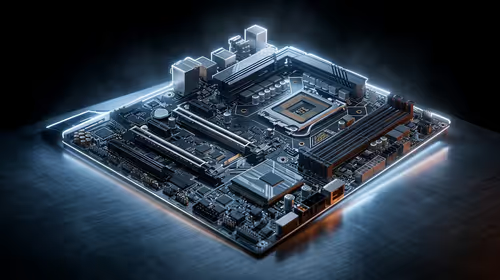
SketchUp is notoriously single-core reliant. This means you need a processor with high clock speeds rather than just many cores. Intel Core i7 or AMD Ryzen 7 processors hit the sweet spot perfectly. When you move to rendering in V-Ray, those extra cores finally wake up to process complex lighting.
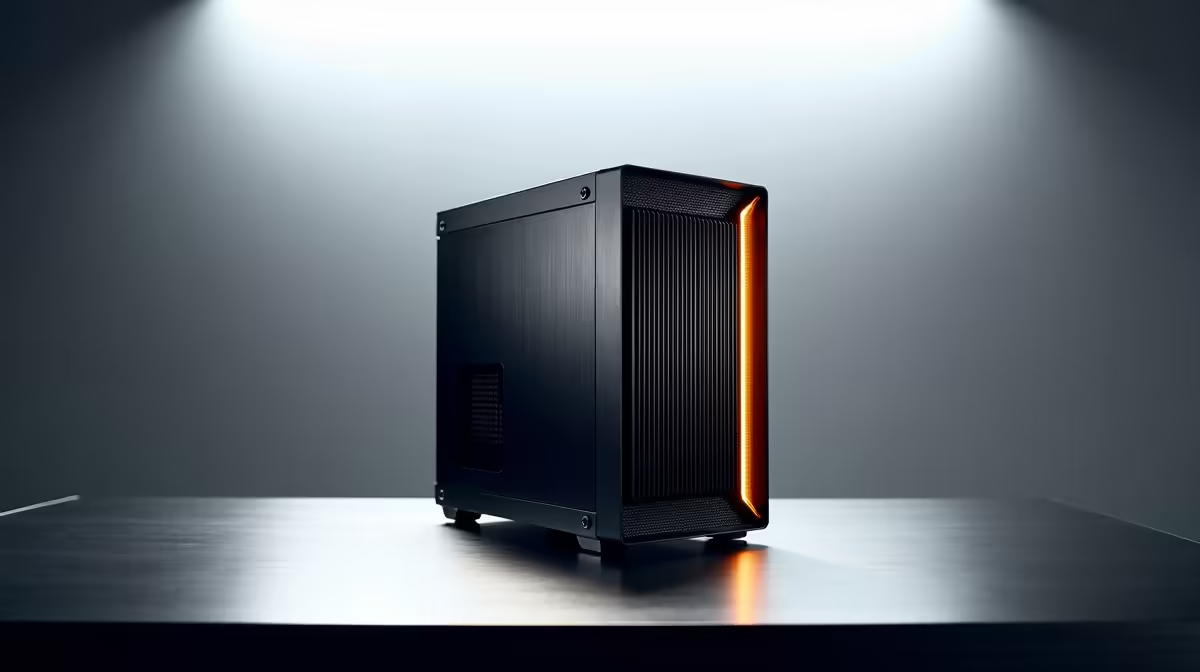
Memory is equally crucial for your daily workflow. 32GB of RAM is the new baseline for modern interior designers. If you run multiple Adobe apps alongside your 3D software, consider upgrading to 64GB. You can often find machines with massive memory capacity in our pre-built PC deals. This saves you the hassle of assembling components yourself while guaranteeing system stability.
Graphics Power for Photorealistic Spaces 🎨
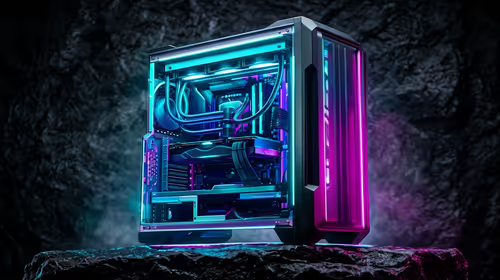
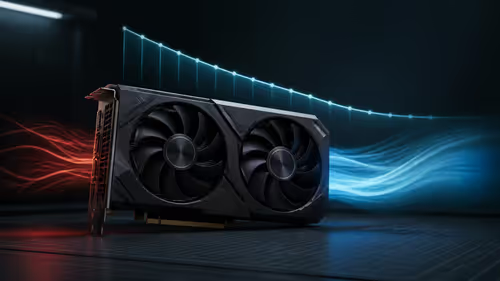
V-Ray has shifted heavily towards GPU rendering. A powerful Nvidia RTX card is non-negotiable for real-time ray tracing. The RTX 4070 or RTX 4080 series will drastically cut down your render times. If you are building a custom rig from scratch, investing in the latest graphics cards ensures your textures and lighting look absolutely flawless.
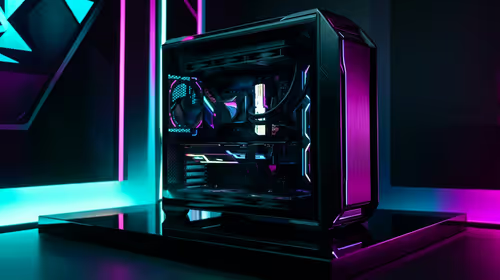
Interestingly, many creative professionals find that the best gaming PC deals offer the exact high-end GPU specs needed for heavy 3D design work. These machines are built to push pixels quickly... exactly what V-Ray needs to calculate complex light bounces.
V-Ray Rendering Tip ⚡
Always enable Nvidia RTX acceleration in your V-Ray settings instead of standard CUDA. This leverages the dedicated RT cores on your graphics card, often cutting your final render times in half for complex interior lighting setups.
Storage and Mobility Considerations 📐
High-resolution textures and massive project files eat up storage fast. A 1TB NVMe SSD is essential for your operating system and active projects. It ensures SketchUp loads instantly and saves quickly. You should also add a secondary mechanical drive to archive older client files safely.
Do Not Forget Colour Accuracy 🖥️
When finalising your SketchUp & V-Ray projects, a colour-accurate monitor is vital. Clients need to see the exact paint shades and fabric textures you specified. Always pair your powerful new workstation with an IPS panel monitor that covers 100% of the sRGB spectrum.
If you frequently visit building sites or present to clients, a desktop might not be enough. Many designers supplement their main rig with high-performance laptops. This allows you to showcase stunning V-Ray panoramas on the go.
To keep your studio upgrade within a reasonable ZAR budget, always keep an eye on our weekly tech specials for massive savings. You can easily optimise your budget and get the absolute best hardware available.
Ready to Build Your Dream Studio?
Do not let outdated hardware limit your creative vision. Whether you need a custom 3D modelling powerhouse or a portable presentation machine, Evetech has you covered. Explore our massive range of workstation specials and find the perfect machine to conquer your design world.