


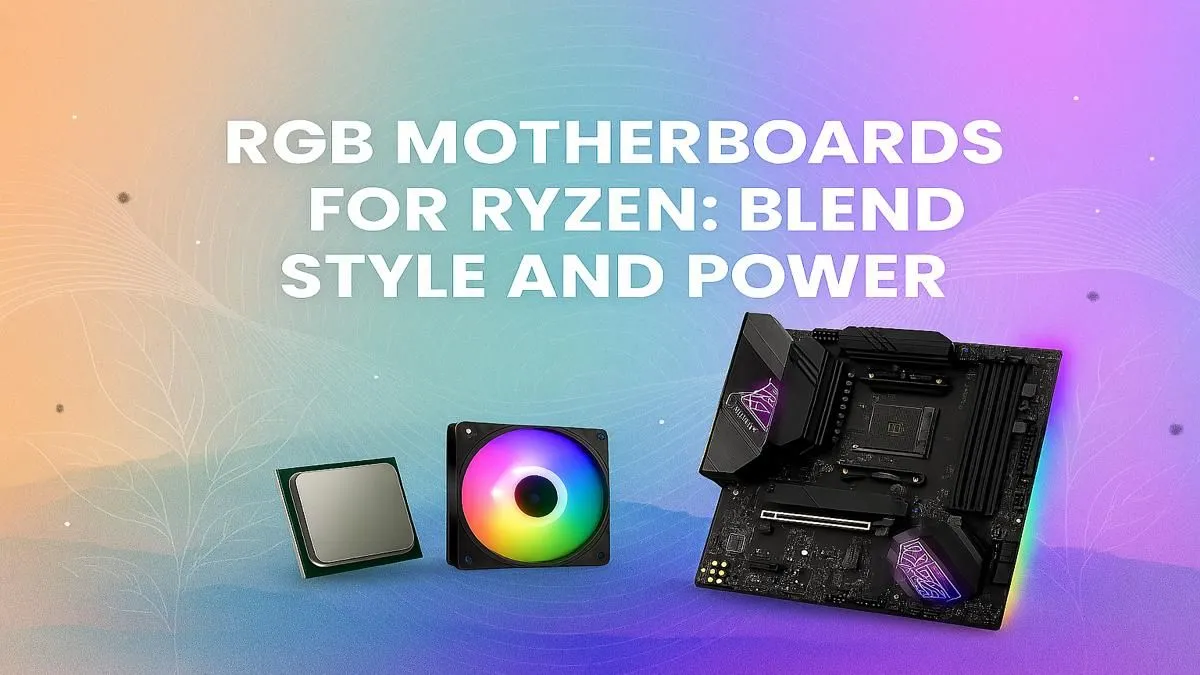
Building a new Ryzen rig in South Africa? You've got the CPU power sorted, but what about the pulse... the visual heartbeat of your machine? A killer RGB motherboard isn't just for show; it's the command centre where style meets raw performance. Let's find the best RGB motherboard for your Ryzen powerhouse, ensuring your setup looks as fast as it feels, without breaking your budget here in SA. 🚀
More Than Just Pretty Lights: The Core of Your Build
Choosing a motherboard with integrated RGB lighting does more than just make your case glow. It serves as the central hub for your entire PC's aesthetic, allowing you to synchronise every component—from your RAM and fans to your GPU—into one cohesive light show. Modern boards from ASUS (Aura Sync), MSI (Mystic Light), and Gigabyte (RGB Fusion) offer incredibly powerful software to control it all.
But the real magic lies in the combination of looks and function. The best RGB motherboard for a Ryzen CPU also packs the features you need for peak performance. Think robust power delivery to handle high core counts, fast connectivity for your peripherals, and high-speed memory support. It's the perfect foundation for a PC that turns heads and tops leaderboards.
Choosing the Best RGB Motherboard for Your Ryzen CPU
Not all Ryzen chips are created equal, and neither are the motherboards they slot into. The key is matching the board's chipset to your CPU and your goals. Are you a casual gamer, a competitive esports player, or a content creator who needs every ounce of power?
Chipset Matters: B-Series vs. X-Series
For most South African gamers, the chipset choice comes down to two main families:
- B-Series (The Sweet Spot): These boards offer a fantastic balance of features, performance, and price. For previous-generation AM4 Ryzen 5000 series CPUs, a quality B550 motherboard is often the perfect choice, providing PCIe 4.0 support for your GPU and primary NVMe SSD without the premium cost of an X-series board. For the latest AM5 platform, the new B850 motherboards are set to become the go-to for savvy builders, offering a modern feature set for Ryzen 7000, 8000, and 9000 series processors.
- X-Series (The Enthusiast's Choice): If you're running a top-tier Ryzen 9 and want to push your system to its absolute limits with overclocking, you need an X-series board. These are the pinnacle of performance, offering the most robust power delivery (VRMs), the most connectivity options, and full PCIe 5.0 support. For the ultimate rig, exploring the cutting-edge AMD X870 motherboards is a must for anyone who demands the best of the best.
RGB Software Sanity Check 🔧
Having multiple RGB control apps can cause conflicts and chaos. Try to stick to one ecosystem (e.g., all ASUS Aura Sync compatible parts). If you must mix brands, a third-party app like SignalRGB or OpenRGB can help unify control, saving you a major headache and ensuring your light show is perfectly synchronised.
Key Features to Look For in a Ryzen RGB Motherboard
Beyond the chipset, a few technical specs separate a good Ryzen RGB motherboard from a great one. Keep an eye on these features when browsing.
VRMs and Power Delivery
The Voltage Regulator Module (VRM) is crucial for delivering clean, stable power to your CPU. A board with a high-quality VRM setup (look for more power phases and good cooling heatsinks) will handle powerful CPUs like the Ryzen 7 or Ryzen 9 with ease, especially if you plan to overclock. Don't skimp here; stable power means stable performance.
Connectivity and I/O ✨
Check the rear Input/Output (I/O) panel. Do you have enough USB ports for your gear? Is there a fast 2.5G LAN port or built-in Wi-Fi 6E for lag-free online gaming? Also, look at internal headers. Multiple M.2 slots are essential for fast NVMe storage, and dedicated AIO pump and fan headers make for a cleaner, easier build.
RGB Headers
This is vital for expanding your lighting. A good RGB motherboard for Ryzen will have several headers:
- 12V RGB Headers (4-pin): For standard, single-colour-at-a-time RGB strips and fans.
- 5V ARGB Headers (3-pin): For "Addressable RGB," which lets you control each LED individually for advanced effects like rainbow waves. Most modern RGB gear uses this standard, so make sure your board has at least two.
Finding the right blend of these features ensures your PC is not just a pretty face, but a well-connected, stable, and powerful machine ready for anything you throw at it. Whether you're building a budget rig for under R15,000 or a no-compromise beast, the perfect foundation awaits in our extensive collection of AMD motherboards.
Ready to Light Up Your Build? Finding the best RGB motherboard for your Ryzen rig is the key to a build that performs brilliantly and looks incredible. Explore our massive range of AMD motherboards and find the perfect foundation for your next masterpiece.











