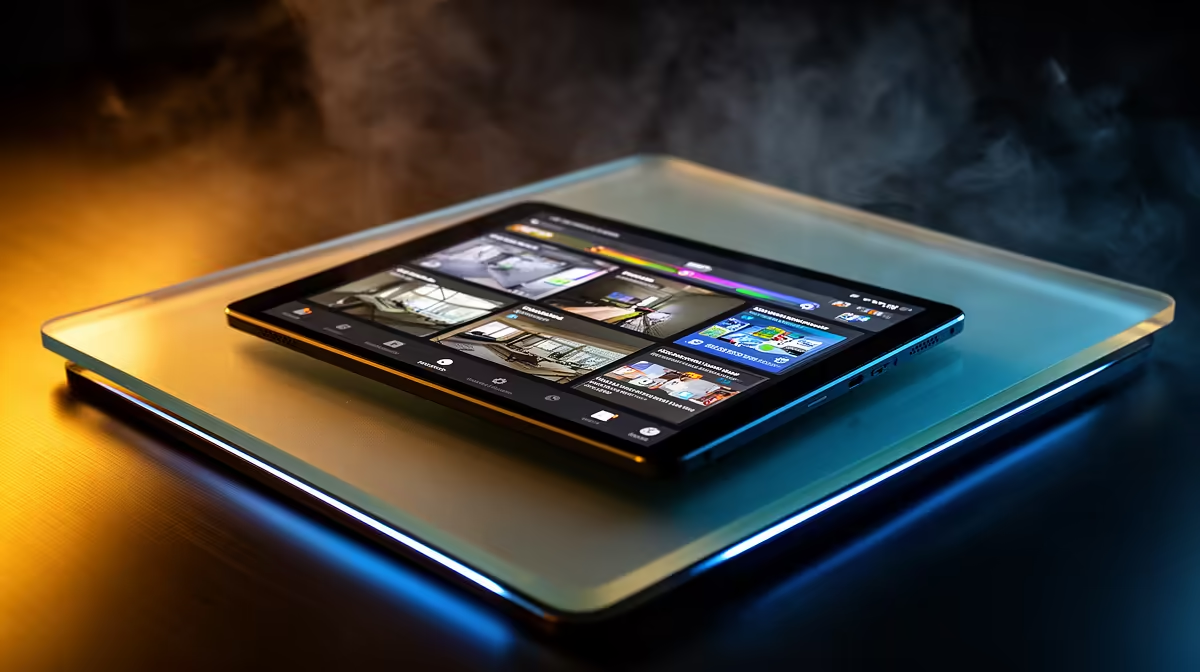
A budget tablet can act as a convenient home-security viewer, but it should not be the centre of the security system. Cameras and recorders must continue operating when the tablet is charging, offline or misplaced. The headline budget should be allocated to coverage, storage and secure access before a display device.
Define the viewing role
List the camera application, supported operating systems and whether live view, playback or alerts are needed. Check Wi-Fi at the intended tablet location and decide who may unlock it. A phone or existing computer may already provide the same authorised view. Test guest access.
No budget-tablet model and current price are established in the factpacks. A relevant camera, the TP-Link Tapo C212 indoor Wi-Fi model, is listed at R451. Confirm its live application support, video functions, storage choices, account controls, power and warranty. It does not prove compatibility with every tablet.
For a tablet, verify the security app, update support, screen size, battery, charging, user profiles and warranty. Use unique credentials, enable available account protection and keep private footage away from guest profiles. Test camera access after a router restart.
Buy a tablet only when a dedicated viewer improves a completed camera plan. Reuse an existing supported device when it already provides secure reliable access.
Planning home monitoring? > Compare Evetech cameras and tablets for verified application support.