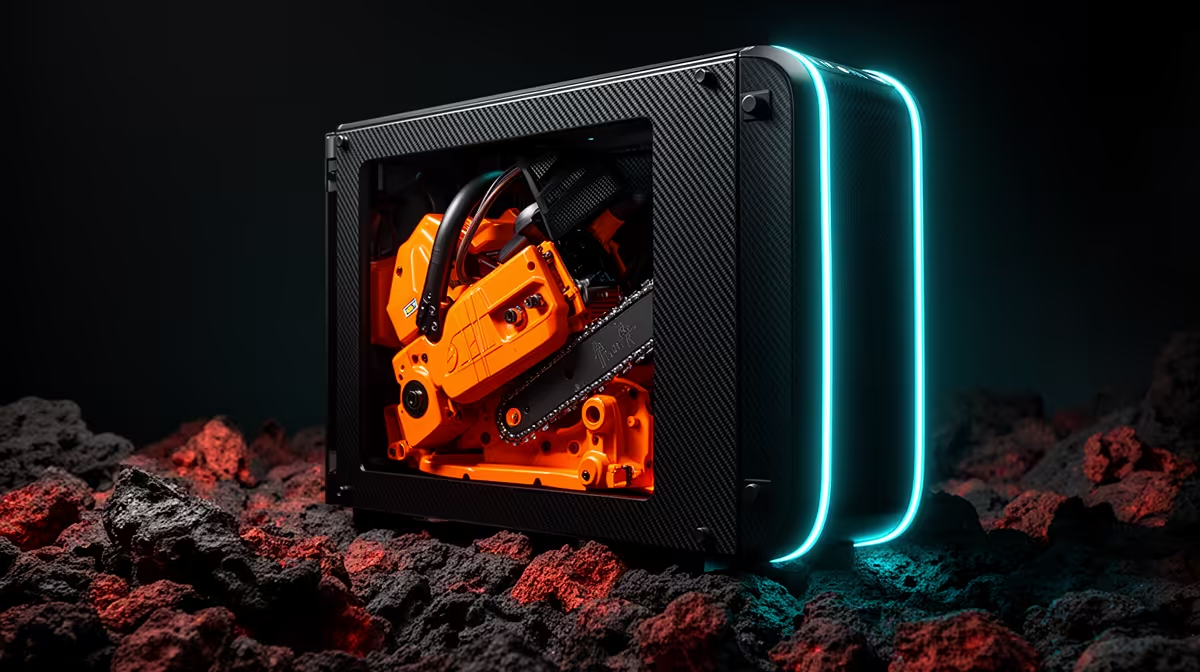
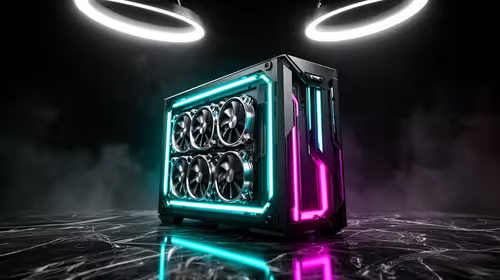
A Chainsaw Man themed PC works best when it borrows the manga's red, black and industrial energy without covering every surface. There is no official licensed PC kit assumed here. Build a strong normal gaming PC first, then add reversible colour, lighting and artwork around it.
Quick Answer
Use a black case, controlled red lighting and one illustrated accent as the visual base. Keep airflow paths, fan blades and hot components clear. Choose decals or a replaceable side-panel insert you have permission to use, then save the lighting profile so the theme stays consistent without hurting cooling.
Step 1: set the hardware target
Choose resolution, refresh rate and the two games the PC must run. Lock the CPU, graphics-card tier, memory, storage and PSU before styling. A themed build that misses its performance target becomes expensive desk decor.
Keep enough budget for the monitor and peripherals. The screen shapes the whole setup, and a red keyboard does little when the GPU cannot drive its resolution.
Use gaming PC configurations with popular complete desktops as build references, checking exact parts and current dated details.
Step 2: choose a case with clean sight lines
A windowed black case gives red lighting a dark frame. Look for a ventilated front or side intake rather than a solid panel chosen only for appearance. The graphics card, cooler and cable space must fit.
Decide which component becomes the focal point. A long GPU, pump block or illustrated panel can carry the theme. If everything glows at full brightness, nothing stands out.
Measure radiator and fan positions before ordering. A red-and-black palette cannot solve a cooler that collides with memory or a side panel.
Step 3: build the airflow before lighting
Feed cool air through the front or bottom and exhaust warm air at the rear or roof. Keep a slight intake bias where the filtered case supports it. Route cables away from fan blades.
Test CPU and GPU temperatures with the panel closed. Add or move fans from evidence. Red fan rings are useful only when the fan curve and pressure suit that position.
Step 4: create a restrained lighting profile
Use deep red at low or medium brightness with a small warm-white accent. Pure red everywhere can flatten the interior and make labels hard to read. A slow pulse can evoke the theme, while a static profile is calmer for normal work.
Control lighting through one supported software path where possible. Several RGB utilities can conflict or add background load. Save the final profile to hardware memory if the controller allows it.
Avoid rapid flashing that makes the setup uncomfortable. Give shared-room users a one-key way to dim or disable lighting.
Step 5: add artwork safely
Use a removable vinyl decal on a clean external panel or a printed insert behind the glass. Keep adhesive away from vents, screws, labels and hot surfaces. Do not place paper inside the airflow path.
Copyright still applies to character artwork. Use officially licensed material, your own original work or artwork you have permission to reproduce. A fan theme does not make any downloaded image free for commercial printing.
Keep a plain replacement panel or make the artwork reversible. The PC can then change theme without replacing good hardware.
Step 6: carry the palette into cables and peripherals
Black cables with a few red combs can reinforce the colour scheme without covering the PSU leads. Use only extensions rated and wired for the intended connection. Never replace modular PSU cables with a set from another model unless the manufacturer confirms compatibility.
A black desk mat and one red peripheral accent continue the theme outside the case. Two clear cues beat a pile of mismatched branded items.
Step 7: keep the theme maintainable
Dust shows on black panels and bright red light. Clean filters, glass and fan edges through the case maker's method. Photograph cable routing before removing a panel.
Label RGB controller channels and keep spare decal files or colour values. After a firmware reset, the theme can be restored without guessing.
A balanced parts hierarchy
Spend on performance, PSU quality and cooling first. Put styling into the case, lighting and one art element. Premium colour-matched components can cost more without improving the frame rate.
If a red component is weaker or poorly priced, buy the better black part and let the lighting carry the palette. The finished PC will look coherent and remain easy to upgrade.
Frequently Asked Questions
Is there an official Chainsaw Man PC kit?
This guide does not assume one. Verify any licensed product through the rights holder and exact listing.
Can I put vinyl inside the case?
External panels are safer. Keep adhesive and paper away from heat, vents, fans and electrical components.
Which colours work best?
Black with controlled deep red and one light accent gives the theme room to read without visual clutter.
Build a Chainsaw Man inspired gaming PC around proven performance, clean airflow and a reversible red-and-black art treatment.