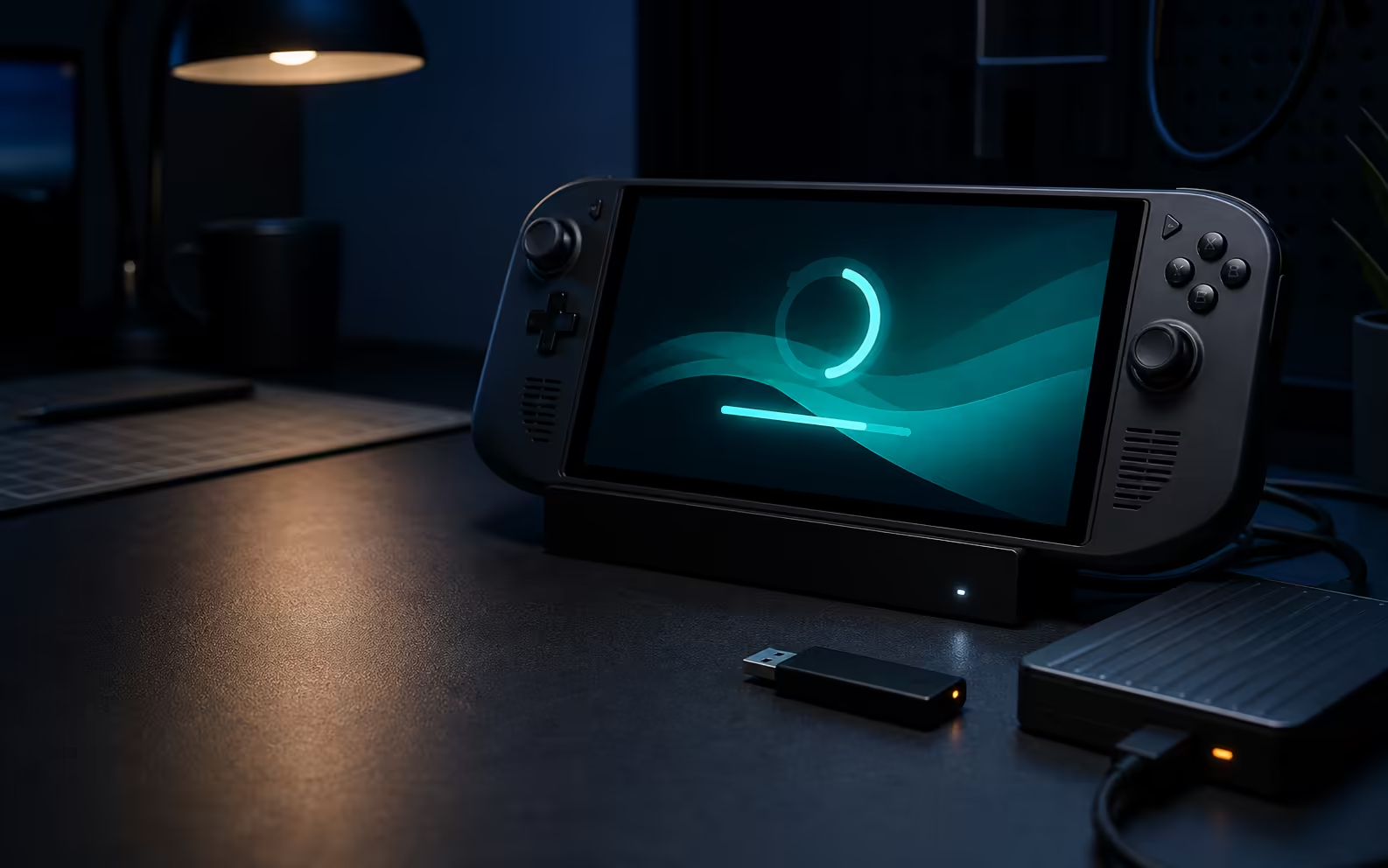
SteamOS 3.9 is a large platform jump, but the word that matters most is Preview. Valve warns that this early channel can contain unexpected bugs or stability problems. It moves Desktop Mode to Plasma 6.7.3, updates the base and adopts Linux 7.2, alongside WiFi and early hibernation work. South African handheld owners who rely on one device for daily gaming should usually wait for Stable.
Quick Answer
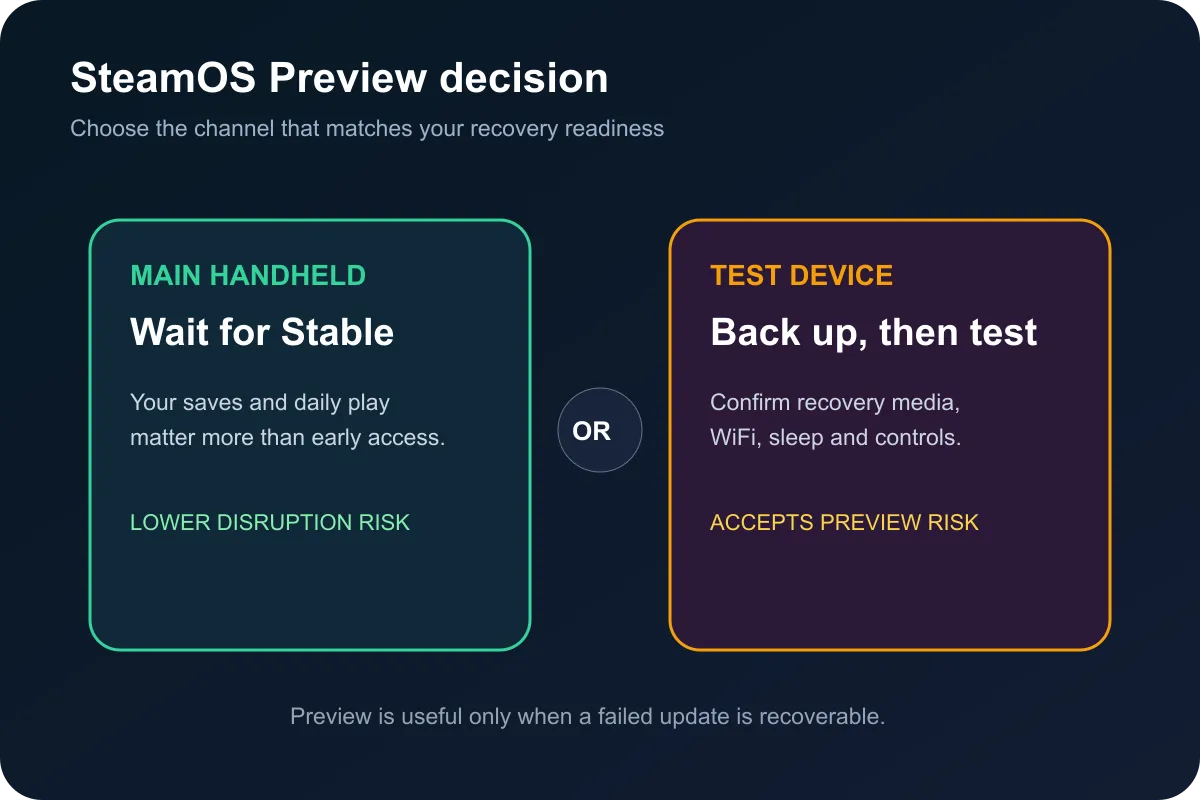
SteamOS 3.9.0 Preview is test software, not the normal Stable release. It brings newer desktop and kernel foundations, changes the WiFi stack for new installations and includes preliminary hibernation support that is not available through Game Mode. Install it only if you can back up important data, tolerate regressions and recover the device. Everyone else can let Preview users find the sharp edges first.
🧪 Preview changes the risk, not just the version
A platform update touches far more than one game. The kernel communicates with hardware, the desktop controls many non-gaming tasks, and networking affects downloads, cloud saves and multiplayer sessions. A problem in any of those layers can turn a convenient handheld into a troubleshooting project.
Preview exists so willing users can test changes before they reach the broad Stable channel. That makes bug reports useful, but it also means the device may behave differently after sleep, while docking or when connecting to a familiar network. The release warning should be treated as an operating condition, not boilerplate.
Owners comparing the wider handheld category can browse current handheld gaming systems. That page does not indicate which third-party devices support this particular preview. Always check the device maker's recovery method and SteamOS support before changing channels.
🖥️ Plasma 6.7.3 and Linux 7.2 are meaningful foundations
Desktop Mode moves from Plasma 6.4.3 to 6.7.3 on an updated Arch Linux base. The kernel moves from the previous Linux 6.16 LTS foundation to Linux 7.2. Those jumps can bring newer hardware support and fixes, but new foundations can also expose regressions that did not appear on the older stack.
The WiFi change is especially practical. New installations switch to wpa_supplicant, and the notes mention better reconnection after sleep and resume. Existing installations may not follow exactly the same path as a fresh image, so two owners can see different results. Test the networks and docks that matter to the actual user.
💤 Hibernation is promising but not a Game Mode feature yet
Preliminary hibernation support means development is moving toward saving a full session to storage before powering down. The current preview does not expose that workflow in the Game Mode interface. Buyers should not install the release expecting a finished console-style hibernate button.
This distinction is why release notes deserve a careful read. A component can exist underneath the interface without being supported as an everyday feature. Wait for a later announcement before depending on hibernation for travel or long periods away from a charger.
🛟 Back up, test and know the recovery route
Anyone choosing Preview should first protect saves and irreplaceable desktop files. Confirm cloud synchronisation where it is used, make a separate copy of local-only data, and ensure another computer is available for recovery media. Record the current channel and version before changing anything.
After updating, test WiFi, sleep and resume, controls, audio, storage and the games used most often. Do not wait until a trip to discover that a dock or network no longer behaves. If the handheld is the only gaming system, the safer option is to remain on Stable.
Buyers considering a more conventional portable PC can compare current laptop specials and laptop best sellers. These are related shopping paths, not evidence that a particular laptop runs SteamOS 3.9.
Frequently Asked Questions
Is SteamOS 3.9 a Stable release?
No. Valve labels 3.9.0 an early Preview and warns that bugs or stability issues may occur.
Which desktop and kernel versions are included?
The preview includes Plasma 6.7.3 and Linux 7.2 on an updated Arch Linux base.
What changed for WiFi?
New installations use wpa_supplicant, and the notes describe better reconnection after sleep and resume.
Can Game Mode use hibernation now?
No. Hibernation support is preliminary and is not exposed in the Game Mode interface.
Who should install the Preview?
Only users who can back up, troubleshoot and recover their device should treat it as a practical test option.
Planning your next portable gaming setup?
Keep a reliable Stable system for daily play and test preview software only when your backups and recovery path are ready.