Quick Answer
A R100,000 1080p gaming PC is almost certainly misdirected spending — at 1080p, the RTX 4090 (~R58,000) already maxes out every game and delivers 800–1,000 fps in CS2. If you have R100,000 and want the best gaming PC, step up to 1440p or 4K — the display and resolution deserve that GPU, not 1080p. However, if 1080p 480Hz competitive gaming is the explicit goal, a Ryzen 9 7950X + RTX 4090 build is the fps ceiling available on the market.
Why R100,000 at 1080p is a Calibration Exercise
At R100,000, you're in enthusiast territory — the kind of build that competitive esports organisations use for their practice stations. The RTX 4090 at 1080p low settings delivers 1,200–1,500 fps in Valorant and 900–1,200 fps in CS2, filling a 480Hz display with fresh frames three times over every refresh cycle. The practical impact is that the 1% lows never dip below 480fps even during the busiest competitive scenarios.
For a serious SA esports player aiming to compete at a national level, this is the equipment that eliminates all hardware disadvantage.
R100,000 Parts List
- CPU: Ryzen 9 7950X — ~R14,500
- Motherboard: MSI MEG X670E ACE — ~R12,000
- RAM: 64GB DDR5-6000 — ~R4,800
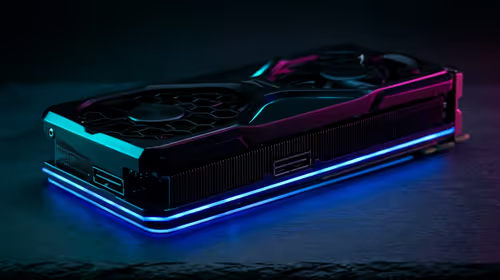
- GPU: RTX 4090 — ~R58,000
- SSD: 2TB PCIe 4.0 NVMe — ~R1,600
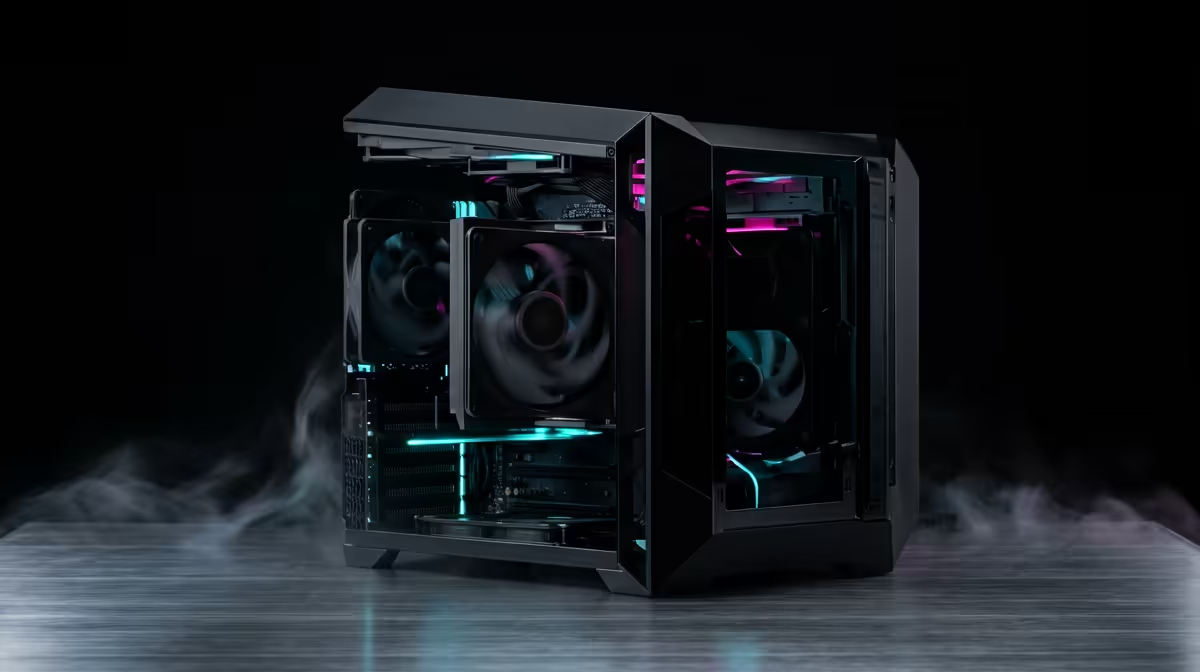
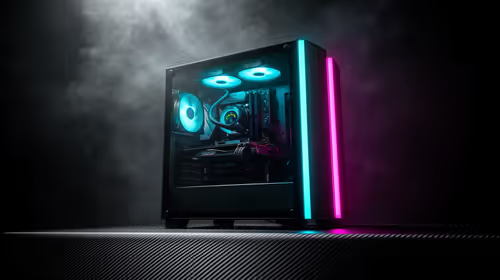
- Case: Full Tower with dual 360mm AIO — ~R9,000
- Total: ~R99,900
FAQ
Is there any tangible benefit to a R100,000 1080p PC over a R50,000 one?
For casual gaming, no. For 480Hz competitive esports where you need to sustain 500+ fps in every scenario including smoke grenades, crowd effects, and player-dense scenes — yes. The RTX 4090 never drops below 800 fps in CS2 at low settings, ensuring the 480Hz display is always working at maximum capacity.
What monitor goes with a R100,000 1080p gaming rig?
A 24-inch 1080p 480Hz G-Sync panel is the correct pairing — currently available for R9,500–R12,000 at Evetech. Alternatively, pair it with a 1440p 360Hz panel (~R12,000) for a balance of image quality and extreme refresh rates in competitive games.
Does cooling matter more at this budget?
Yes — an RTX 4090 generates 450W of heat under load. A 360mm AIO for the CPU and good case airflow (3–4 120mm fans minimum) are non-negotiable. Thermal throttling at this budget is embarrassing and preventable — invest in cooling.
4090 at idle still generates significant heat — set a custom fan curve in MSI Afterburner so fans ramp up above 60°C GPU temperature rather than waiting for the default 80°C threshold. This keeps your system quieter during light gaming and extends GPU longevity.