


A six-year-old and a twelve-year-old need completely different coding projects, and handing either the wrong kit is the fastest way to kill their interest. Coding project ideas by age sort cleanly into bands: screen-free sequencing toys for the youngest, app-driven robots with missions for the middle years, and sensor build kits for older kids ready to wire and program properly. Match the band to the child and the projects feel like play rather than homework.
Quick Answer
Match the kit to the age band. Ages 4 to 7 do best with screen-free sequencing toys that teach order and logic through physical play. Ages 8 to 12 thrive on app-controlled robots with mission challenges. Ages 10 to 14 are ready for sensor build kits that combine wiring and real code.
Ages 4 to 7: Logic Without a Screen
At this age, coding is about sequence and cause-and-effect, not typing. The best projects are screen-free: button-press robots that follow a path, coding board games, and toys where the child arranges physical command tiles to make something move. The skill being built is the core idea behind all programming, that steps happen in order and the order matters. A child this age does not need a tablet to learn that a robot turns left because they told it to, three steps ago. Keep the projects short, physical, and full of immediate feedback so the logic clicks while it still feels like a game.
Ages 8 to 12: Robots With Missions
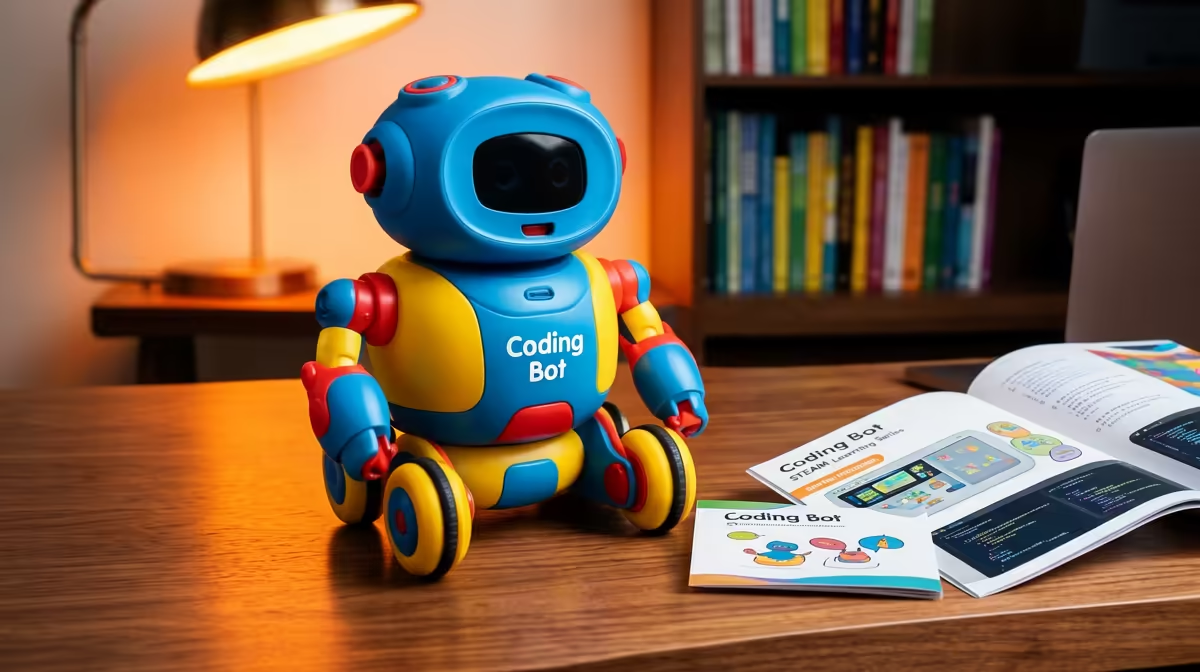
Once reading is solid and a child can follow on-screen steps, app-controlled robots open up. This is the sweet spot for mission-based projects: program a robot to navigate a maze, react to a clap, or run an obstacle course you lay out on the lounge floor. Block-based coding apps, where you drag command blocks instead of typing syntax, let kids build real logic, loops, conditions, and sequences, without getting stuck on punctuation. The projects that land best at this age have a clear goal and a visible result. A robot that completes a course the child designed teaches planning, testing, and fixing far better than any worksheet.
Good Project Ideas for This Band
Set a maze challenge and have them refine the route step by step. Build a simple alarm that triggers on movement. Choreograph a short robot dance to teach timing and loops. Each one gives a tangible payoff that keeps motivation high.
Ages 10 to 14: Sensors and Real Builds
Older children who have outgrown drag-and-drop are ready for sensor build kits, the band where coding meets electronics. Here the projects involve assembling components, wiring sensors for light, temperature, or distance, and writing actual code to make them respond. A child might build a plant-moisture monitor, a distance-sensing parking aid, or a small weather logger. These kits bridge into genuine programming and basic engineering, and they suit kids who want to make something useful rather than just play. The learning curve is steeper, which is the point: this band rewards patience and problem-solving.
How to Pick Without Overshooting
The most common mistake is buying up, handing a young child a kit aimed at teenagers because it looks impressive. Abstract projects frustrate kids who are not ready, and over-simple ones bore those who are. Watch where the child sits: can they read instructions independently, do they enjoy building with their hands, are they asking how things work? Those signals matter more than the number on the box. Many of these kits sit within the broader smart home and STEM range, and pairing a kit with a few extra accessories keeps an enthusiastic builder supplied as they progress.
Frequently Asked Questions
What is the best coding kit for a 6-year-old?
A screen-free sequencing toy or button-press robot. At this age the goal is teaching that commands run in order, through physical play, not typing on a screen. Look for kits aimed at the 4 to 7 band.
When can a child start app-based coding robots?
Around age 8, once reading is confident and they can follow on-screen instructions. App-controlled robots with mission challenges and block-based coding suit the 8 to 12 band especially well.
Are sensor build kits too advanced for a 10-year-old?
Not for a child who enjoys building and can read instructions independently. Sensor kits suit the 10 to 14 band, and a motivated younger child at the upper edge of that range can manage them with a little guidance.
Should I buy a more advanced kit so my child grows into it?
Usually no. A kit aimed well above a child's age tends to frustrate rather than challenge. Match the band to where the child is now, and step up when they outgrow it.
How do I know if my child is ready to move up a band?
Watch for the signs: completing current projects easily, reading instructions alone, and asking how things work rather than just following steps. Those cues mean the next band will engage rather than overwhelm.
Pick a kit that fits the child in front of you, not the one on the box. Explore the STEM and smart-home range at Evetech to find a project matched to your child's age and stage.











