Quick Answer
On an RTX 5090, Resident Evil 4 Remake at 1440p should deliver 144 fps-plus at high settings, with ray tracing and VRAM settings still worth checking. This is a performance-headroom pairing, not the value pick for the game alone. In South Africa, treat the RTX 5090 as a cautious R50,000-plus GPU class before checking live Evetech stock.
What The RTX 5090 Changes
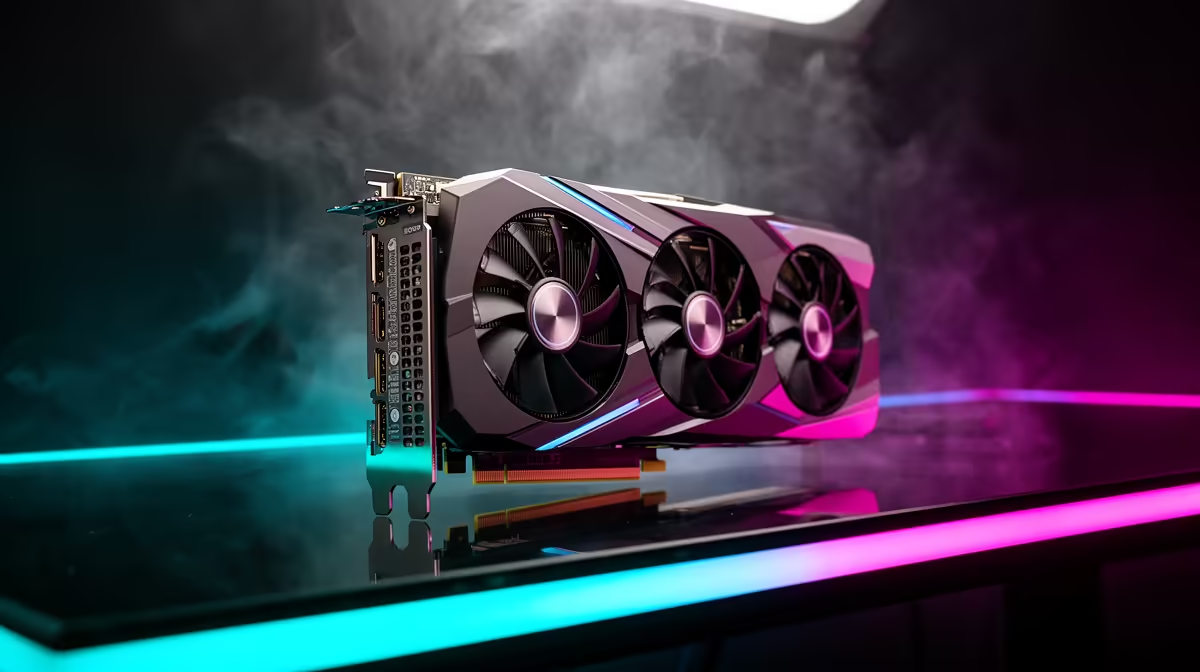
The RTX 5090 shifts the question away from whether the GPU can run Resident Evil 4 Remake and toward whether the monitor, CPU, and settings can use the extra headroom. At 1440p, the card has far more raster performance and VRAM than the game normally needs. A 16 GB to 32 GB system memory baseline, a fast 1 TB SSD, and a high-refresh display matter because the GPU will not be the weak link.
Expected Performance
At 1440p, a realistic target is 144 fps-plus at high settings, with ray tracing and VRAM settings still worth checking. Use high settings first, then tune shadows, reflections, upscaling, and texture memory if the frame-time graph is uneven. South African buyers should treat the R50,000-plus GPU class as a planning range, not a live quote, because GPU pricing and bundles can move quickly.
When This Pairing Makes Sense
Choose this class of card if Resident Evil 4 Remake is only one title in a heavier 4K, ray tracing, or content-creation workload. A 60 Hz display wastes most of the card in lighter scenes, while a 144 Hz or 240 Hz monitor can show more of the benefit. RTX 5090 is excessive for 1440p RE4 Remake unless you also want high refresh, ray tracing, or future 4K headroom.
FAQ
What GPU should I buy for Resident Evil 4 Remake at 1440p?
Use RTX 5090 as the starting shortlist. That tier is strong enough for 144 fps-plus at high settings, with ray tracing and VRAM settings still worth checking without forcing a flagship budget unless the title is specifically about RTX 5090 headroom.
Is an RTX 5090 worth it for this game?
Only for 4K, ray tracing, high-refresh headroom, or a wider gaming library. For Resident Evil 4 Remake alone, a cheaper GPU often gives the same practical result on a 60 Hz or 144 Hz screen.
What else should SA buyers check before checkout?
Check PSU capacity, case clearance, monitor refresh rate, and whether the card has the right HDMI or DisplayPort outputs. Also confirm live Evetech stock and warranty before treating any price band as final.