


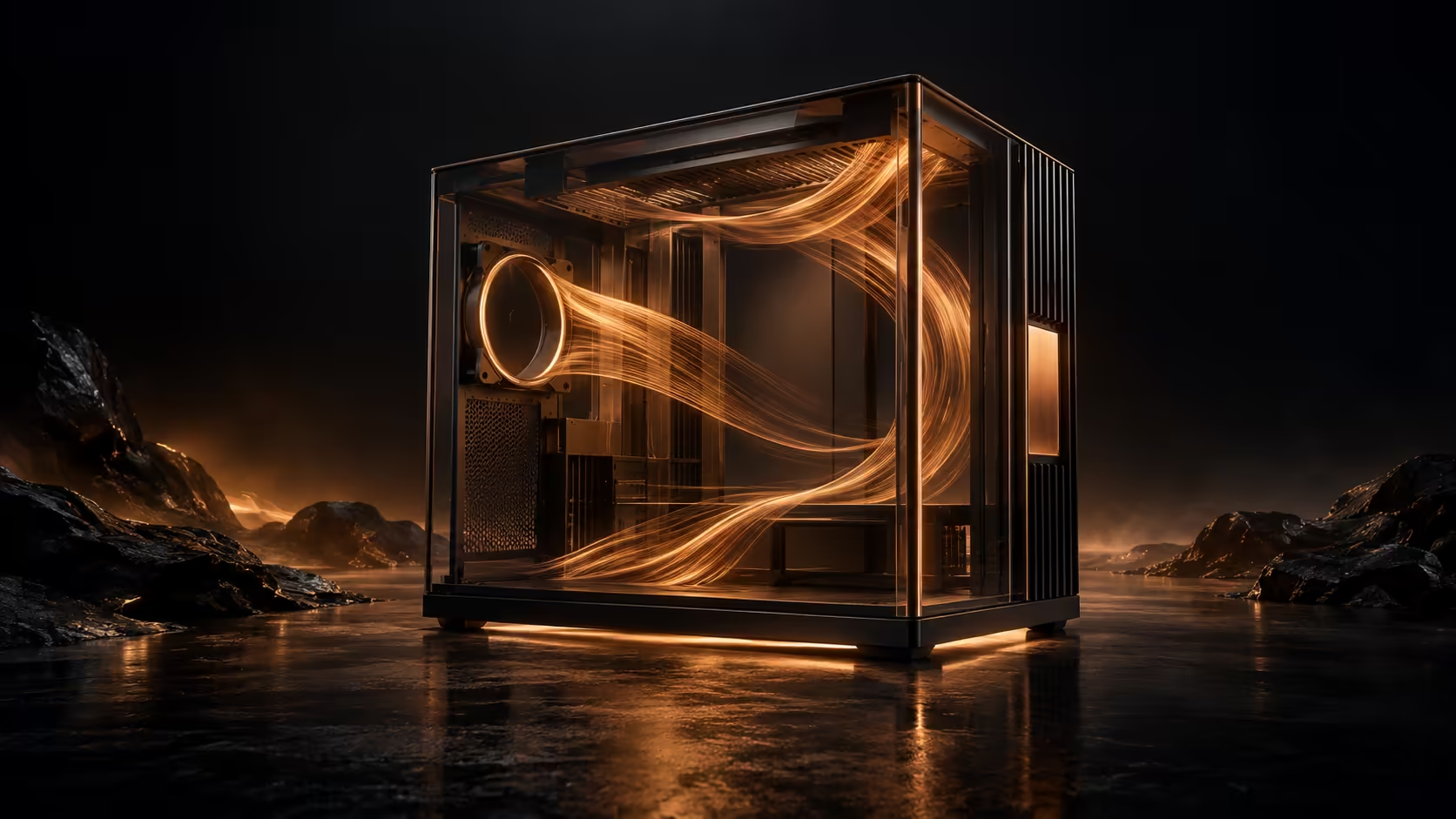
A panoramic case puts the whole build on display, including any awkward cable route or rushed cooling choice. ASUS ROG Cronox adds a side LCD and a large glass view to that idea. Its latest announcement is a useful reason to plan the complete machine, rather than buying a showpiece enclosure and discovering what else the budget must cover.
Quick Answer
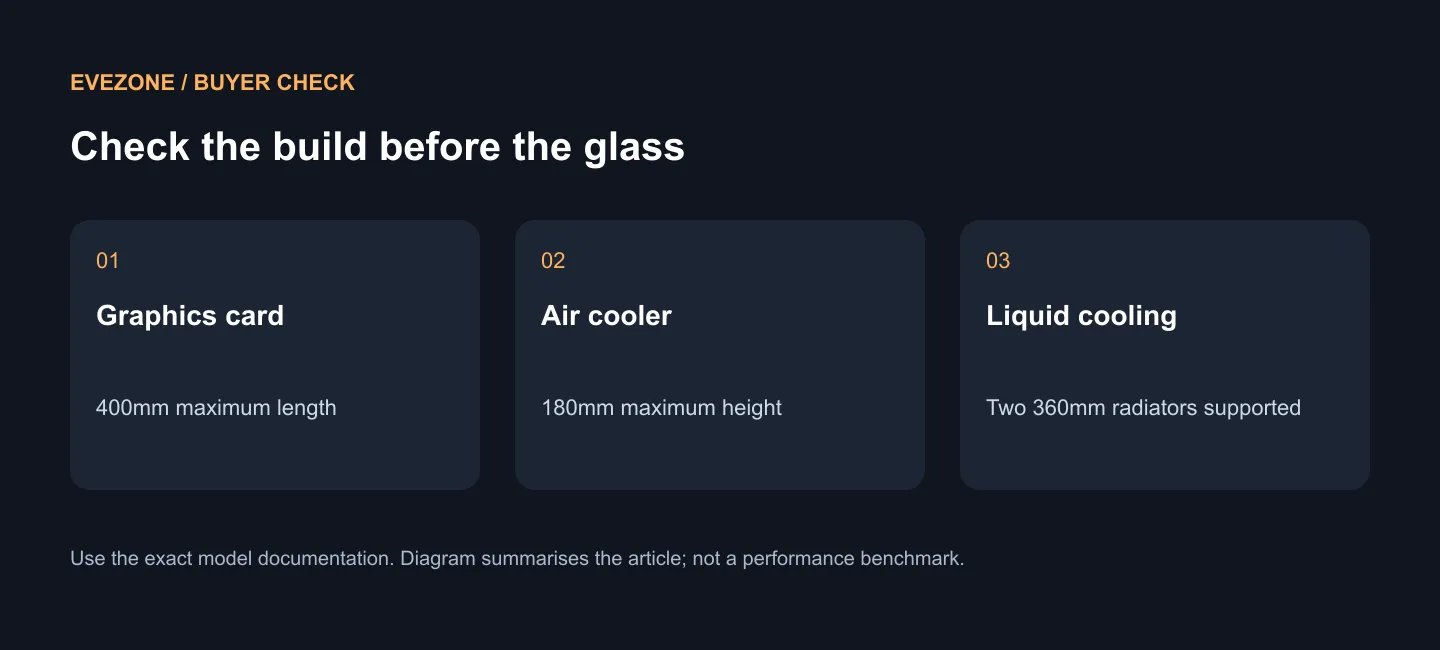
ROG Cronox supports EATX builds, graphics cards up to 400mm long and two 360mm radiators, with a 9.2-inch LCD for custom content or system information. Evetech's black ROG Hyperion GR701 was R8,599 and In Stock with Evetech on 17 September 2026. Use that as a local ROG full-tower comparison, not as a South African Cronox price prediction.
📏 Start with the room outside the case
ASUS lists the chassis at 248.3 x 618.7 x 583.9mm. Before thinking about lighting, mark out the footprint where it will stand and leave access for the connections you regularly use. A case can fit a desk on paper while still making the setup unpleasant to clean, move or service.
Consider which way the glass will face and whether the side display is visible from your chair. The adjustable panel is part of the appeal, but it is only valuable if the case position lets you use it. Putting the machine under a desk may change which features deserve your money.
Separate the styling decision from the hardware requirement. You may want the Cronox because you enjoy building a visible system, which is a reasonable preference. You may also discover that a simpler case gives the same practical space for your planned parts and leaves more money for the components that run your games.
🧩 Make one complete clearance list
The published 400mm graphics-card limit and 180mm CPU cooler limit are useful starting points. Record the exact dimensions of your own parts next to them. Also sketch the radiator, fan and cable arrangement instead of assuming that every supported maximum can be used together without a layout check.
Two 360mm radiators create scope for an ambitious cooling plan. They do not make two radiators compulsory, nor do they tell you how much cooling your chosen processor needs. Pick the cooling job first and the visual arrangement second. That keeps the case from driving an unnecessary shopping list.
The case supports ASUS ATX BTF boards, where connectors sit behind the board. If you want that layout, choose the exact compatible board early. If you already own a conventional board, assess its cable routes rather than treating the BTF feature as a requirement to replace working hardware.
Browse PC cases with this parts list beside you. A useful comparison answers whether each case houses your build neatly, not merely which enclosure looks largest in a photograph.
💡 Budget for what the display adds
The 9.2-inch panel can show system information and custom content. Decide what you would actually put there: a few temperatures, a personal visual theme or something you glance at during a session. If the answer is unclear, avoid letting the LCD become the only reason for choosing the chassis.
For a South African build, keep the case, cooling and decorative spending as separate lines. Compare the dated R8,599 Hyperion option with the eventual Cronox quotation, then add the exact CPU cooling choice. A complete total is more helpful than a case-only comparison followed by several surprise purchases.
The regional Cronox launch and the newer distributed announcement do not establish a local delivery date. Keep your existing enclosure if it already handles the system well, or choose a currently available case if the build must happen now. Waiting makes more sense when the panoramic layout and LCD are central to the machine you want.
Frequently Asked Questions
Is a full tower automatically better for gaming?
No. Size and appearance do not guarantee extra game performance. The enclosure should fit the parts and cooling arrangement you actually intend to use.
Must I buy a BTF motherboard?
No. BTF support adds a hidden-connector option; it does not make a new motherboard compulsory for a conventional build.
Can I use the Hyperion price as a Cronox estimate?
No. The R8,599 listing is a separate product and a dated local comparison. Obtain the exact Cronox quotation before setting the final case budget.
Give the build room to work. Match your component measurements to an Evetech case, then choose cooling and display extras that earn their place in the total budget.











