



Smooth window movement is welcome, but a desktop upgrade succeeds only when your normal work still works afterwards. The GNOME 51 release brings visible refinements to the Linux desktop alongside changes that deserve a compatibility check. South African users can approach it as a software decision first, without turning every new release into a reason to replace a laptop.
Quick Answer
GNOME 51 was announced on 16 September 2026 with improved frame scheduling and practical settings changes. Availability on your PC depends on your Linux distribution, so use its supported upgrade path. Begin with R0 in new hardware spending: test the current machine before deciding that a component purchase is necessary.
🪟 Separate desktop polish from game performance
The release notes describe smoother frame scheduling and more efficient screen capture. They also list remembered monitor brightness and an option to disable the touchpad when a mouse is connected. These are concrete desktop improvements, but they do not promise a particular increase in game frame rates.
Choose a few ordinary tasks to compare before and after an upgrade. Move between the applications you use daily, connect the external screen, make a short screen recording and check the pointing devices. A repeatable set of tasks tells you more about your own experience than a broad claim that the desktop feels faster.
For a laptop that travels between home and campus, include the dock or external display in that check. Do the work on a quiet evening rather than immediately before a submission or a meeting. The point is to leave room to notice and investigate a changed behaviour.
🧭 Let the distribution deliver the desktop
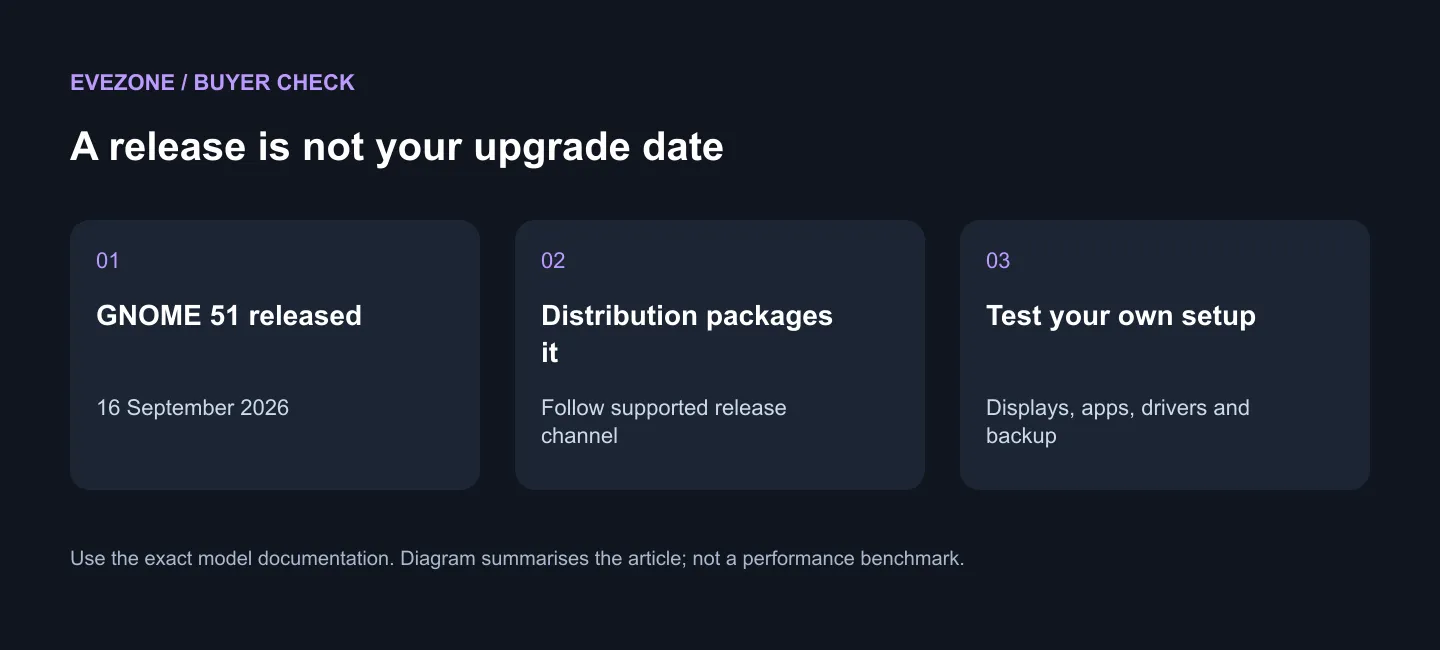
An upstream announcement is not the same thing as an update offered by your installed distribution. GNOME says version 51 will reach distributions such as Fedora and Ubuntu, while its own live images serve debugging and testing. Do not confuse a testing image with a routine upgrade for your everyday installation.
Record the distribution version you have now and read its supported upgrade instructions. Back up important files first, and keep a way to return to productive work if an application or device needs more attention. If the machine is shared, agree on a suitable time rather than changing the environment another person expects to use.
The release also removes legacy NVIDIA driver interfaces and WEP network support. Owners of older graphics or network setups should check their distribution's advice before upgrading. This is a compatibility check, not a blanket statement that an old PC must be replaced.
💻 Spend only after identifying a hardware need
If the current system handles your tasks, wait for the supported software update and assess it there. When a laptop purchase is already planned, compare Intel laptop options around the applications, ports and Linux support you need. A product listing alone is not proof that every Linux feature works on that configuration.
An external screen deserves the same discipline. Browse monitor choices after deciding on resolution, connections and your desk arrangement. First test whether a display problem follows the operating-system update, the cable path or a particular screen setting. Buying another monitor before separating those possibilities can leave the original problem untouched.
Frequently Asked Questions
Should I install a beta just to get the new desktop?
For a daily-use machine, waiting for your distribution's supported release is the simpler route. A separate test installation suits experimentation better.
Is the R0 figure a laptop price?
No. It describes starting with checks on hardware you already own, without buying a replacement. It excludes your own time and any data costs.
Will the touchpad option help every device?
The setting is a new GNOME feature, but your experience still depends on the machine and distribution. Test it with the mouse you actually use.
Make the software decision first. Keep a working backup and test your usual setup; if the hardware itself needs replacing, compare Evetech laptops and monitors around that specific need.











