


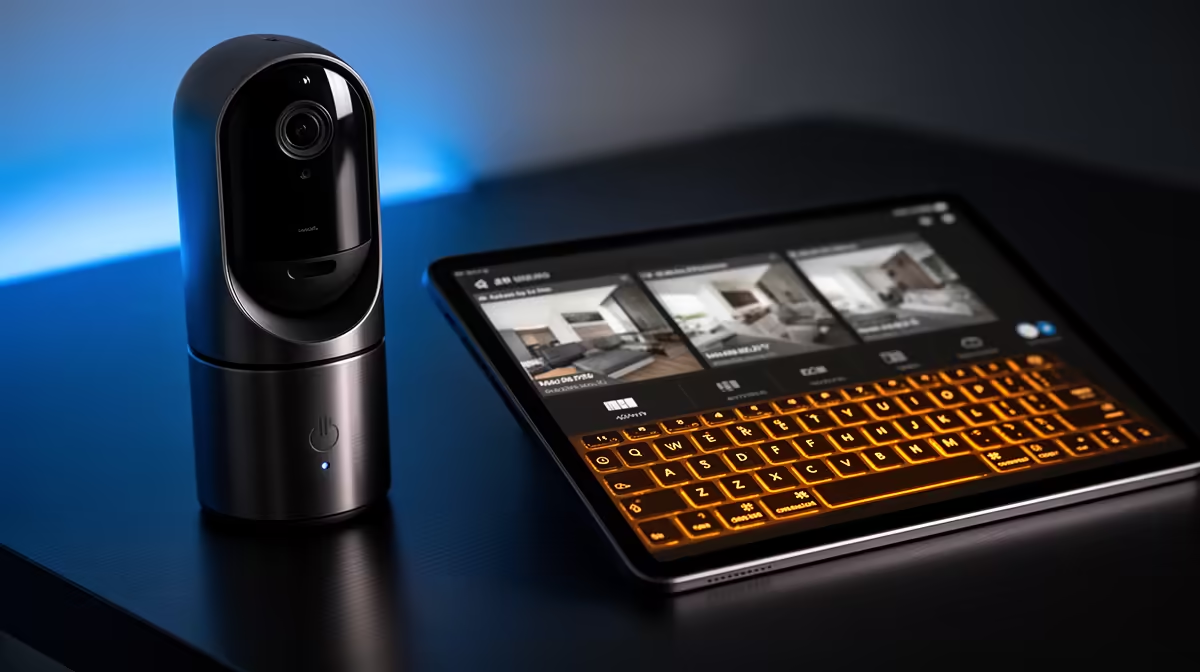
Common smart-home camera problems include failed pairing, weak Wi-Fi, delayed alerts, false motion events, poor night placement and missing recordings. Fixes begin by preserving privacy and testing one variable at a time. A factory reset should not be the first response when account or network settings can be checked safely.
Follow the event from lens to notification
Clean the lens, confirm the camera clock and reproduce one motion event in daylight and darkness. Check signal strength at the mounting point, router client status, application permissions, notification rules and storage availability. Compare a temporary location nearer the router before buying range equipment.
The Tapo C212 indoor Wi-Fi camera is verified at R451. That listing does not diagnose an unknown camera or confirm a feature not stated in the factpack. For any model, verify supported Wi-Fi band, storage method, power requirements, account controls, update support, mounting limits and warranty.
Change default credentials, enable strong authentication where available and review who can view recordings. Do not aim cameras into neighbours property or private household areas. Keep firmware and the controlling phone updated, and retain important footage according to a defined purpose rather than indefinitely.
Escalate hardware only after placement, account, network and storage checks are complete. A wired access point or different alert zone may solve a repeatable symptom more directly.
Pro Tip ⚡
Troubleshooting a connected camera? > Compare Evetech security products after isolating the failed step.











