


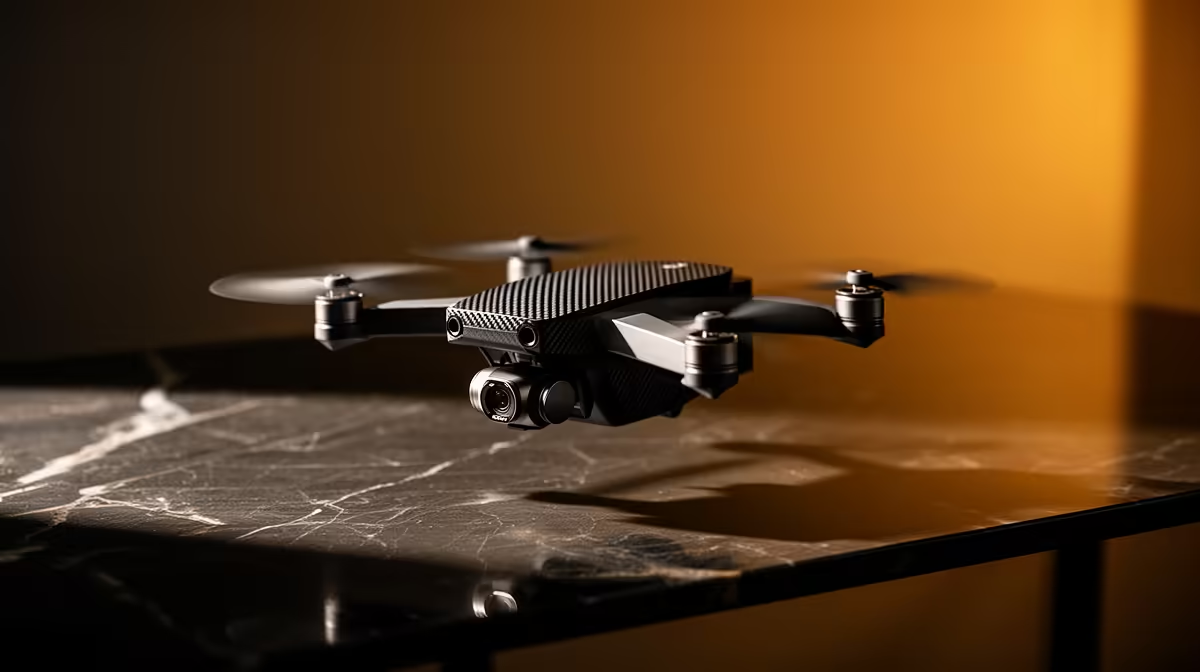
A content-creator drone is usually overkill for a first-time PC buyer who still needs a dependable computer for editing, storage and publishing. A drone creates a separate flight, safety, legal and battery workflow. Buy it only when a specific aerial shot repeatedly matters and the ground-based production process already works.
Establish the complete creator computer and publishing routine before adding aircraft footage
List the editing application, source formats, project size, export settings and publishing platforms. Test phone or camera footage on the intended PC, including transfer, editing, audio, thumbnails and backup. Identify whether the audience or brief genuinely benefits from aerial material rather than a stable ground shot.
Factpack data supplies no creator-drone model or dependable price reference. The Minisforum UM750L with a Ryzen 5 7545U, 16GB memory and 1TB storage at R4,600 is a verified compact-PC reference, not a guaranteed video-editing system. Confirm live application support, ports, cooling and upgrade options.
Check current South African aviation rules, location restrictions, permissions, privacy and operator responsibilities before considering any flight. Budget for safe batteries, storage and insurance where relevant. Preserve original footage and projects in tested independent backups.
Choose the computer that completes the primary content workflow first. Add a drone later only after lawful planning and repeated creative demand justify the cost and complexity.
Pro Tip ⚡
Starting a creator workflow? > Compare Evetech PCs against the real editing and publishing process.









