


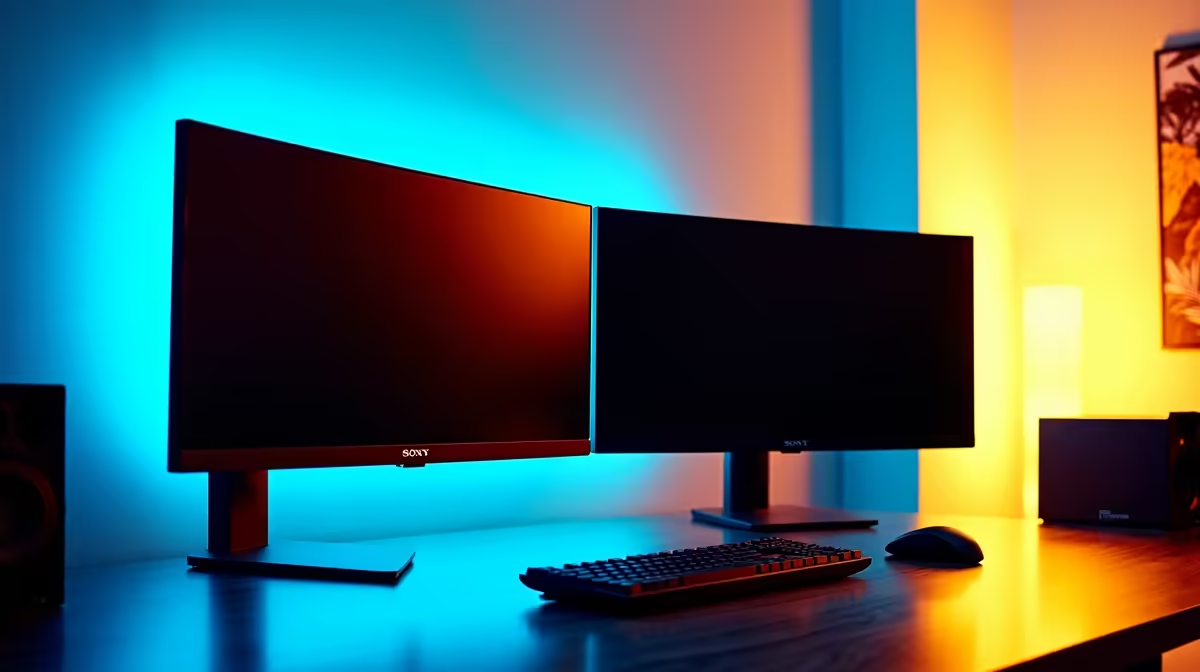
Dell SE2426H 23.8in FHD at R1,532 suits a coding bootcamp student who needs a second screen for lessons, notes, and browser previews without taking over the desk. A dual-screen monitor setup is usually enough for beginner web projects, Python exercises, GitHub work, and video calls, especially when one screen holds the editor and the other holds documentation or the running app.
A practical dual-screen baseline
The Dell SE2426H 23.8in FHD at R1,532 is the neat budget anchor because its FHD panel gives enough space for code, a terminal, and a browser tab at normal scaling. Two of these can make a clean learning station where the laptop screen becomes optional instead of essential.
The Dahua LM27 100Hz at R1,500 is stronger if you want a larger single side screen beside a laptop. Its 27in size gives more breathing room for split windows, while the 100Hz refresh rate keeps scrolling through long files and course notes feeling smoother than a basic office panel.
Student Desk Setup For Bootcamp Work
On a small SA student desk, the MSI PRO MP275W at R1,850 makes sense when you want a 27in screen that can carry the main coding view while the laptop or second display handles the preview. The Dell SE2726H 27in FHD 144Hz at R1,797 is also a good choice if the same desk doubles for after-hours gaming, because the 144Hz spec adds smoother motion without changing the study use-case.
Pro Tip ⚡
Ready to choose the right monitor? Use Dell SE2726H 27in FHD 144Hz at R1,797 as the monitor shortlist benchmark, then check whether its listed spec matches the space, workload, and upgrade path.











