


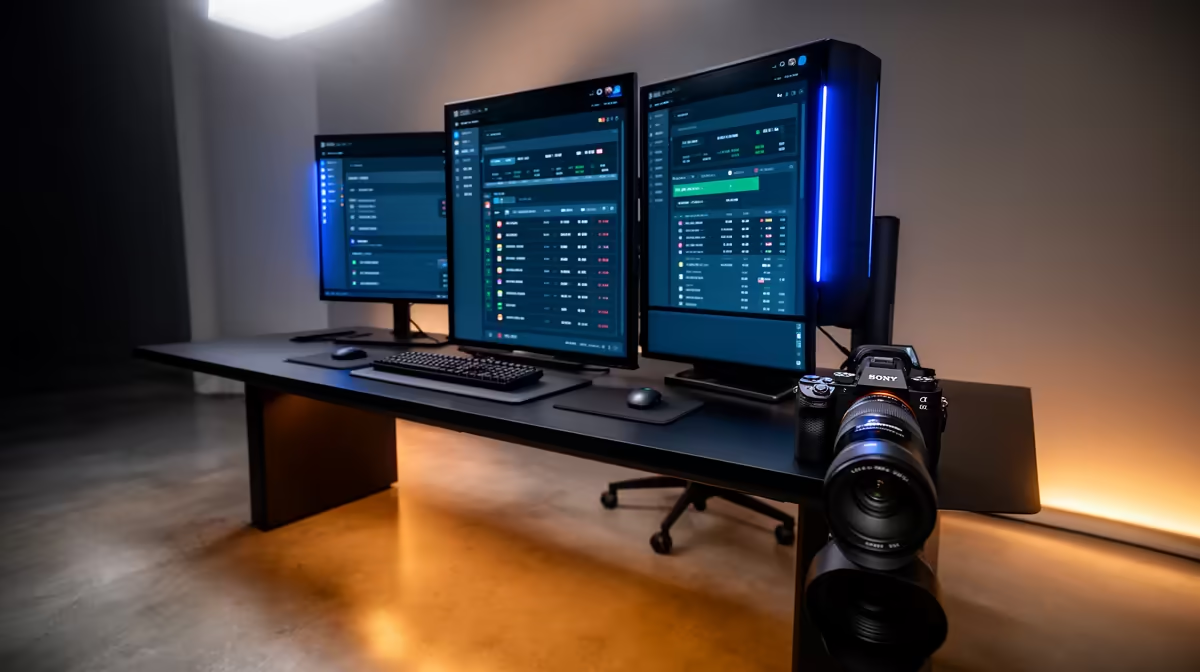
Dell SE2426H 23.8in FHD at R1,532 suits a small counter where a cashier needs a clean main POS screen without taking over the worktop. Yes, a dual-screen monitor setup is usually enough for a compact sales desk: one display can handle the billing system, while the second keeps orders, stock notes, email, or a customer-facing view visible.
Practical monitor picks for a compact POS counter
The Dell SE2726H 27in FHD 144Hz at R1,797 is the stronger choice when the staff member needs bigger text and more room for order lines. Its 27in FHD panel gives a clearer working area for menus, invoices, and browser-based back-office tabs without needing a bulky desk.
For a second screen, the Dahua LM27 100Hz at R1,500 is useful where the business wants a larger side display for queue notes, delivery apps, or a customer-facing price view. The 100Hz spec is more than enough for POS use, and the 27in size helps when the counter is shared by more than one person.
Small-business counter setup in South Africa
A practical setup is the Dell SE2426H 23.8in FHD at R1,532 as the main cashier screen, paired with the MSI PRO MP275W at R1,850 as the secondary display for admin or customer-facing information. The 23.8in FHD screen keeps the primary POS station tidy, while the MSI option gives a second working surface without turning the counter into a workstation.
Pro Tip ⚡
Ready to choose the right monitor? Use Dell SE2726H 27in FHD 144Hz at R1,797 as the small-business counter benchmark, then check whether its listed spec matches the space, workload, and upgrade path.











