


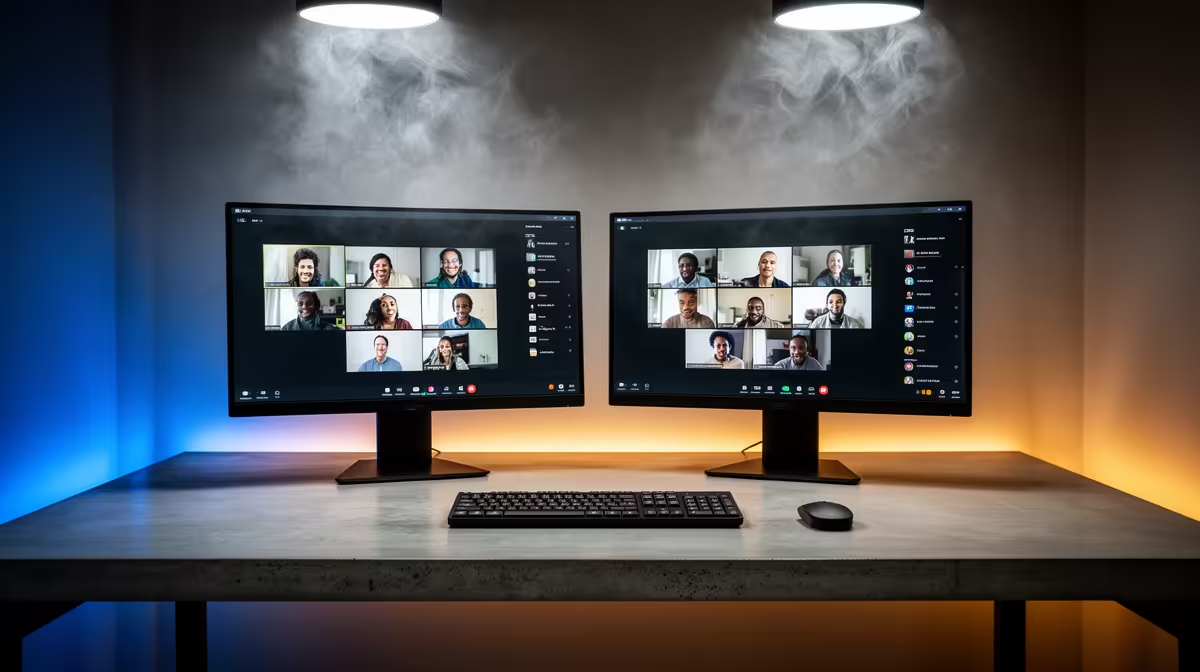
Dell SE2426H 23.8in FHD at R1,532 suits a home-office user who wants a sensible second screen for calls, chat, notes, and meeting agendas without crowding the desk. A dual-screen monitor setup is usually enough for video calls and Teams in South Africa because one display can hold the call while the other keeps email, documents, or a browser visible.
Practical dual-screen picks for calls
The Dell SE2726H 27in FHD 144Hz at R1,797 is the roomy option if you prefer the main meeting window larger. The 27in size gives more breathing room for faces, shared slides, and side notes, while the FHD panel keeps the setup simple for everyday work laptops.
The Dahua LM27 100Hz at R1,500 is a strong value pick when you want a 27in screen but need to keep the spend tight. Its 100Hz refresh rate is useful for smoother cursor movement and scrolling through documents while you are listening in on a call.
The MSI PRO MP275W at R1,850 makes sense for a cleaner creator or admin desk where the screen also needs to look presentable. It gives you a practical 27in-class workspace for calendars, call notes, and browser tabs beside your main laptop display.
South African home-office desk reality
For a compact SA home office, the Dell SE2426H 23.8in FHD at R1,532 is often the better second display because it leaves more room for a webcam, headset stand, notebook, and router without making the desk feel overloaded. Pair it beside a laptop, keep the meeting window on the larger or clearer screen, and reserve the second screen for the work you need during the conversation.
Pro Tip ⚡
Ready to choose the right monitor? Use Dell SE2726H 27in FHD 144Hz at R1,797 as the creator desk benchmark, then check whether its listed spec matches the space, workload, and upgrade path.











