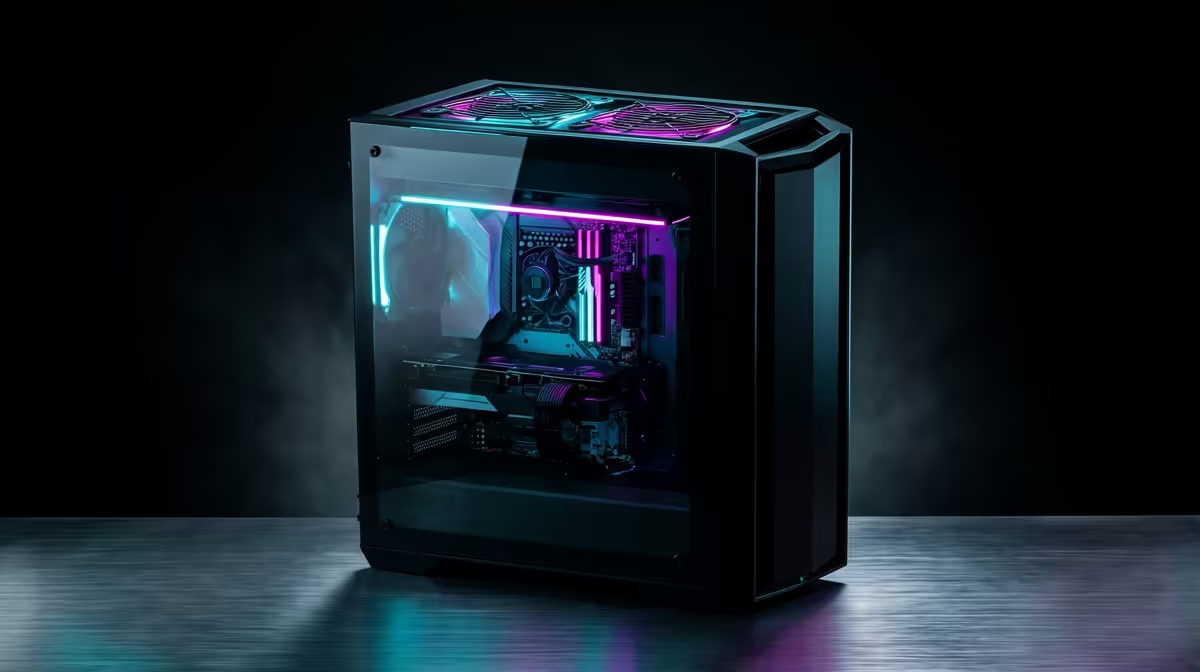
Tired of your timeline stuttering every time you add a colour grade? Staring at a render bar that moves slower than rush hour traffic on the N1? You're not alone. Many South African creators believe a powerful editing rig is financially out of reach. We're here to bust that myth. Crafting a high-performance editing PC build under R30000 is not just possible… it’s a smart move for anyone serious about their content. 🚀
The Blueprint for a R30k Editing Powerhouse
Building a PC for video editing, graphic design, or 3D modelling requires a different philosophy than a pure gaming machine. While gaming PCs often prioritise the graphics card (GPU) above all else, a balanced editing PC build under R30000 needs to spread the love. Your goal is a harmonious system where the CPU, RAM, and GPU work together to slice through demanding creative workloads without bottlenecks.
Think of it like a production team: your processor is the director, your RAM is the size of your studio, and your GPU is the special effects department. They all need to be competent to produce a masterpiece. Many of our best gaming PC deals already feature this kind of balance, making them excellent starting points.
Core Components for Your Editing PC Build Under R30000
Let's break down where your budget should go to get the most bang for your buck. This isn't about specific models which change daily, but about the tier of components that deliver the best performance for your hard-earned Rands.
The Processor (CPU): Your Creative Director
For editing, the CPU is king. It handles timeline playback, encoding, and multitasking. Look for a processor with a healthy balance of high core counts and fast clock speeds.
- Intel: A modern Core i5 or entry-level Core i7 is a fantastic choice, offering strong single-core performance which is vital for smooth software responsiveness.
- AMD: A Ryzen 5 or Ryzen 7 processor often provides excellent multi-core performance for the price, which dramatically speeds up rendering times.
The key is getting at least 6-8 cores to power through 4K timelines.
Memory (RAM): The Digital Workspace
Ever tried to edit a complex project only to have your PC grind to a halt? You've likely hit your RAM limit. For a modern editing workflow, 16GB is the absolute minimum, but 32GB of DDR4 or DDR5 RAM is the sweet spot for an editing PC build under R30000. This gives you enough headroom to run your editing software, a web browser with 20 tabs, and other apps simultaneously.
Graphics Card (GPU): The Render Engine ⚡
While the CPU is crucial, the GPU accelerates visual effects, colour grading, and export times through technologies like NVIDIA's CUDA or AMD's OpenCL. You don't need the most expensive card on the market, but a dedicated GPU with at least 8GB of VRAM (Video RAM) is essential for a smooth 1080p or 4K editing experience. This is where many excellent budget gaming PCs shine, as they include capable GPUs that are perfect for creative work.
Storage Strategy Pro Tip 🔧
For maximum speed, use a dual-drive setup. Install your operating system and software on a fast NVMe M.2 SSD (at least 500GB). Use a second, larger SSD (1TB or more) for your active project files and cache. This prevents your OS and project files from competing for bandwidth, resulting in a noticeably snappier system.
Should You Build or Buy Pre-Built?
Building a PC is a rewarding experience, but it's not for everyone. If you're short on time or want the peace of mind that comes with professional assembly and a single point of warranty, a pre-built system is an excellent choice.
You can find incredible value in our range of pre-built PC deals, which are often optimised and tested for performance. Whether you're looking for powerful options under R20,000 to get started or more robust systems above R20k that are ready for heavy workloads, there's a machine waiting for you. This approach lets you get creating faster, with the confidence of expert support. ✨
Ready to Build Your Creative Powerhouse?
Crafting the perfect editing PC build under R30000 is an exciting journey. Whether you pick the parts yourself or want a professionally assembled rig, the power is in your hands. Explore our range of customisable PCs and start creating without compromise.