



Content Warning PC build under R20,000 for SA gamers
Content Warning on R20,000 needs careful part balance. This SA build guide frames CPU, GPU, RAM, SSD, cooling, and upgrade trade-offs without promising live prices, stock, or exact FPS.
Read moreFilming a short unboxing video of a new gaming PC, showing the sealed box and each item removed, gives you instant proof if a defect or damage claim comes up. Retailers process claims faster with clear, timestamped evidence instead of a written description alone.
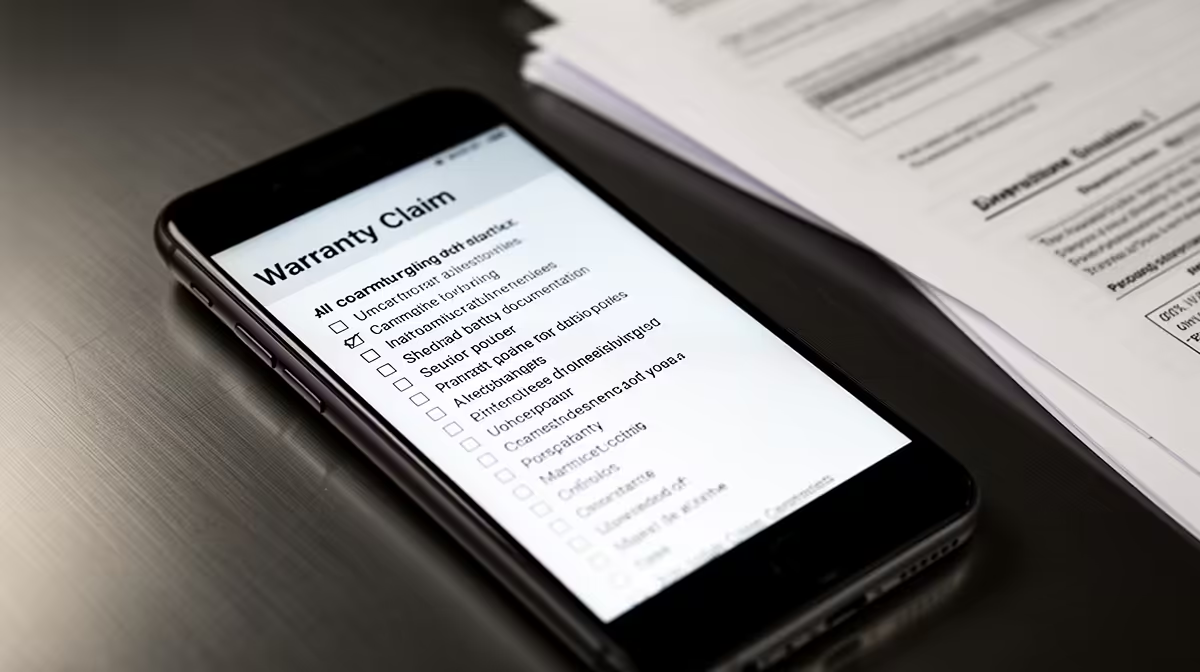
Clear evidence can turn a vague damage description into a claim someone can assess quickly. Strong warranty claim photos and videos show packaging, serials, condition and the fault while preserving original files and purchase records.
Good warranty evidence shows the product, condition, timing and fault without making the assessor hunt through a ten-minute video. Film the unopened shipping carton, labels, seals and first removal of the gaming PC. Then take focused photos of any damage, serial numbers and package contents. Keep the original files with their dates and send copies through the official claim route.
When you order from the main best-seller selection, save the named listing beside your invoice. Complete-system buyers should also keep the matching configuration from the gaming PC best-seller page. Listings can change, while your saved copy records what was described when you bought.
Start with one slow view of every side of the shipping carton. Show crushed corners, punctures, wet patches, retaping or a damaged courier label. Bring the consignment label close enough to read, but do not post that footage publicly because it contains personal details.
Show the seal being opened and keep the frame wide enough to see that the parcel has not left view. Lift out each accessory, cable and document. When the PC appears, film its front, rear, glass or side panel, feet and ports before removing protective film.
This is evidence, not an unboxing show. Natural room sound and a steady picture are useful. Music, cuts and filters make it harder to establish sequence and colour.
Video proves sequence, while still photos capture detail. Take one full-frame picture of the carton and one of the assembled contents. Add close-ups of each mark, bent panel, broken connector or loose part. Include a wider image after every close-up so the assessor can locate the damage on the product.
Photograph the model and serial label in focus. If the label is behind the PC, use enough light to avoid blur rather than peeling it off. Capture the box label too, then check that the identifiers match.
If damage is visible through a tempered-glass panel, do not power the PC on. Loose glass, liquid, metal or a displaced component can turn transit damage into electrical damage. Report what you see and ask for handling instructions.
An unboxing video cannot prove every defect. If the PC boots and a fault appears under load, make a second short recording. Start by showing the date, PC identity and the application or test. Capture the steps that trigger the problem, the error message and what the machine does next.
For intermittent faults, keep a written log with time, workload, temperatures, connected devices and any change since the previous test. Two clean reproductions are more useful than twenty clips with no labels.
Do not reveal passwords, messages, customer files or licence keys. Create a clean test account where practical, close personal apps and review every clip before uploading it.
Copy the files to a second storage location before editing or compressing them. Use clear names such as carton-left-corner, pc-serial and boot-error-first-run. Keep the originals intact and create smaller copies for email or ticket uploads.
Write a short index in the claim: file name, what it shows and when it was recorded. This lets support open the right evidence first. A link to a folder containing fifty unnamed files slows the assessment.
Retain the evidence until the claim and any delivery dispute are closed. Keep the invoice, courier scan, support ticket, assessment and return-delivery photos with it. Cloud storage can help, but use an account with strong access controls and a local backup.
State the remedy you seek and explain how each attachment supports the claim. For transit damage, connect the unopened carton condition to the damage found inside. For a functional fault, connect the reproduction steps to the error and supported configuration.
Do not exaggerate. If you did not see the damage until the next morning, say so. If the carton looked sound, record that. Honest gaps are easier to assess than a story that claims more than the footage shows.
Ask the claim handler whether more testing is required before you repack the machine. Keep that instruction in writing, especially if a test involves updates, opening an access panel or running the PC while a noise is present.
Long enough to show the sealed parcel, opening sequence, contents and initial condition. A steady few minutes with no cuts is better than a polished edit.
They can provide strong evidence, especially for labels and visible damage. Video adds sequence. Use both when the parcel condition gives you concern.
No. It supports the timeline, while the product, fault, terms, assessment and applicable law still decide the outcome.
Film the unopened parcel, photograph the serial and condition, and store the original evidence beside your invoice before the first boot.
Long enough to show the sealed parcel, opening sequence, contents and initial condition. A steady few minutes with no cuts is better than a polished edit.
They can provide strong evidence, especially for labels and visible damage. Video adds sequence. Use both when the parcel condition gives you concern.
No. It supports the timeline, while the product, fault, terms, assessment and applicable law still decide the outcome.
Content Warning on R20,000 needs careful part balance. This SA build guide frames CPU, GPU, RAM, SSD, cooling, and upgrade trade-offs without promising live prices, stock, or exact FPS.
Read more
Atomic Heart at R50,000 needs a balanced CPU, GPU, memory, SSD, and cooling plan. This SA build guide frames the budget without exact FPS, stock, or live price promises so you can match parts to your monitor.
Read more
Sea of Thieves at R60,000 gives SA buyers a high-end desktop tier for 1440p luxury and sensible 4K headroom. Balance a high-end GPU with a fast CPU, 32GB RAM, quality power and SSD storage instead of chasing vanity spend.
Read more
Openserve Durban packet loss should be checked step by step before replacing gear. Test Ethernet, Wi-Fi signal, router logs, device drivers and time-of-day patterns, then escalate with evidence.
Read more
Minimum 1440p gaming PC for MMO and live-service games should balance GPU, CPU, RAM, storage and cooling around real workloads. SA buyers can use this guide to avoid overbuying and plan a sensible upgrade path.
Read more
Cheapest 1440p ultrawide gaming PC at R80,000 should be shortlisted around the job it must do. South African buyers should compare panel type, resolution, refresh rate, and ports, warranty path, and upgrade room before treating any pick as best.
Read more
Yes, if you split your time between a phone and a PlayStation, because the GameBuds use two links. Evetech sells them at R3,999 with IP55 protection and a Qi charging case. Dongle for console, Bluetooth for phone.

Skip the RTX 5060 Ti for podcast recording when quiet operation, display support, and simple PC fit matter more. SA creators should compare thermals, port layout, local warranty, and editing needs before picking a GPU.

80+ Gold vs 80+ Platinum for video editing in 4k is about PSU efficiency, heat, fan behaviour, quality, and wattage headroom, not direct FPS. SA buyers should compare the whole build.

A recommended build for Marvel Rivals at R25 000 should feel clearly stronger than budget tiers while staying balanced. In SA, use the extra room for GPU power, CPU support, SSD capacity, case airflow, and upgrade flexibility.

File Explorer preview pane can be toggled with Alt+P. A downloaded file may still have its preview blocked by Windows security; that warning is different from a hidden panel or a broken drive.

File Explorer opens Home by default on current Windows 11 layouts. Set Open File Explorer to This PC if you prefer drives first; the change does not move documents or remove their Quick access pins.

Windows show hidden files is a File Explorer visibility option, not a recovery tool. Enable Hidden items to inspect a known folder, keep protected system files separate and avoid deleting unfamiliar entries.

Windows Snap layout popup appears when you hover over a window maximise button. Its dedicated Multitasking option can turn that flyout off; a popup missing in only one app may instead be an app-window issue.

Magnetic switches are taking over SA gaming keyboards because adjustable actuation gives players faster control. For Mbombela gamers, the appeal is rapid reset, smoother key feel, and tuning per title without changing boards.

Where Cape Town gamers buy a Steam Deck should be shortlisted around the job it must do. South African buyers should compare fit, performance, compatibility, and upgrade room, warranty path, and upgrade room before treating any pick as best.

RTX 5090 1440p Horizon Forbidden West should be checked through settings, CPU balance, drivers, and monitor goals. SA gamers can use this quick checklist before choosing visuals, refresh targets, upgrade timing, or a monitor pairing.

What laptop do Mechatronics students at should be shortlisted around the job it must do. South African buyers should compare CPU, GPU, RAM, and screen quality, warranty path, and upgrade room before treating any pick as best.