


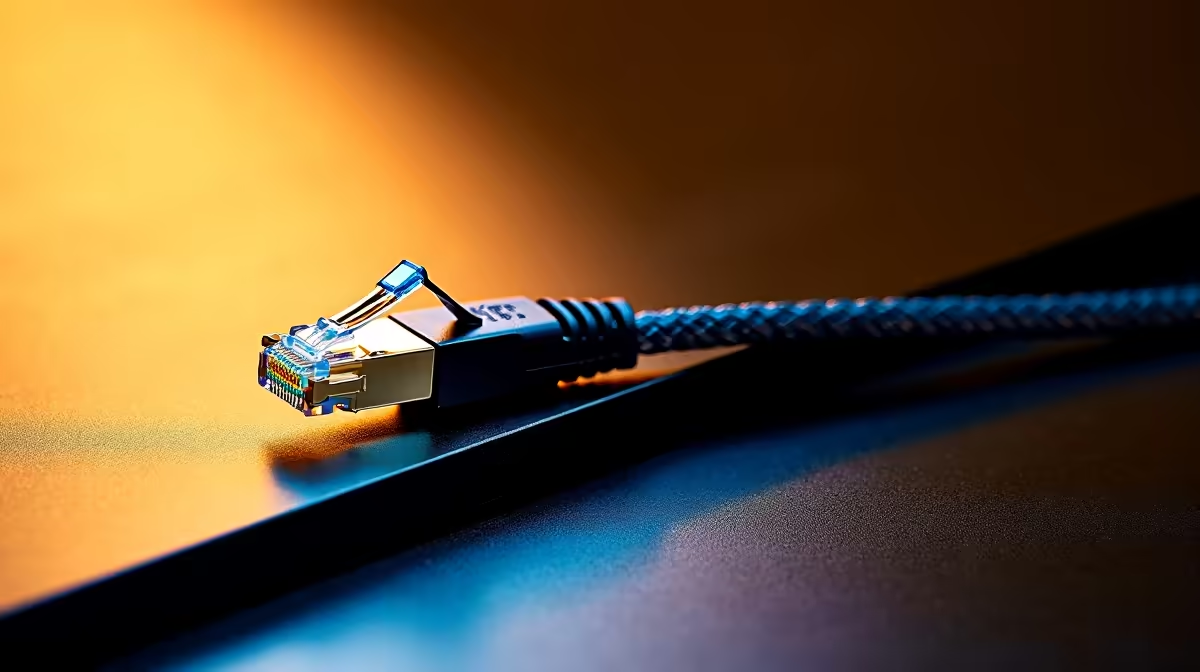
A first-time PC buyer should plan a Cat6 cable run from the router or switch to the exact desk, using solid routing and proper terminations rather than a loose cable across a walkway. Cat6 is useful for stable gigabit networking and may support faster links within specification, but installation quality determines the result.
Measure the full route before buying cable
No Cat6-run price is established in the verified factpacks. Compare suitable cable by solid or stranded use, conductor material, category marking, length, jacket rating, shielding only where needed, connectors and warranty. Avoid low-quality copper-clad aluminium for permanent work. Building routes, ceilings and exterior transitions may require a qualified installer and appropriate local compliance.
Trace the path, include service loops and keep data cable away from mains wiring as installation guidance requires. Terminate to suitable jacks or panels, label both ends and test every pair with a cable tester. Confirm negotiated link speed and copy a large file while checking errors and stability.
Choose a patch lead for a simple visible desk connection and structured cabling for concealed permanent routes. Never pinch the cable under doors, bend it sharply or staple through the jacket. Photograph the route before walls close and keep the test result. A documented run is far easier to repair or upgrade later.
Pro Tip ⚡
Wiring a first PC desk? > Ask Evetech to compare cable length, switch speed and adapter needs for the route.










